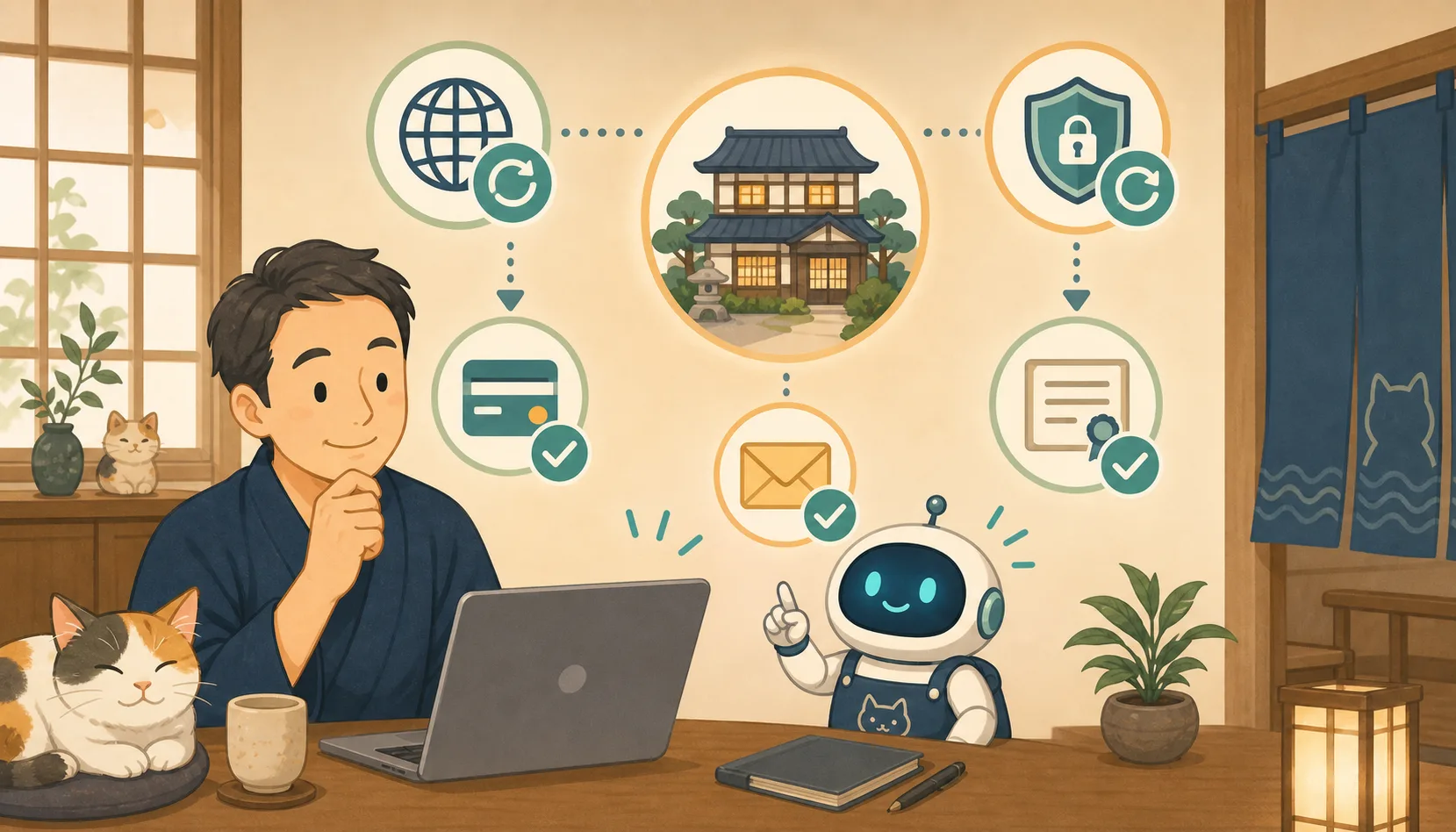
The inn’s homepage suddenly stopped working. I can’t even receive emails from my own domain. The browser says “Not secure”.One of the causes is an expired domain contract or SSL certificate.
Both use the words “deadline” and “update,” but their roles and management methods are different. In this article, the host, who is not familiar with IT, will explain how to prevent expiration by using Codex and Claude Code to help check.
- Conclusion: Manage domains and SSL separately
- If your domain expires, your email will also be affected.
- Items to check every year for domains
- Check whether the SSL certificate is automatically updated
- Responsibilities change depending on the certificate management method
- It’s not enough to put deadlines on your calendar
- Annual management table for accommodations
- Monthly/yearly confirmation schedule
- Confirmation left to AI
- Request text to AI that can be used with copy and paste
- Initial response when expiry of deadline is suspected
- Checklist for the host
- Information used for reference
- Summary
Conclusion: Manage domains and SSL separately
First, let’s sort out the differences.
| Item | Domain | SSL Certificate |
|---|---|---|
| Role | Name used on site and email | Encryption of communications and confirmation of connection destination |
| Example | example.jp |
Certificate for connecting with `https://` |
| Main management | Domain registrar | Server company, CDN, certificate issuance/automatic update function |
| How to renew | Contract renewal, payment of fees | In most cases, automatic renewal on the server side |
| Impact in case of failure | Wide range of sites, emails, reservation lines, etc. | Browser warnings and HTTPS connection failure |
Even if the domain is renewed, the SSL certificate is not always correct, and even if the SSL is automatically renewed, the site cannot be maintained if the domain contract expires.
If your domain expires, your email will also be affected.
Domains may be used not only for homepages, but also for the following purposes:
- Official website of the inn
- Email address for inquiries
- Unique URL of the reservation system
- Email sender authentication
- Google Workspace and Microsoft 365 for staff
- Identity verification/recovery destination for external services
- Links from printed materials, SNS, and map services
Behavior after expiration varies depending on registrar and domain type. Don’t think that you only need to renew after it expires, instead renew before the expiry date.
ICANN advises registrants to manage renewal deadlines, keep contact information current, and verify payment information even if auto-renewal is used.
Items to check every year for domains
Contractor/registrant
Make sure the name is one that the inn or management corporation can continue to manage. If the contract is only in the individual name of the production company or the person in charge who has retired, we will consult with the contracting party regarding formal procedures.
Update deadline
Check on the registered business’s management screen and contract documents. We do not determine the renewal deadline based solely on search results or unofficial confirmation sites.
Automatic update
Even if automatic renewal is enabled, it may fail due to card expiration, suspension, insufficient balance, change of billing address, etc. It’s not like there’s no need to check because it updates automatically.
Notification destination
Check to see if notifications are only being sent to retired employees or production companies. Include an email address that the inn can continue to manage and check on a daily basis. We also check for spam and forwarding failures.
Recovery method
Check your 2-step verification, recovery email, and phone number. Store passwords and recovery codes in an approved and secure manner without writing them to your ledger or conversations with the AI.
Check whether the SSL certificate is automatically updated
Some SSL certificates have a short validity period and are subject to automatic renewal. Let’s Encrypt recommends automatically renewing certificates before their expiry date. In 2026, we have announced plans to further shorten the validity period of certificates.
What matters is not that the host manually replaces the certificate each time, but confirming whether the next one is active with the technical staff or server company.
- Function responsible for issuing and automatically renewing certificates
- Regular execution of update process
- Conditions in which domain ownership verification is successful
- Notification destination when update fails
- How to load new certificate after renewal
- Target range including
wwwpresence/absence, reservation subdomain, etc. - Monitoring to check expiry date and connection from outside
Do not paste the certificate file or private key into the AI and have it verified. The information you can see from the public connection, such as expiration date, target host name, issuer, and monitoring results, may be sufficient.
Responsibilities change depending on the certificate management method
SSL certificates are managed by different administrators depending on the service you subscribe to.
Rental server/managed service
Enabling “Free SSL” and similar features in the management screen may mean the service provider handles automatic renewals. However, renewals may become impossible due to DNS changes, service cancellations, or setting changes. Please check the official procedures with the contracting party.
VPS/Cloud
Our technical staff will check where you are managing certificates, including ACME clients, web servers, containers, and load balancers. In addition to the renewal process, it also verifies whether the new certificate was used in an actual connection.
CDN/Proxy Service
There are configurations in which Cloudflare and others automatically manage connection certificates for users. On the other hand, your responsibilities vary depending on the type of certificate, such as updating your own uploaded certificate yourself. Don’t rely on the service name alone; check the type of certificate currently being used.
It’s not enough to put deadlines on your calendar
Calendar is useful for checking contracts, but it cannot detect auto-renewal failures. Combine the following three:
- Contract confirmation: Regularly confirm domain name, expiry date, automatic renewal, and payment.
- Notification confirmation: Receive notifications from registered operators, servers, and monitoring services
- External monitoring: Check that you can actually connect via HTTPS and that the certificate is within its expiration date.
Don’t just send notifications to one person; decide who will be the main person and who will be in charge at the accommodation. However, we do not require everyone to share the same email password.
Annual management table for accommodations
Manage the following items without including confidential information.
Target: [Official website/Reservation subdomain/Email domain]
Domain registrar: [Company name]
Contract name: [Accommodation/Corporation/Confirming]
Updated month: [Month only]
Automatic update: [Enabled/Disabled/Unknown]
Billing confirmation person: [Role name]
Notification confirmation person: [Role name]
SSL management method: [Server company/CDN/Technical person/Unknown]
Contact information in case of SSL failure: [Role/Official contact]
External monitoring: [Yes/No]
Last confirmed date: [year/month/date]
Unconfirmed matter: [Question content]
Do not write your card number, password, private key, or authentication code.
Monthly/yearly confirmation schedule
Monthly
- Open the official website with HTTPS
- Check the main URLs, including whether
wwwis present or not. - Check reservation link and inquiry form
- Check monitoring notifications for SSL deadlines and HTTPS errors
- Check if there are any delivery errors on the notification destination
2 to 3 months before the update month
- Check the domain contract name and expiration date
- Check automatic update status
- Check with your accountant that your payment method is valid
- Check registered contact information
- Check if there are any plans to change the contract with the production company.
When the person in charge or production company changes
- Confirm that the new person in charge can enter the management screen
- Leave a continuing administrator on the inn side
- Change notification/recovery destination
- After confirming the new route, remove the authority of the old person
Confirmation left to AI
AI can help with:
- Organizing HTTPS connection results by public URL
- Check target host name and expiration date of public certificate
- Organizing the roles of domains, SSL, and DNS
- Blank field extraction in contract ledger
- Comparison of management responsibilities based on official materials
- Creating monthly confirmation sheets and notifications
- HTTP/HTTPS confirmation before and after update
Things not to leave to AI:
- Domain transfer or cancellation
- bulk DNS changes
- Change of contract name and payment method
- View/send certificate private key
- Recovery code storage
- Setting changes based on speculation in expired state
Separate research, suggestions, changes, and confirmations, and human approval of targets and impacts.
Request text to AI that can be used with copy and paste
Examine the current state without making any changes
Please organize the management status of your inn site's domain and SSL certificate.
Do not change DNS, servers, contracts, or certificates yet.

HTTPS status that can be confirmed from the public URL, target host name of the certificate,
Check the expiration date. Contract partner, contract name, automatic renewal,
Please list payment and notification addresses as questions I need to confirm.

Private keys, passwords, API keys, and authentication codes are not read.
Please do not make any guesses about unknown items and mark them as "unknown."
Create a question for the server company/production company
To prevent the inn site's domain/SSL from expiring, please create a question for the company in charge.

Domain registrar, contract name, renewal deadline, automatic renewal, billing, notification address,
SSL certificate management location, automatic update method, update failure notification, target URL,
Please set the order in such a way that you can confirm the scope of your responsibility in the event of a failure.

Don't ask us to email you your credentials or private key.
Request confirmation after update
After updating your domain or SSL certificate.
Please do not change the settings and check from the publishing side.

Top page, www available/not available, reservation line, inquiries, HTTPS,
Check the target host name and expiry date of the certificate, and move from HTTP to HTTPS,
Please report as normal, requires confirmation, or unknown.
Initial response when expiry of deadline is suspected
- Provide information on alternative routes such as reservation calls and OTA
- Record the displayed error, time of occurrence, and target URL
- Determine whether the cause is the domain or SSL
- Contact the contractor/technical person
- Check the expiration date, contract status, and certificate status on the official management screen
- Check the site, reservations, inquiries, and emails after recovery
We don’t rush to get a new domain, completely change your DNS, or tell you to ignore browser warnings. Renewal/recovery conditions after the expiration date vary depending on the operator and domain, so please check with the official contact point.
Checklist for the host
- [ ] Understood the difference between a domain and an SSL certificate
- [ ] Confirmed the contract name with the domain registrar.
- [ ] I confirmed the renewal deadline and automatic renewal.
- [ ] We have decided who will be in charge of checking payment methods.
- [ ] You can receive update notifications at the inn.
- [ ] I have confirmed my recovery contacts and 2-step verification.
- [ ] Confirmed the SSL certificate management method
- [ ] Decided where to notify SSL automatic update failure
- [ ] Main URLs are monitored externally
- [ ]
wwwand reserved subdomains were also confirmed. - [ ] Private keys and authentication information are not posted on the ledger/AI
- [ ] Determined contact information and alternative reservation route in case of expiration
If you want to organize contracts and permissions, please refer to How to safely take over the management of an inn site, how to continuously check the inn’s WordPress from the outside Reference, and in case of a failure, please refer to The first 30 minutes after a WordPress failure.
Information used for reference
- ICANN: Domain renewal and expiration FAQ
- ICANN: Things to know about the recovery policy for expired registrations
- Let’s Encrypt: Concept of automatic updates
- Let’s Encrypt: Information on shortening certificate validity period
- Cloudflare: Certificate validity period and renewal
- Cloudflare: Custom certificate renewal and expiration
Summary
A domain is a contract for the name used for sites and emails, and an SSL certificate is a mechanism to protect HTTPS communication. They have different roles and update methods, so they are not managed as the same thing.
The inn confirms the contract name, renewal deadline, automatic renewal, payment, and notification address, and confirms that automatic renewal of the certificate and external monitoring are actually working. AI should be used to organize the public status and management table, and people and the company in charge should make decisions regarding contract changes, DNS changes, and handling of private keys.