WordPress basics

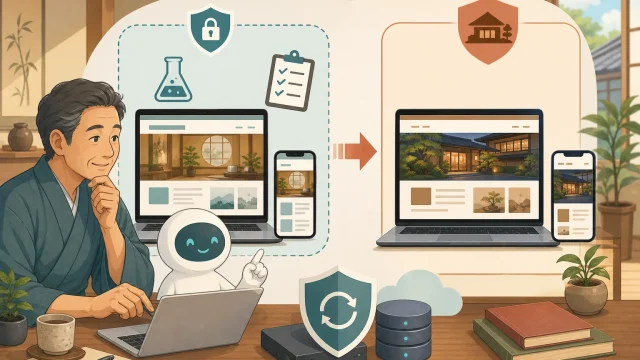
Illustration of proceeding to the actual site after checking the computer and smartphone display in a WordPress verification environment where the host and AI are protected WordPress basics

What is the WordPress verification environment? Introduction to staging to try before production update

An explanation for beginners of the verification environment and staging for safely updating the inn's WordPress. We will introduce the differences from the real one, how to make it, precautions regarding reservations, personal information, and searches, and the confirmation procedure using AI.
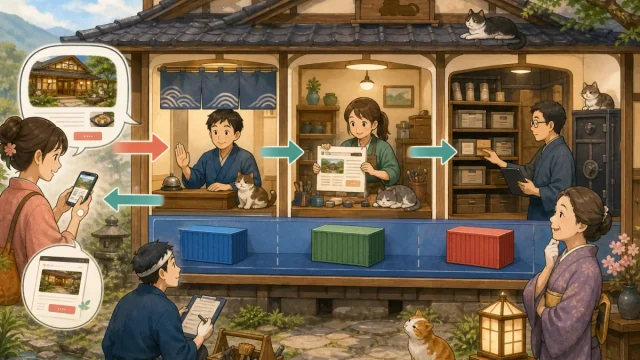
An illustration of a person managing a guest's access to a web page through nginx, PHP, WordPress, and MySQL, and Docker organizing each service. WordPress basics

Role of Docker, nginx, PHP, MySQL | Introduction to WordPress server for hosts

Explaining to hosts the roles of Docker, nginx, PHP, and MySQL used in WordPress on VPS.Organize the flow to display, failure symptoms, and places to check.
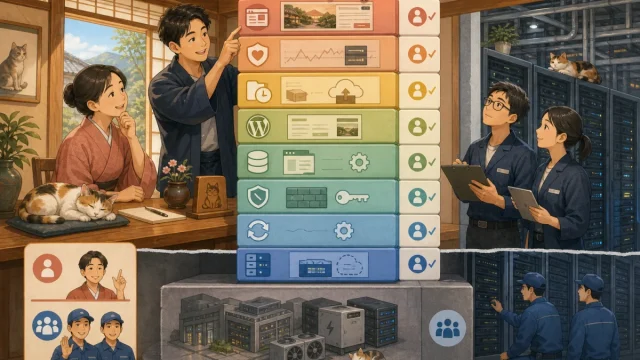
Illustration where the VPS operator manages the physical infrastructure and the inn staff manages the OS, firewall, WordPress, monitoring, and backup layers. WordPress basics

Scope of responsibility for operating WordPress on a VPS | Things that the host should manage and delegate

Explains the scope of responsibility when operating an inn's WordPress using a VPS. Organizes responsibilities for OS, firewall, SSH, PHP, DB, SSL, backup, and monitoring.
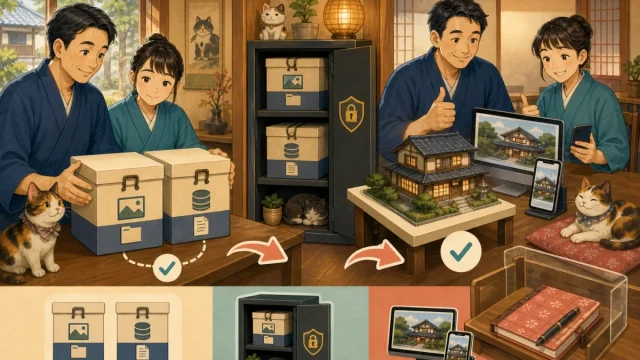
Illustration where the host and the person in charge save WordPress files and database separately and restore them to the test environment for confirmation. WordPress basics

Backup and restore before WordPress update | Make the inn site ready to return

Before updating your inn's WordPress, we will explain the necessary file/database backups, separate storage, restoration tests, and recovery decisions to avoid losing reservations and inquiries.
Illustration of a host updating WordPress one by one after backing up on the rental server management screen and checking it on a computer and smartphone WordPress basics

How to safely update WordPress on a rental server | Instructions for the host

We will explain to beginners the steps to safely update your inn's WordPress using a rental server such as Lolipop or Sakura. We handle everything from backup, update order, public screen confirmation, and restoration.
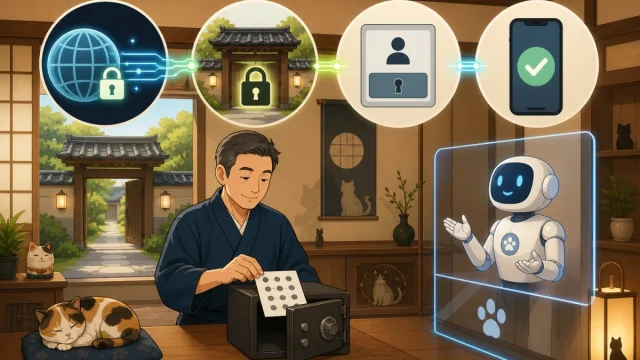
Illustration of the four layers of defense: HTTPS, server entrance, WordPress login, and smartphone confirmation, and the host that stores the recovery code WordPress basics

How to protect your WordPress login | Difference between basic authentication and two-step authentication

For the hosts who are not good at IT, we will explain the differences between HTTPS, Basic Authentication, WordPress passwords, and 2-step authentication, as well as safe installation, confirmation, and recovery procedures.
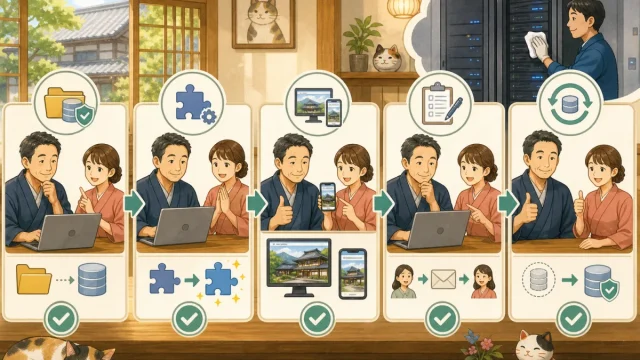
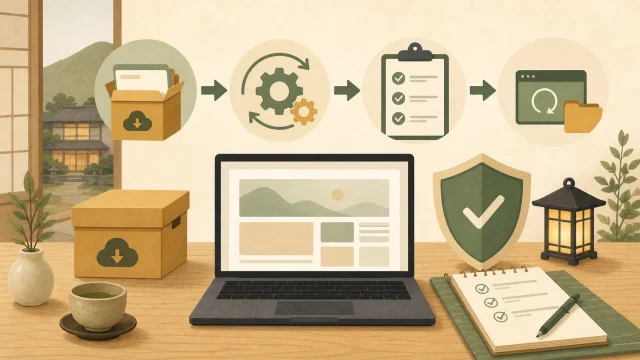
Illustration of the WordPress update procedure: backup, update, check, and restore WordPress basics

Introduction to WordPress updates for the host | From backup to post-publishing confirmation

In order to safely update your inn's WordPress, we will explain in order how to back up, check compatibility, update order, check display/reservation lines, and restore in case of problems.
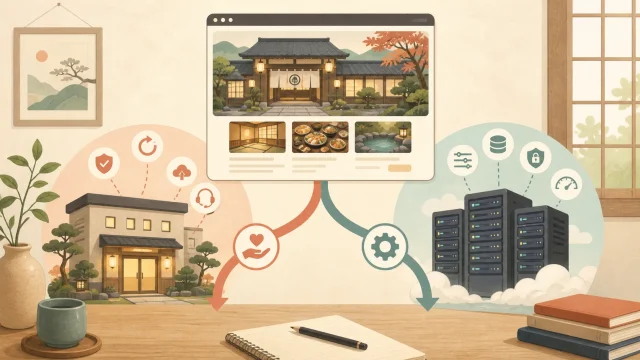
Illustration showing how the inn's WordPress is divided into a rental server and VPS WordPress basics

What type of WordPress is yours? Explaining the difference between rental servers and VPS for hosts

We will tell you whether your inn's WordPress is a rental server, managed WordPress, VPS/cloud, and clearly explain the scope of your responsibility for updates and maintenance.