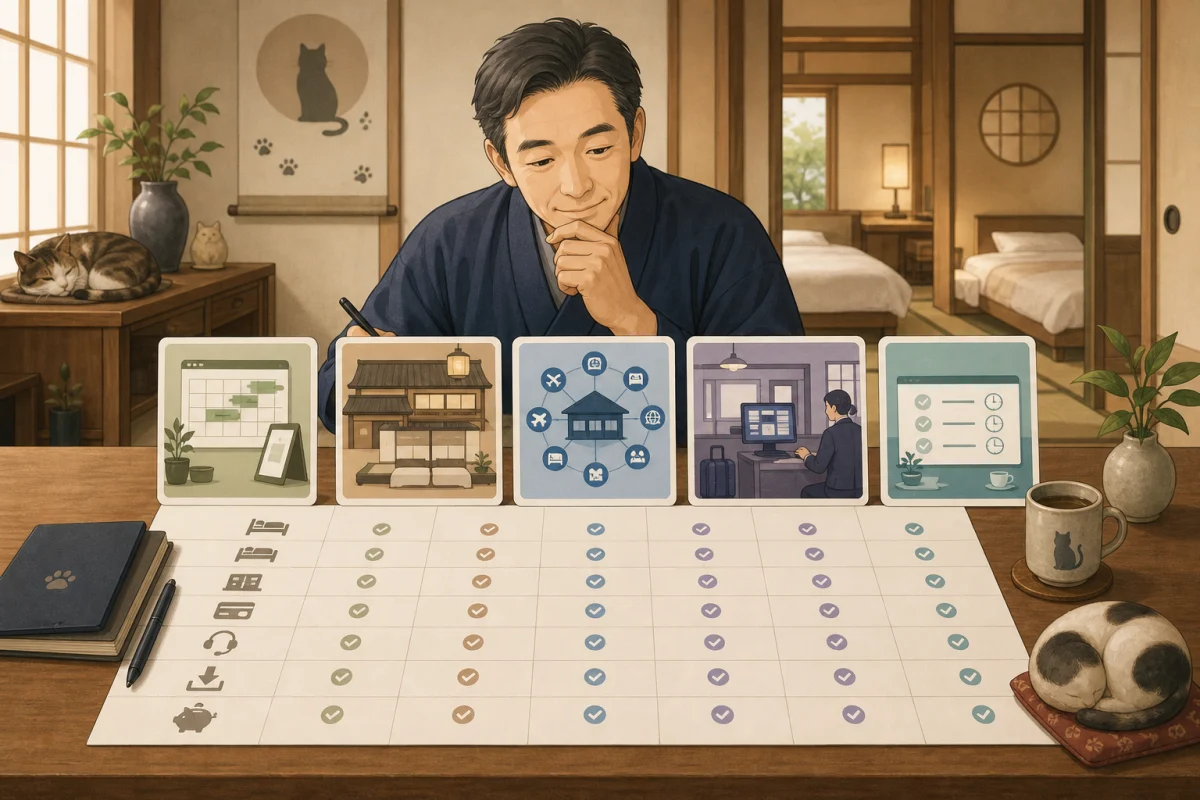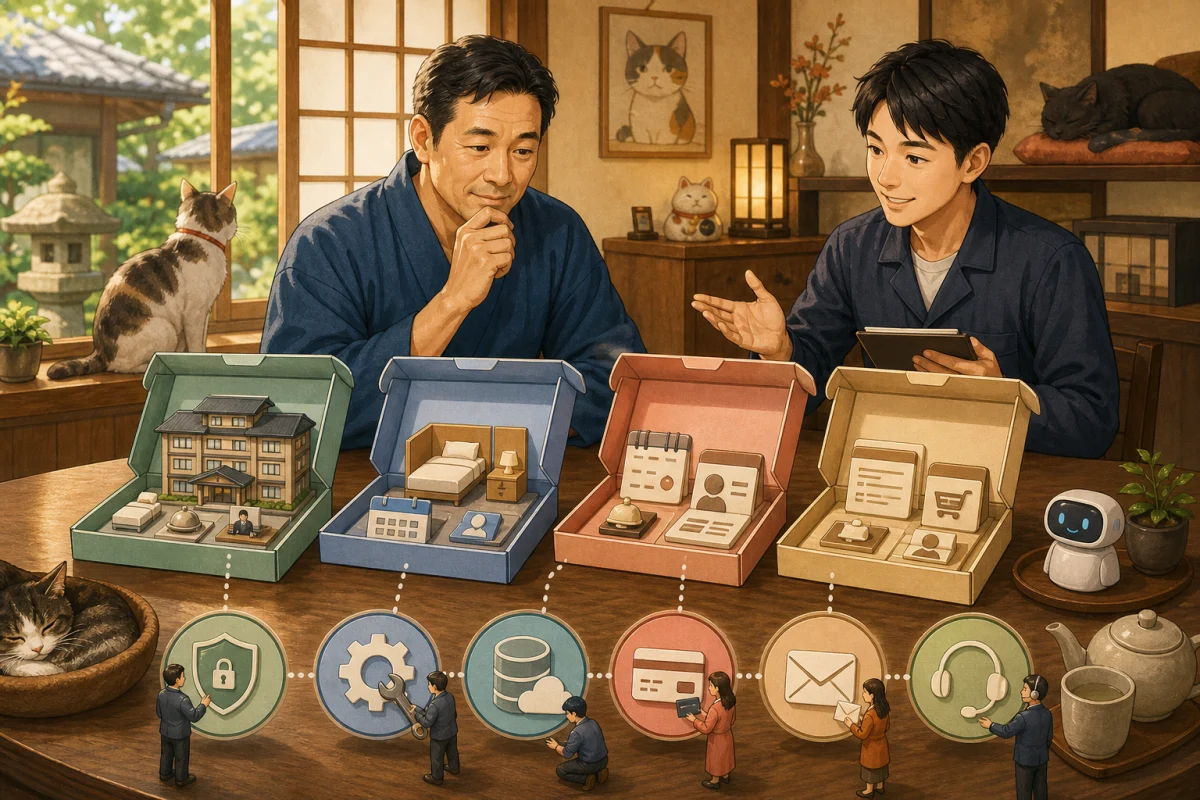
For guesthouses and pensions with fewer than 10 rooms, installing the same system as a large hotel may only require more settings and input. On the other hand, relying only on paper ledgers and multiple reservation emails can easily lead to miscommunication between family members and staff, double reservations, and mistakes in the number of meals.
What is important in a small inn is not the number of functions.
- All reservations in one place
- You can manage the remaining room correctly.
- Telephone reservations can be reflected immediately
- Even if the host is absent, another person can be found
- You can check today’s guests even in case of communication failure
In this article, rather than comparing products, we will explain the design and daily operation of a reservation system required for an inn with fewer than 10 rooms. Specific candidates can be found at Comparison of small accommodation reservation systems.
- “Effect of one incident” is large for less than 10 rooms
- First draw the current reservation route
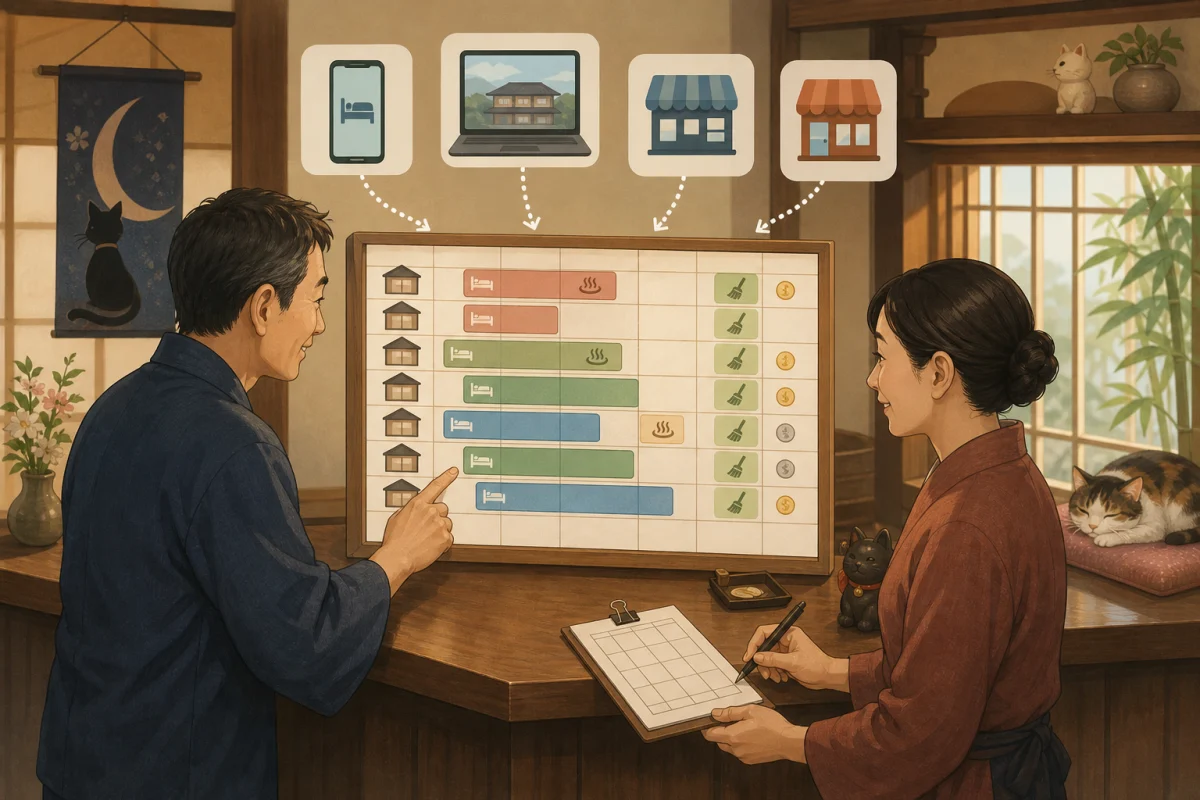
- Essential feature 1: Guest room inventory that spans stay dates
- Essential feature 2: Can stop phone reservations in 30 seconds
- Essential feature 3: Bring together official reservations and OTA inventory
- Essential feature 4: Do not increase prices and plans too much
- Essential feature 5: Necessary information is included in the confirmation email
- Essential feature 6: Design online payment and cancellation together
- Function that can be postponed if there are less than 10 rooms
- Useful daily operations at a small inn
- Alternative ledger in case of system outage
- Create a condition where a second person can operate
- 4 week implementation example
- Minimum checklist for selection
- Prompt for AI to help with operational design
- Summary
- Reference materials
“Effect of one incident” is large for less than 10 rooms
Selling one room twice in an 8-room inn will affect 12.5% of the day’s inventory. Unlike large-scale facilities, it is often not possible to change to another vacant room, which may lead to contacting the guest, arranging alternative accommodation, transportation, and paying the difference in price.
On the other hand, even if you introduce an expensive and multi-functional PMS, if only one person is inputting information and the only function used is the reservation ledger, the burden may not be reduced.
Small accommodations must meet the following two requirements at the same time.
- Accurately handle low inventory
- Set the amount of operation that can be continued every day even with a small number of people
First draw the current reservation route
Before choosing a reservation system, write down the entrances for the past month as an example.
Phone ──────────────┐
Email/DM ────────┤
Official website ────────┼─ Current reservation ledger ─ Room allocation, meals, cleaning, payment
OTA A ─────────────┤
OTA B ─────────────┘
Answer the following questions.
- How many reservations are there in a month?
- What percentage of phone reservations are made?
- How many reservation changes and cancellations are made?
- Who reads the reservation email?
- How many times to write on paper, spreadsheet, calendar
- Where to enter closed days and private reservations
- Who should I tell about the number of meals, allergies, and transportation?
- Where to check sales and payments
The Japan Tourism Agency’s IT Utilization Handbook also shows the burden of posting reservations received from OTAs, travel agencies, company websites, and telephone to paper ledgers, room assignments, kitchens, customer ledgers, and payment slips. The primary purpose of introducing the system is to reduce this duplicate input.
Essential feature 1: Guest room inventory that spans stay dates
Unlike reservations for a beauty salon or a conference room, you will occupy the guest room from the check-in date to the check-out date. If you are booking for two nights, we cannot sell the days in between.
The features to check are:
- You can specify check-in and check-out dates
- Inventory decreases on all days of consecutive stays
- You can set the number of sales for each room type.
- Can be assigned an actual room or linked to another ledger
- Rooms can be closed due to closures, reservations, repairs, cat rest, etc.
- You can set no-night stays, minimum number of consecutive nights, and check-in days.
Do not confuse room type inventory with actual room.
On the reservation site, rooms are sold by room type, such as 3 “Japanese-style rooms”, and may be assigned to “101” or “102” after reservation.
Room type for sale: 3 Japanese-style rooms
Actual guest room: 101, 102, 103
If the conditions for each room are different, such as pet support, access to stairs, view, cat area, etc., check whether the summary can be considered as the same room type. If a combination is created that cannot be allocated after a reservation is made, it will not be possible to operate the product even if the number of items in stock is correct.
Essential feature 2: Can stop phone reservations in 30 seconds
Even if the site controller synchronizes the OTAs, double reservations cannot be prevented if no one registers for telephone reservations.
During or immediately after a call, you must be able to enter:
- Arrival date/departure date
- Room type or temporary room
- Number of people and classification of children
- Dietary conditions
- Reserver name and contact information
- Reservation route must be by phone
- Payment method
- Tentative or confirmed reservation?
If there are too many input items, you will be asked to “enter them later.”A design that allows you to register only the required items to stop stock at first and add details later is suitable.
Fix the entrance next to the phone
- Place the dedicated terminal that opens the management screen
- Combine bookmarks into one
- Use individual accounts instead of shared passwords
- Minimum input procedure on a single piece of paper
- Decide the expiry date of the provisional reservation and the person in charge of confirmation.
If you “ask someone who can operate it later”, there will be a delay in updating the remaining room.
Essential feature 3: Bring together official reservations and OTA inventory
If the only sales destination is the official website, inventory management within the reservation engine may be sufficient. If you want to sell the same guest room across multiple OTAs, consider using a site controller or an integrated service.
What you need to check is not just the word “can be linked.”
| Item | Confirmation details |
|---|---|
| Inventory | Will the remaining rooms for each sales destination change when making a reservation or canceling a reservation? |
| Price | Can you send the price by day, day of the week, and number of people? |
| Reservations | Can new reservations be imported into one ledger? |
| Changes | How to receive changes to the schedule, number of people, and plans |
| Cancel | Will stock be returned automatically or do I need confirmation from someone? |
| Cooperation time | How long does it take during normal times and during congestion/failure |
| Scope of coverage | Are the OTAs and actual plans you are using covered |
The more sales destinations you have, the more opportunities you have to attract customers, but the more setup and verification work you have to do. When the number of reservations is small, there is no need to register all at once to OTAs you do not use.
Essential feature 4: Do not increase prices and plans too much
For an inn with less than 10 rooms, if you create multiple plans for each room type, meal, day of the week, season, number of people, and reservation route, it is easy to miss revisions.
First, narrow it down as follows.
- Basic guest room type
- Meal categories actually provided, such as overnight stay with two meals, breakfast only, and overnight stay without meals.
- Necessary charge classifications such as regular days, days before holidays, and busy seasons
- Cancellation conditions with matching descriptions on the official website and OTA
- Important information to avoid misunderstandings, such as conditions for interacting with cats
We do not make sales conditions that cannot be guaranteed based on the cat’s will or physical condition, such as a plan where the resident cat always comes to the room. We will provide the latest information and precautions on the reservation screen, including where and when the cat is available, and whether interaction is possible.
Essential feature 5: Necessary information is included in the confirmation email
Even if the reservation is completed, if the guest does not know when to arrive or what to bring, you will have to deal with more phone calls.
Consider at least the following for your confirmation email and reservation completion screen:
- Either make a reservation or accept a request
- Arrival date, departure date, number of nights, number of people, guest room/plan
- Total fee and additional fees required locally
- Distinction between paid and paid locally
- Cancellation conditions and how to change
- Available check-in times and how to contact us if you are late
- Access, parking, and transportation information
- How to spend time with cats and important information specific to facilities
- Official contact information for the inn
We do not include the reservation person’s password or card information in emails. Instead of relying solely on the arrival of emails, you can also check the reservation status on the management screen.
Essential feature 6: Design online payment and cancellation together
Online payment may be useful for preventing no-shows, shortening on-site checkout, and providing convenience for overseas customers. On the other hand, payment fees are charged in addition to the monthly fee for the reservation system, and refund and cancellation fees also need to be managed.
Decide before implementation.
- Full amount, deposit, partial payment, or payment on site at the time of reservation
- Date and rate of cancellation fee
- Processing the difference when the schedule is shortened or the number of people is reduced
- Who makes the refund and on which screen?
- Payment fees and refund fees
- How to check deposit cycle and reservation information
- When to restore inventory in case of payment failure
- Can I securely send payment links for phone reservations?
We do not accept card numbers by phone, email, memo, or conversation with AI.The payment screen is based on a payment screen where the inn does not retain card information.
Function that can be postponed if there are less than 10 rooms
This does not mean that the following features are unnecessary. If your current challenge is inventory and posting, you may not need to start them at the same time on your first implementation.
- Advanced demand forecasting and automatic price changes
- Complex accounting coordination for large hotels
- Headquarters management across multiple facilities
- Multiple staff hierarchies and approval flows
- Terminals in guest rooms and advanced self-check-in
- Massive customer segmentation and promotion automation
- Connection with OTA that you do not plan to use
- Unique forms that are too detailed
I’ll see if I can add it when I need it. If you set everything up from the beginning, it’s easy for no one to understand everything.
Useful daily operations at a small inn
Morning
- Check arrival/departure/consecutive nights on the same day
- Check unassigned guest room and cleaning status
- Share the number of meals, allergies, transportation, and special notes to the necessary person.
- Check unpaid/local payment
Every time a reservation is made
- Check if the reservation was made for the correct date and room type
- Check whether the remaining rooms on the OTA/official website have been updated.
- View duplicate, unassigned, and failed payment alerts
- Phone and email reservations are registered on the ledger on the spot.
Evening
- Check scheduled arrival and non-arrival
- Share delay notification and available check-in time
- Check next day’s breakfast number, departure, and cleaning
Before close of business
- Compare notifications of new reservations, changes, and cancellations with the ledger
- Check outstanding tentative reservations
- Prepare the next day’s list in a safe way that can be viewed even in the event of a failure.
Instead of printing everything every day and leaving your personal information unattended, you can manage only the information you need on the day and decide how to dispose of it after the day is finished.
Alternative ledger in case of system outage
Cloud services, the Internet, and devices may be out of service. In the event of a failure, we will prepare a minimum number of alternative procedures so that the current guest will not be lost in the event of a failure.
Items to check in case of failure
- Same-day and next-day arrival/departure
- Room allocation
- Number of people and number of meals
- Safety and allergy information that needs to be communicated to the accommodation
- Payment status
- Emergency contact information
- Last synchronized/output time
Even if it is saved on paper or in an offline file, it is personal information. Decide who will view it, where it will be stored, how often it will be updated, and how it will be collected and deleted.
After recovery, we will collate telephone reservations, OTA reservations, and cancellations received during the outage in chronological order. Check each item one by one without overwriting the information on one side all at once.
Create a condition where a second person can operate
A common danger in family businesses is that the reservation system is only available to the family members.
- Prepare a personal account
- Separate permissions for daily operations and administrative settings
- Avoid sharing passwords on paper and use proper management methods
- Prepare a recovery method for two-factor authentication
- Create procedures for phone reservations, changes, cancellations, and refunds one by one
- Operated by another person once a month
- Regularly review the authority of production companies and retired employees
Avoid the practice of “borrowing the administrator’s account only in an emergency.”This is because you can’t keep track of who changed what.
4 week implementation example
Week 1: Organize your work
- Count the reservation route and number of reservations
- Record transcription locations and mistakes
- Separate essential functions and deferred functions
- Decide on the original guest room, room type, rate, and plan
Week 2: Create a test environment
- Set with fictitious guest room and price
- Try one night, multiple nights, children, meals, and phone reservations
- Try changes, cancellations, payments, and refunds
- Operated by host and another person
Week 3: Prepare production data
- Verify and transfer future reservations between two people
- Link OTA and room type
- Proofread your confirmation email and cancellation terms
- Check personal information, permissions, backups, and failure contacts
Week 4: Open sales locations one by one
- First try with official reservation or one sales location
- Check actual reservation notification and remaining rooms
- Make it a habit to enter phone reservations
- If there is no problem, connect the next OTA
We do not switch all at once just before the busy season. Decide on the period during which the old ledger and new system will be used in parallel, and specify which one is the original. Continuing dual management indefinitely will only increase discrepancies.
Minimum checklist for selection
- Correctly handles consecutive stay inventory that spans stay dates
- You can set the difference between room type and real room.
- You can register phone reservations in a short time
- You can link inventory, changes, and cancellations of the OTA you are using.
- Clarification of when reservations are made and how provisional reservations are handled
- You can set meals, children, consecutive nights, closings, and private reservations.
- Can manage payment failures, cancellation fees, and refunds
- Has individual accounts and operation history
- Can output reservation, customer, and sales data
- Understand the time and scope of Japanese support
- Confirmation/reception/recovery procedures in case of communication failure
- Two or more people can perform daily operations
- Confirmed the total amount including initial cost, monthly fee, payment, connection, and support.
Prompt for AI to help with operational design
Please organize the reservation process for accommodations with less than 10 rooms.

Ask first:
- Differences by number of guest rooms, room types, and actual rooms
- Number of monthly reservations by phone, email, official website, and OTA
- Treatment of overnight stays, consecutive nights, meals, children, and private reservations
- Current ledger and posting destination
- Trouble with reservations, changes, cancellations, and refunds
- Operator and substitute person on days off

After that,
1. Essential features
2. Functions that can be postponed
3. Daily operation
4. Alternative procedure in case of failure
5. 4 week implementation plan
6. Questions to ask the vendor Please organize by
.

Do not recommend a specific product across the board, but instead base it on how many times you can reduce your current work.
Please do not handle actual guest information, passwords, or card information.
Summary
A property with fewer than 10 rooms does not need the same set of features as a large hotel. The basics are guest room inventory that spans stay dates, instant registration of telephone reservations, synchronization of official reservations and OTA, easy-to-understand rates and plans, payments and cancellations, and an alternative ledger in the event of a failure.
Before choosing a system, write down where each reservation comes from, how many times it is posted, and to whom it goes. First, decide on one posting to reduce, test it with a fictitious reservation, and connect the sales destinations one by one.
We will not be able to begin operation until we have created a state where not only one person who has installed the system, but also another person can process reservations, changes, and cancellations over the phone.
Specific accident prevention procedures for each reservation route are explained in Operations to prevent double reservations by telephone, OTA, and in-house reservations, including the original ledger, temporary holding, synchronization failure, and morning and evening verification.
Reference materials
- Tourism Agency: IT Utilization Handbook for Accommodations
- Tourism Agency: Collection of IT usage examples for accommodation facilities (Reference link updated: 2026-10-10)
- Tourism Agency: Survey on data linkage standardization such as PMS
- e-YOyaku official
- SelectType: Reservation system for guesthouses and pensions
- Beds24 Japan Sales Site: Price
Note: System functions, fees, and partners are subject to change. Please check the official information and individual quotation when signing a contract.