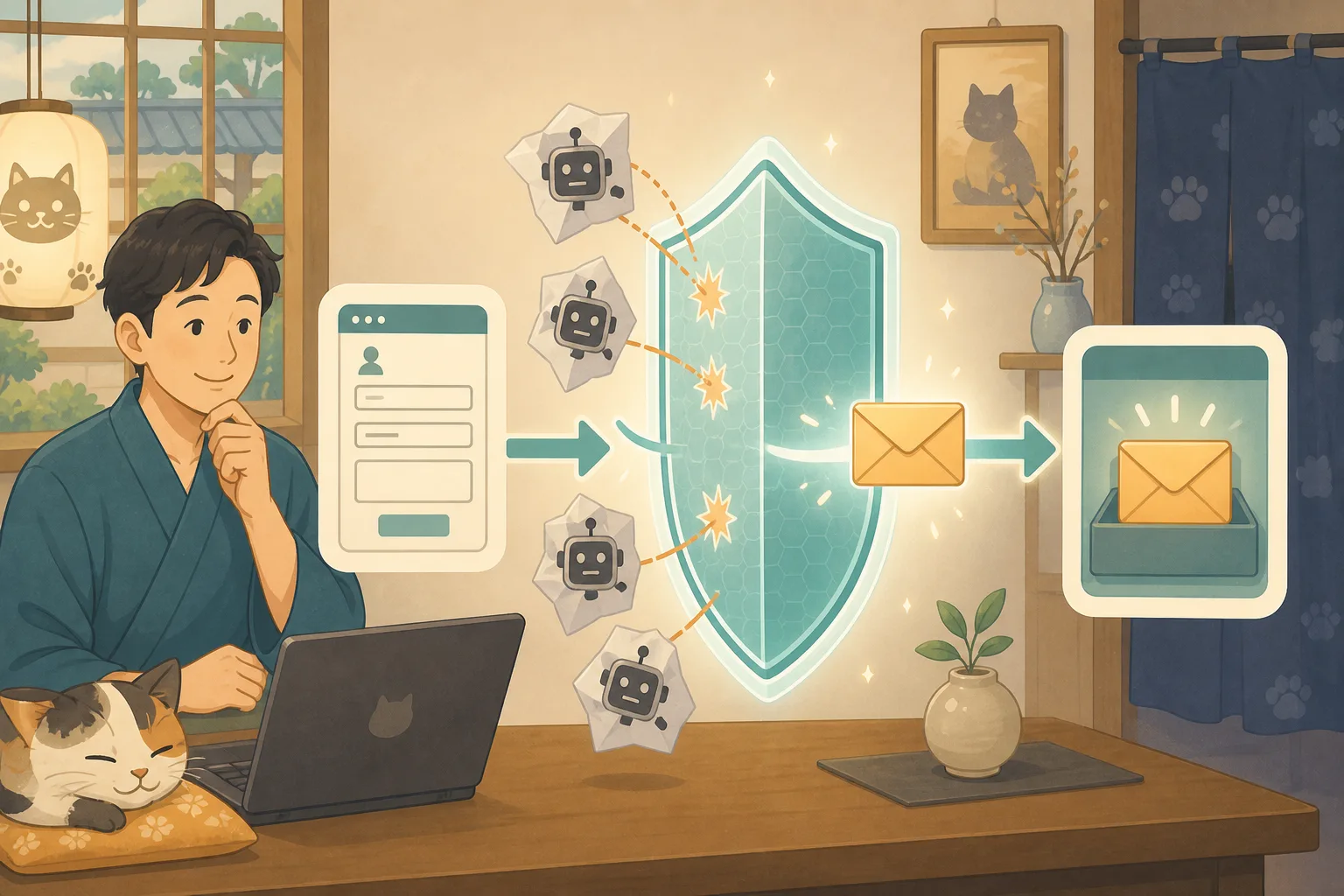
Even though “Sent” was displayed on the inn’s inquiry form, the email did not arrive in my inbox. The customer received an automatic reply, but the notification from the inn was missing. Sometimes it ends up in spam mail, or sometimes I can’t receive it from certain recipients.
This problem is difficult because there are multiple steps: the form screen, WordPress, the sending server, the email delivery, and the receiving service.WordPress accepting the sending process and receiving it in the inn’s inbox are not the same.
In this article, we will explain how to safely isolate the host even if you are not an IT expert, while letting Codex and Claude Code help sort out the situation.
- Conclusion: Check your emails in five steps
- Securing alternative sales channels first
- Step 1: Check the form screen
- Step 2: Check if WordPress has processed it
- Step 3: Check if the email has been sent from the site
- Step 4: Understand SPF, DKIM, and DMARC
- Step 5: Check the recipient
- Check automatic replies and notifications to the inn separately.
- Precautions when handling email logs
- How to do regular tests
- Tasks that can be left to AI
- Request text to AI that can be used with copy and paste
- Comparison items for choosing email sending services
- Checklist for the host
- Information used for reference
- Summary
Conclusion: Check your emails in five steps
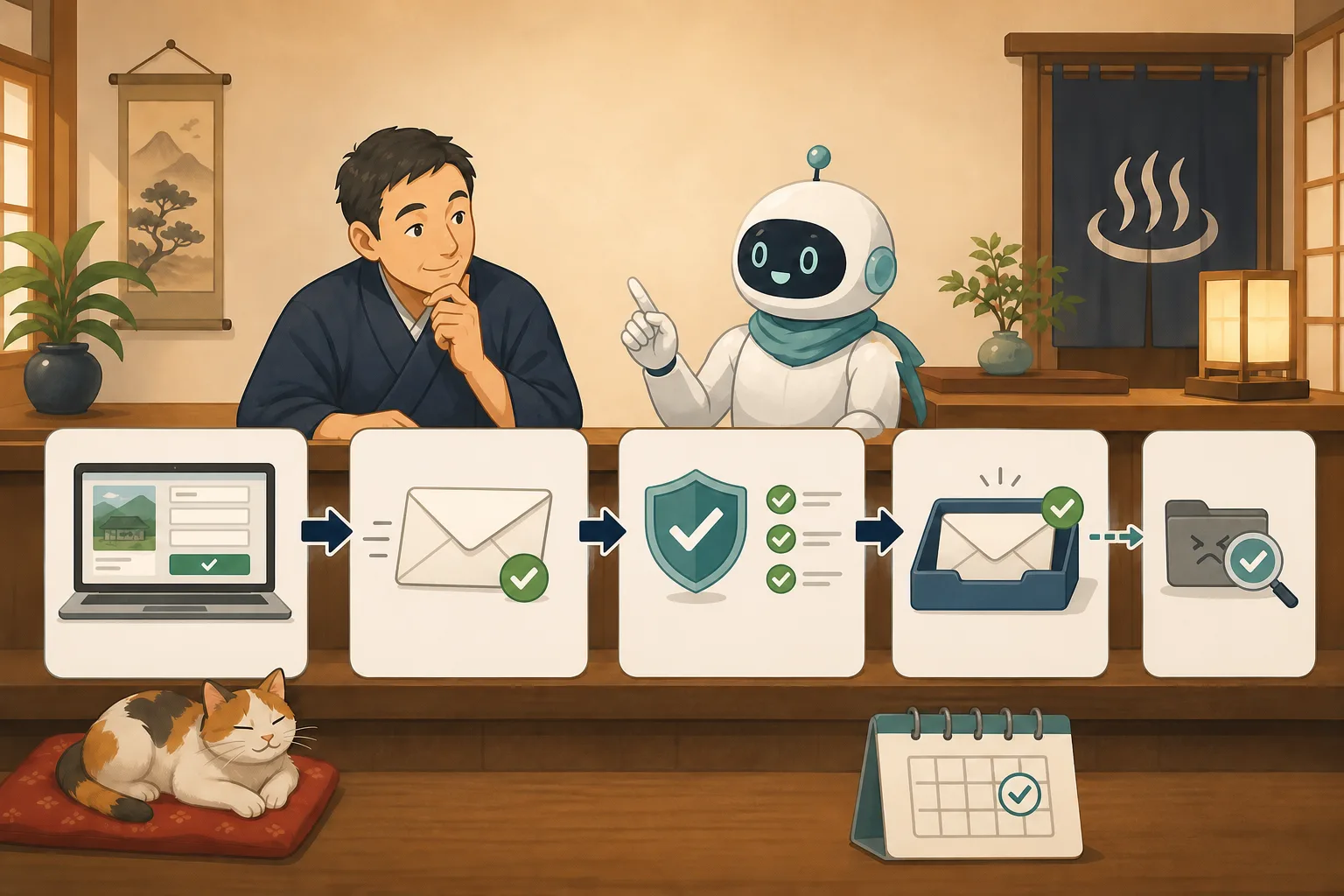
Inquiry emails will go through the following route.
1. Customer submits form
↓
2. WordPress/form functionality processes content
↓
3. Pass from site to mail server
↓
4. Passes sender authentication and spam detection
↓
5. Delivered to your inn's inbox
Even if the completion message appears on the screen, it may fail in 3 to 5 steps. Rather than just asking the AI to “fix the email,” we will organize the steps that have been confirmed.
Securing alternative sales channels first
If you suspect your inquiry is not being received, we will provide a way for you to contact us while we investigate.
- Provides easy-to-understand information about phone numbers
- Information on available OTAs and reservation services
- Decide whether to use official SNS messages as a temporary contact point.
- Create text to request re-contact to a customer who has already sent an email.
- Display contact information near the form if there is no reply.
We will advise you not to post personal information in public posts on SNS.We do not determine “how many days’ worth of inquiries have been lost” before checking.
Step 1: Check the form screen
Check the following on your computer and smartphone.
- Form is displayed
- Required items can be entered
- You can read the personal information guide
- You can press the send button
- Error or completion statement is displayed
- No double sending
- Do not mislead people into thinking the reservation is complete after sending
Inquiries are not confirmations of reservations. In the completion statement, write separately that you have received the message, when you will receive a reply, and your contact information if the request is urgent.
The test does not use actual customer information, and the subject and name clearly indicate that it is a test. If you send multiple emails in a short period of time, your message may be temporarily rejected by anti-spam measures.
Step 2: Check if WordPress has processed it
Depending on the form function, you can leave inquiry records on the management screen or in a dedicated storage area. If it is saved, the form processing may have passed.
However, if you save your inquiries to WordPress, you will have more space to store your personal information.
- What to save
- Who can view it?
- When to delete
- Is it included in the backup?
- Should maintenance personnel view it? Decide on
.To prevent email bounces, personal information must not be stored indefinitely.
wp_mail() is used for sending processing in WordPress, but the official documentation also explains that even if the processing result is true, it does not automatically mean that it has been delivered to the recipient.
Step 3: Check if the email has been sent from the site
WordPress uses the server’s email function or an external email delivery service to send emails. Here are the items to check:
- What mechanism do you use to send it?
- Is the sender address the domain of the inn?
- Is the reply destination the form filler?
- Is the sending service authentication valid?
- Is there a record of failed transmissions?
- Is the daily sending limit exceeded?
- Is the contract and payment valid?
If you set the form submitter’s address as the “sender”, the inn’s website will be sending messages claiming to be someone else’s domain, making authentication more likely to fail. Generally, the domain managed by the inn is used as the sender, and the customer’s address is used as the reply destination. Please check the official instructions for form products and email services for actual settings.
Step 4: Understand SPF, DKIM, and DMARC
These are mechanisms by which the receiving side can check whether an email claiming to be from an inn’s domain has come from a legitimate sender.
SPF
Indicates to DNS which servers are allowed to send mail from that domain. You need to identify the source, such as the hotel’s regular email, WordPress, reservation system, email newsletter, etc.
DKIM
Attach an electronic signature to outgoing emails to make it easier to confirm that they have not been altered during the process and that the sending has been approved by the domain administrator.
DMARC
Check whether the SPF and DKIM results match the sender domain on the screen, and provide the recipient with a policy on how to handle failed emails. It can also be used to receive aggregate reports and check for spoofing or missing settings.
Google’s guidelines for senders indicate requirements such as SPF or DKIM for all senders sending to Gmail, and recommends setting SPF, DKIM, and DMARC.
Prevent AI from creating entire DNS records
The senders and DKIM values to include in SPF vary depending on the email, reservation, and delivery service you are subscribed to. If you set a guessed value, the email that is currently being received may fail.
- List all services sent from the inn.
- Obtain the official setting values for each service
- Read and confirm current DNS records
- Check the effects of duplication and overwriting
- People approve proposed changes
- Confirm with multiple recipients after reflection
Login information and private key from the DNS management screen will not be pasted to AI.
Step 5: Check the recipient
Even if the message is successfully sent, it may be separated on the receiving side.
- Spam folder
- Isolation/Quarantine screen
- Automatic sorting rules
- Transfer settings
- Reject list
- Mailbox capacity
- Address for retirees and former personnel
- Mailing list participation status
If you try using only one receiving address for your inn, you will overlook problems specific to the receiving side. Send it to multiple authorized testing services and compare how far it reaches. However, we do not use real customer addresses for testing without permission.
Check automatic replies and notifications to the inn separately.
There are usually two types of emails in the inquiry form.
| Address | Things to confirm | |
|---|---|---|
| Notification to the inn | Inn reception staff | Don’t overlook any inquiries |
| Automatic reply to customer | Entered address | Are the reception details, response guidelines, and contact information correct |
Only one may arrive. Check the sender, recipient, subject, body, and reply address. If you post all the details of your inquiry in the automatic reply, there is a possibility that your personal information will be sent to a third party if you make a mistake when entering the address, so please keep the content to a minimum.
Precautions when handling email logs
Delivery records can be helpful in investigating the cause and may include the following information:
- Email address
- Subject
- Part of the text
- Sent time
- IP address
- Internal server name
- Delivery service identifier
Instead of posting the entire log to the AI, only the necessary parts, such as the time and delivery status of the test email, will be anonymized. You also decide the log retention period and viewing privileges.
How to do regular tests
Once a month, or after changing forms, email settings, or DNS, check the following:
- Send the form with specific test content
- A completion message will appear on the screen.
- You will receive a notification to your accommodation.
- An automatic reply to the customer is delivered to the test site.
- Not in spam folder
- Reply address is correct
- You can read emails on your computer or smartphone
- Organize test records and unnecessary personal information
If you check the existence of the form during daily appearance monitoring and separate the actual sending as a low-frequency function test, it will be difficult to increase the number of unnecessary emails.
Tasks that can be left to AI
Codex and Claude Code can help with:
- Create a route map from form to reception
- List the sending services used by the inn
- Read and confirm the sender and reply destination in form settings
- Sort out the differences between DNS records and official settings
- Create test cases and checklists
- Classify errors into sending, authentication, delivery, and receiving
- Write an inquiry to the server company or email company
- Create a failure record excluding personal information
We do not hand over email account passwords, API keys, and DNS management authority to AI, and changes start with suggestions and difference confirmation.
Request text to AI that can be used with copy and paste
First, organize the route
WordPress inquiry emails may not reach the inn.
Please do not change settings or test send yet.

Form input, WordPress processing, sending service, SPF/DKIM/DMARC,
Divide your inbox into five stages and create check items.
Please separate the currently confirmed facts, possible causes, and unconfirmed matters.
Please do not display passwords, API keys, customer information, or email text.
Read and confirm form settings
Please check the email settings of the inquiry form without changing them.
Organize sender, destination, reply destination, notifications for inns, automatic replies for customers,
Please point out the possibility of impersonation detection or personal information transmission.

Please do not display the secret value, only report the setting location and confirmation results.
Please do not add plugins, change SMTP, or change DNS until I approve.
Create a plan to change DNS authentication
Based on the list of services that send email from the inn's domain and the official setting materials of each company,
Please make a plan to check SPF, DKIM, and DMARC.

Instead of creating a guessed DNS value, you can use the current value, official required value, difference, impact,
Please show me how to restore it and the post-reflection test.
Please do not perform the DNS change, but leave it as a human approval item.
Create an inquiry text in case of non-delivery
Send the following test email non-delivery to the server company or email service.
Please write your inquiry.

Sent date and time, sender domain, destination service, form results,
Please briefly include the delivery status, authentication results, and whether or not you have checked for spam.
Please hide your email address if necessary, and do not include the text, customer information, or authentication information.
Comparison items for choosing email sending services
Don’t just base your decision on a specific plugin name; check the following:
- Can be sent using the inn’s domain
- There are official procedures for SPF, DKIM, and DMARC.
- You can check the transmission result and failure reason.
- Has official integration with WordPress or form functionality
- Daily number of sends and fees suit your needs
- Availability of Japanese language support
- You can limit the authority of API keys etc.
- Can be taken over when retirement or commission ends
- Contents and period saved in logs
- There is an alternative contact method in case of failure
When using a shared rental server, first check the provider’s email sending specifications and recommended methods. With VPS, you have a lot of responsibility for running your own mail server, so we’ll include an external transactional mail service and compare it to someone who maintains it.
Checklist for the host
- [ ] Confirmed form completion and inbox arrival separately.
- [ ] I tried notifications for hotels and automatic replies for customers separately.
- [ ] Fictitious personal information was used for the test
- [ ] Confirmed the roles of sender and reply destination
- [ ] Checked spam/quarantine/forwarding/capacity
- [ ] List of services sent from the inn.
- [ ] Verified SPF, DKIM, and DMARC with official documents
- [ ] Do not let AI guess DNS values or secret information
- [ ] Only the necessary parts of the log were anonymized.
- [ ] Decided on the person in charge of regular tests and the recording location.
If you would like to reduce unwanted automatic sending, please refer to Countermeasures against spam mail for accommodation inquiry forms.Public page monitoring can be checked with Accommodation site external appearance monitoring, initial response in the event of a failure can be checked with First 30 minutes after WordPress failure occurs, and monthly confirmation can be checked with Monthly accommodation site inspection.
Information used for reference
- WordPress official: wp_mail()
- Google: Email sender guidelines
- Google Workspace: How to set SPF
- Google Workspace: Gradual introduction of DMARC
Summary
Even if you see “Sent” on the inquiry screen, it does not necessarily mean that it has been delivered to your inn’s inbox. Check Forms, WordPress, Sending Services, Domain Verification, and Inbox.
AI can organize routes, create configuration differences, test plans, and create inquiries. The inn staff are responsible for alternate contacts, handling of personal information, sending service, DNS change approval, and final receipt confirmation. By regularly sending test messages and confirming receipt, you can reduce business losses caused by not noticing inquiries.