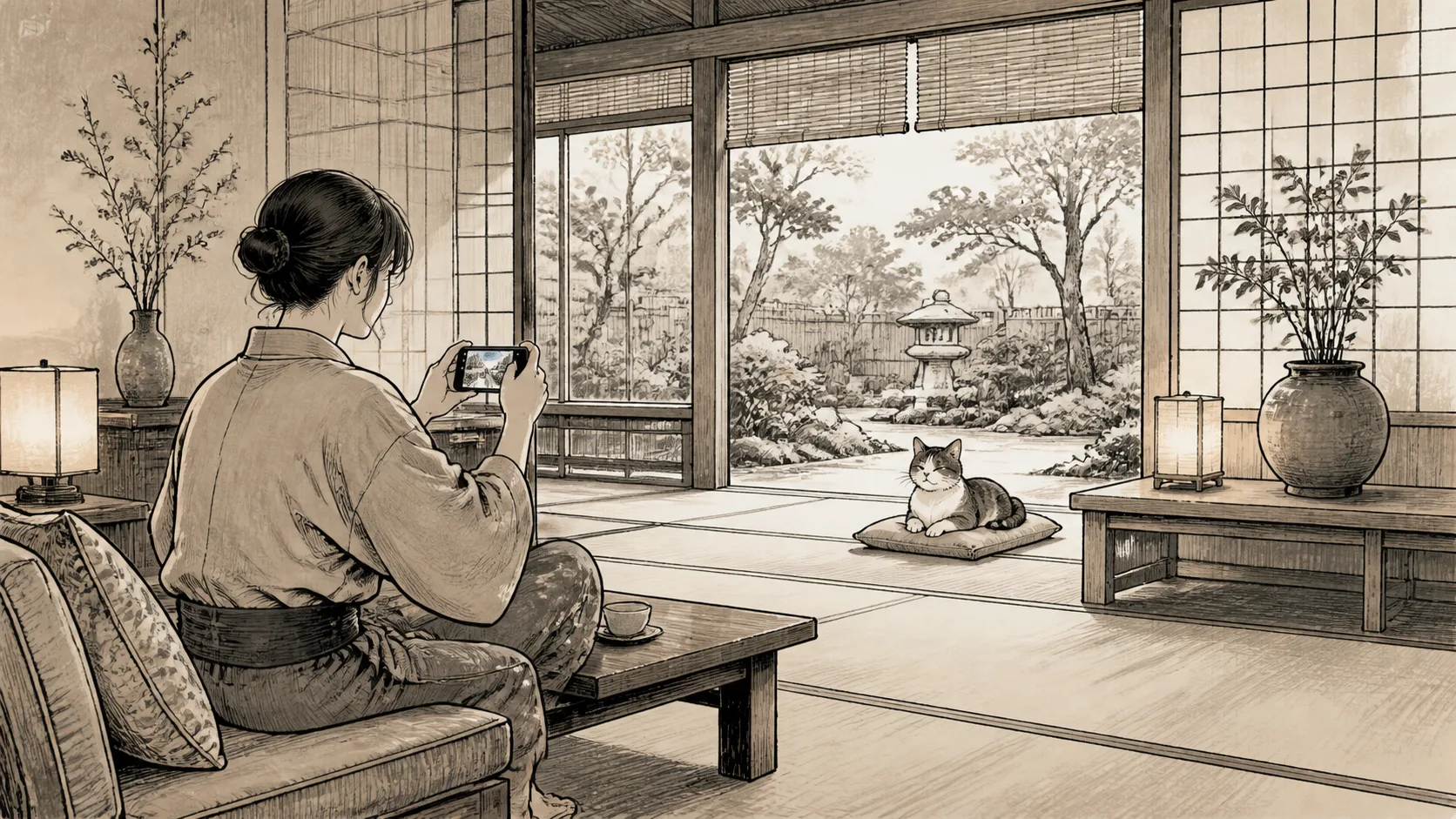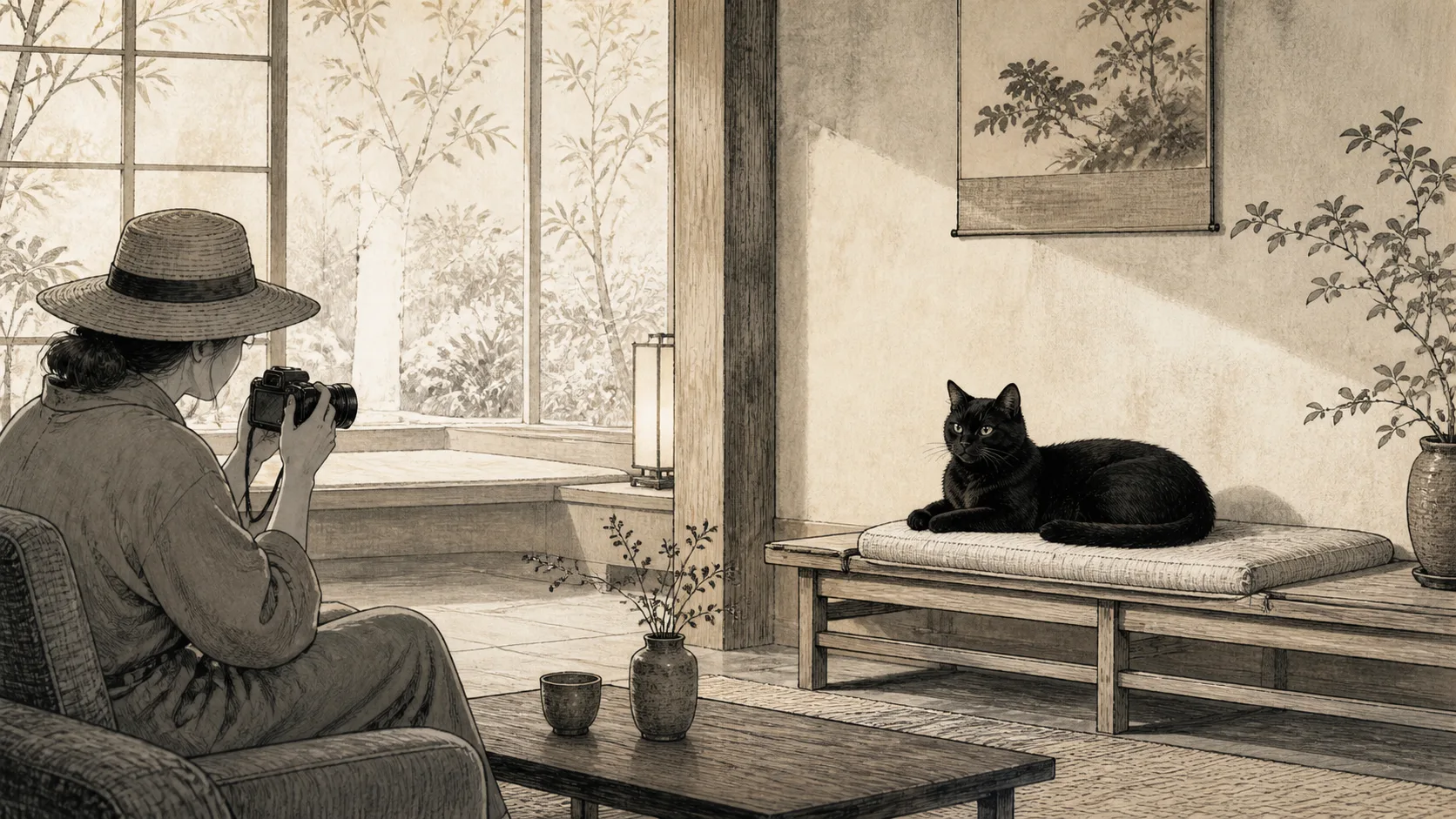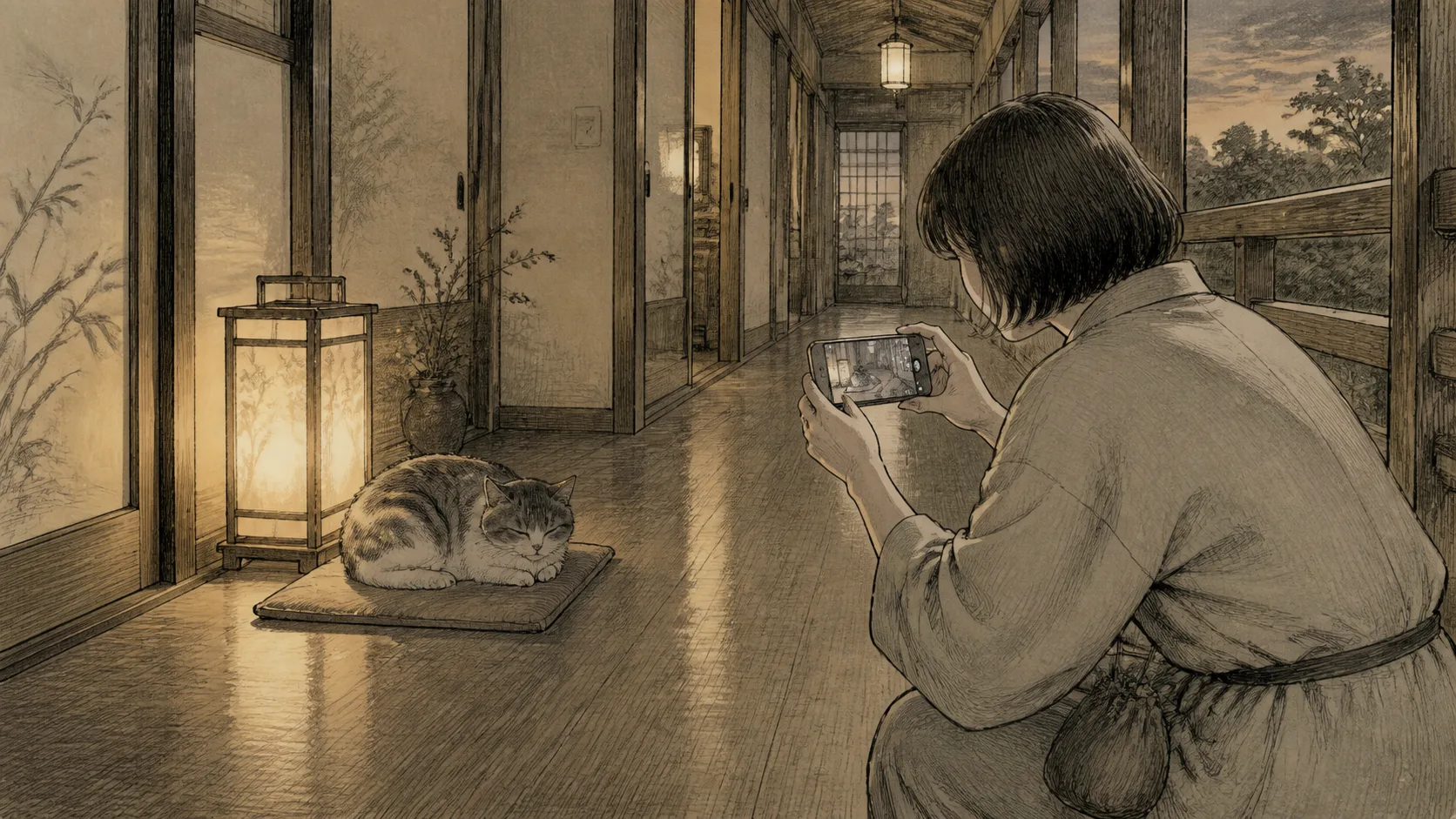
This article deals with how to take pictures of cat inns at night or in common areas with the lights turned down without disrupting the atmosphere of the inn and the rest of the resident cats. Do not move the lights or the cat to take a photo just because it is dark.
In the dark inside the inn, the camera shake and the cat’s movements overlap. Do not solve this by using flash. First consider waiting for the cat to come to a brighter place, then steadying your phone, and give up if you cannot take the photo.
Ask the inn if night photography is possible.
Some inns do not allow photography in common areas, hallways, or during mealtimes after lights out. Check the night shooting locations, lighting operations, tripods, and shutter sounds.
Guests do not turn on or move lights or open curtains. If taking the photo would disturb the cat’s sleep or other guests’ stay, decide not to take it.
Turn off the flash first
Your smartphone may automatically suggest a flash in dark places. Make sure it is off before pointing the phone at the cat, and do not fire a test flash. Cats Protection also recommends turning off the flash before photographing cats.
Do not point the screen’s fill light or video light at the cat’s face. Avoid taking pictures while shining a flashlight on them.
People move to brighter areas
When a cat spontaneously stops near a window, a paper lantern, or a hallway light, this is an opportunity to take photos. Do not hold the cat and carry it to the light, guide it with treats, or block the cat’s path.
A person quietly searches for an angle where light enters from the side or diagonally in front of the cat. Even if you only see the outline due to backlighting, either leave it as part of the atmosphere or finish shooting.
Fix your smartphone
Keep your elbows close to your body, hold it with both hands, and place your body lightly against a wall or pillar to reduce blur. However, please check permissions and directions before placing your smartphone on the inn furniture, setting up a tripod in the hallway, or lying on the floor.
Do not press the shutter forcefully; operate the screen lightly. Do not walk away immediately after taking the photo, and check to see if the cat has come near your feet.
Night mode is not perfect for moving cats
iPhones and some Android devices have a function that takes multiple seconds to take photos in a dark place. This will help stabilize the smartphone, but if the cat moves while shooting, the photo will remain blurry.
Don’t keep aiming at a sleeping cat as a static subject; move far enough away from its resting place. Rather than asking a moving cat to stop, retake the photo at a brighter time.
Don’t think of a blurry photo as a failure
The sight of a cat walking through the corridors of an inn or its outline in a dimly lit lounge can also serve as a record of the time at that inn. Rather than putting stress on the cat for sharpness, you can choose to leave a slightly blurred image.
If you increase the number of shots too much, it will be difficult to sort and save them. After a short burst of photos, stop and enjoy the cat and the inn with your own eyes.
Night cat inn shooting check
- Where and when night photography is allowed?
- Are the flash and fill light off?
- Is the tripod or posture blocking the passage?
- Are you waking up the cat or leading it to a bright place?
- Can you finish even if you can’t take pictures?
Summary
In a dimly lit cat inn, do not make the cat adjust to the lighting. Adjust your own position and the way you hold your phone instead. Turn off the flash, hold your smartphone steady, and don’t chase the cat if it moves. This is the best way to take photos while staying at night.
Related articles
Reference materials
- Apple Support: Use Night mode on your iPhone
- Google Pixel Camera Help: Take photos in low light or at night
- Cats Protection: How to take photos of the cat
Note: Night mode availability and operation vary depending on the device.