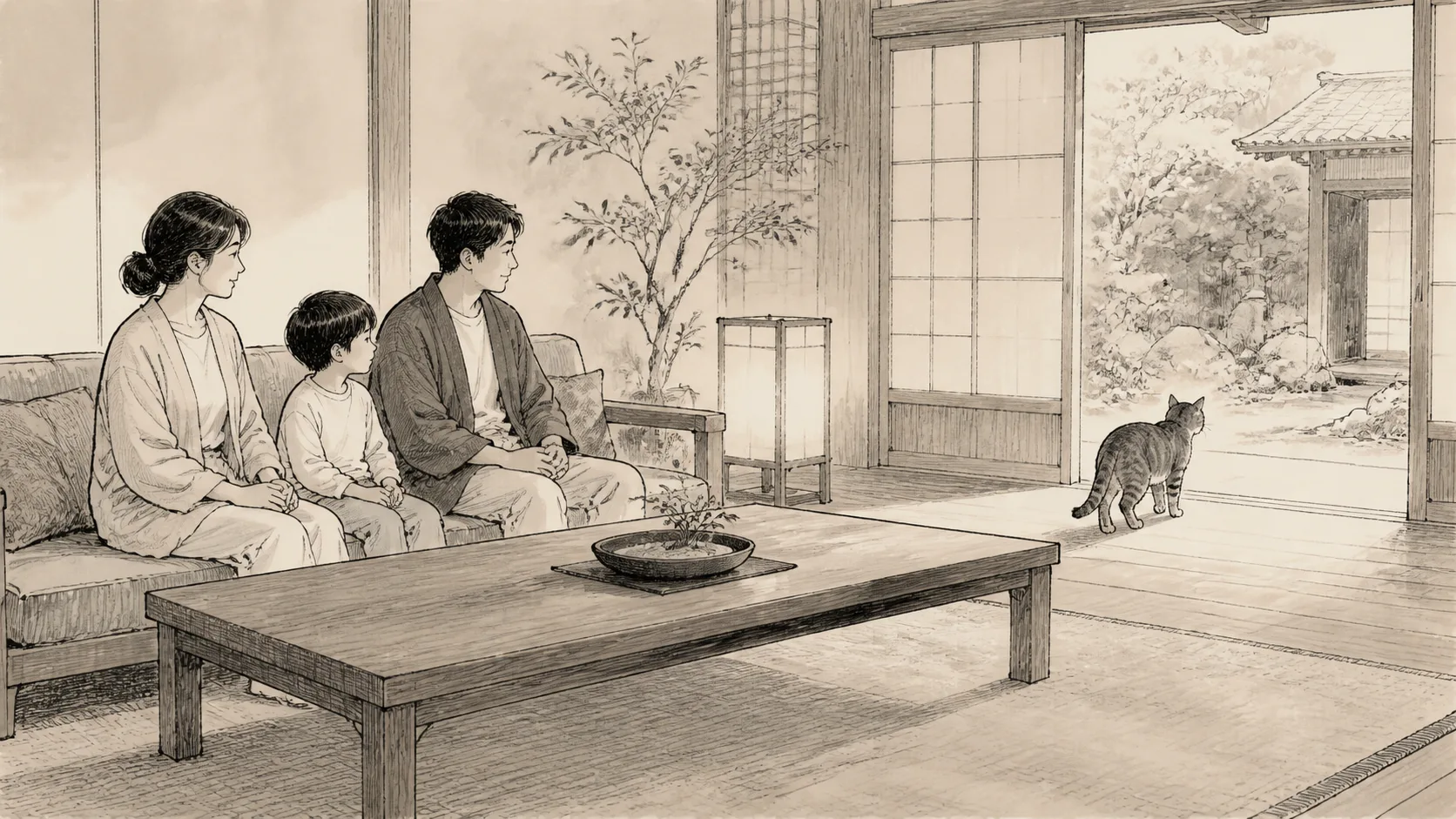
This article is intended for situations in which a guest takes a photo of a resident cat living at an inn, rather than a domestic cat at home. Prioritize the rules of the inn, the cat’s breaks, and the flow of other guests over photography techniques.
You can take photos with your smartphone while traveling, but you don’t have to get close to the cat to get good photos. You can adjust the standing position and settings without changing the cat’s natural habitat.
Check the inn’s photography rules first
At check-in, we will check where you can take pictures, flash, video, SNS posting, and how to treat other guests. Even if photography is allowed inside the inn, areas near the kitchen, staff areas, and cat beds may not be covered.
At inns where cats visit guest rooms, ask the staff separately whether photography inside the guest room is allowed. Even if you can photograph the cat, please put down the camera if the cat is sleeping, eating, or taking medication.
Basic settings before shooting
- Turn off the flash
- Keep the shutter sound and operation sound quiet within the specifications of the device and region.
- Check whether to post the location information of the photo on SNS
- Wipe the lens with a soft cloth
- Lower the screen brightness to be considerate of your surroundings.
It is more important to actually check that the flash does not fire than the model-specific name. Do not repeatedly take test shots of the cat to confirm settings.
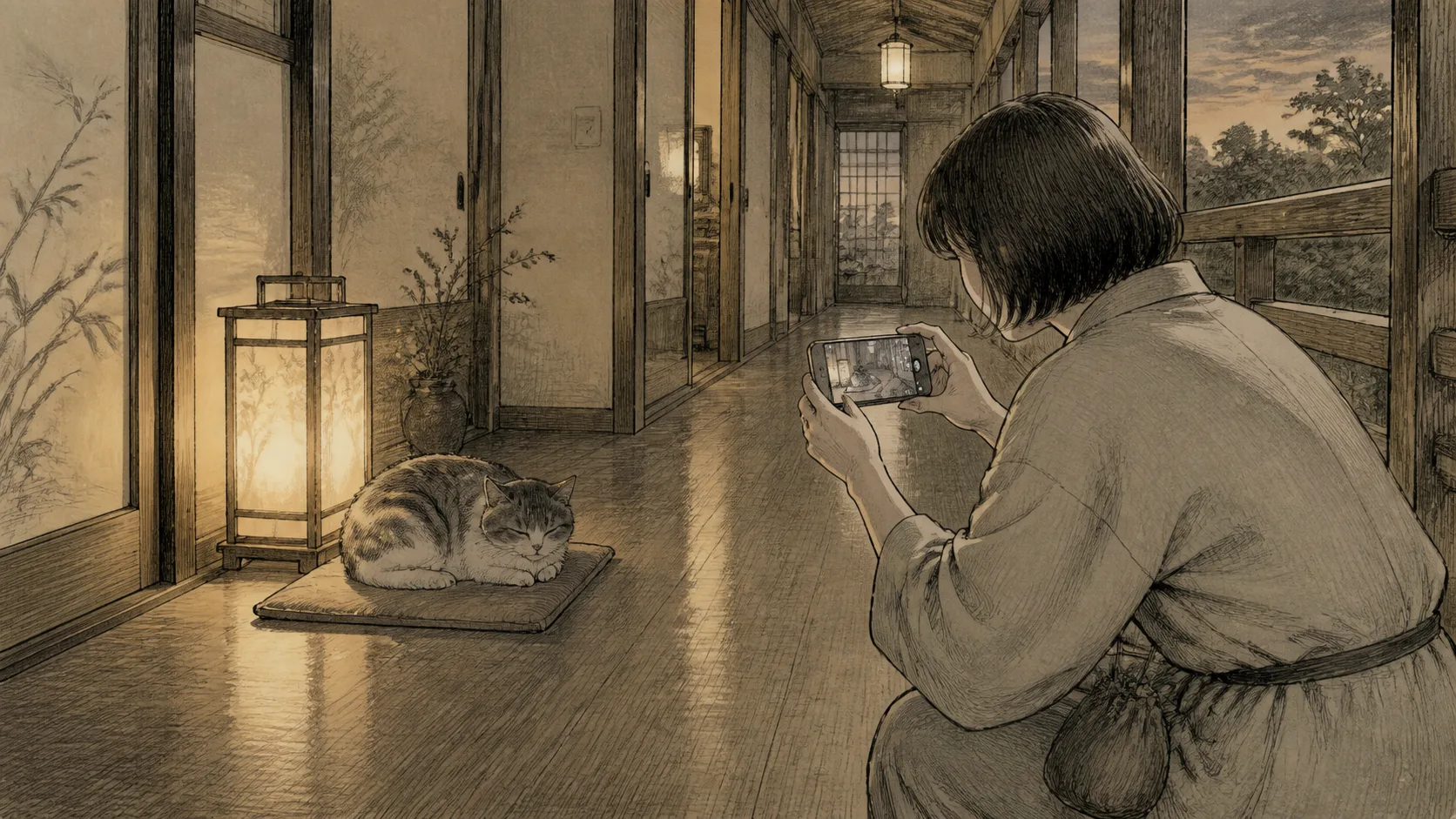
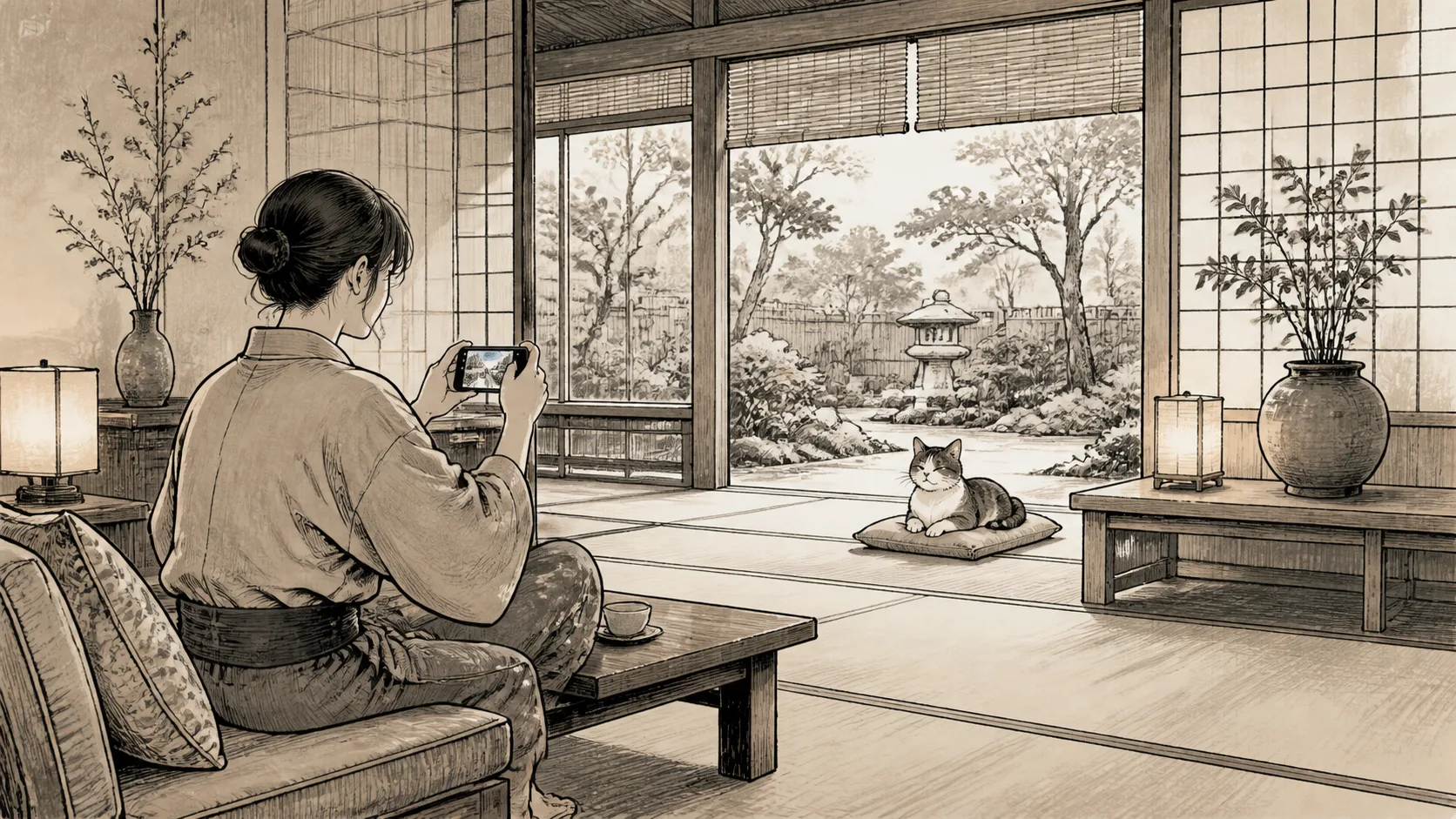
Take a photo from a distance at the same height as the cat
Rather than standing and looking down, you can get closer to the cat’s eye level by sitting on a chair or on the floor, off the aisle. Look around first to make sure the crouching area doesn’t block the cat’s exit or feeding path.
Digital zoom on smartphones may reduce the image quality, but do not use image quality as an excuse to approach the cat. Either take it from a safe distance and crop it later, or give up on the photo.
Adjust focus and brightness only once
Tap once near the cat’s eyes or face on the screen, and if it’s too bright, lower the exposure a little. If the cat leaves while you are using the screen many times, do not follow.
A cat’s face tends to be darkened by backlighting against a window, so the person moves slightly to the side. Guests must not move curtains, lights, or furniture to create a photo setup.
Take a short photo and put down your smartphone
After taking a few pictures at a time, look away from the screen and look at the cat’s entire body and surroundings. If the ears, tail, posture change, face is turned away, or the animal moves away, it is over. Please also refer to What to do when the cat leaves.
If you walk while looking only at the shooting screen, you won’t notice cats, steps, luggage, or other customers. When changing locations to take pictures, put down your smartphone.
How to take photos unique to Nekoyado
In addition to taking a large photo of just the cat, with the permission of the inn, you can take a larger picture of the cat bed, hallway, verandah, lighting, etc., so that your memories of spending time at that inn will remain. Notices showing the facility name and guest room number will be checked to ensure that they are not visible in the photos before they are published.
Do not put the cat on a chair, turn its name tag to face the camera, or arrange small items from the inn around it. Record the location the cat chooses.
Pre-shoot checklist
- Asked about the inn’s photography and posting rules.
- Flash turned off
- Cleared the cat’s path and the inn’s flow line.
- Chose an angle that does not include other guests.
- Can end when the cat leaves
Summary
Smartphone photography at the inn requires permission and distance before setting up. Turn off the flash, take a short shot from a fixed location, and stop when the cat leaves. Aim for photos that don’t change the daily life of the resident cats.
Reference materials
- Cats Protection: How to take photos of the cat
- 2022 AAFP/ISFM Cat Friendly Veterinary Interaction Guidelines
Note: Device operation methods differ depending on the model and OS.Prioritize the inn’s rules and device manufacturer’s instructions.