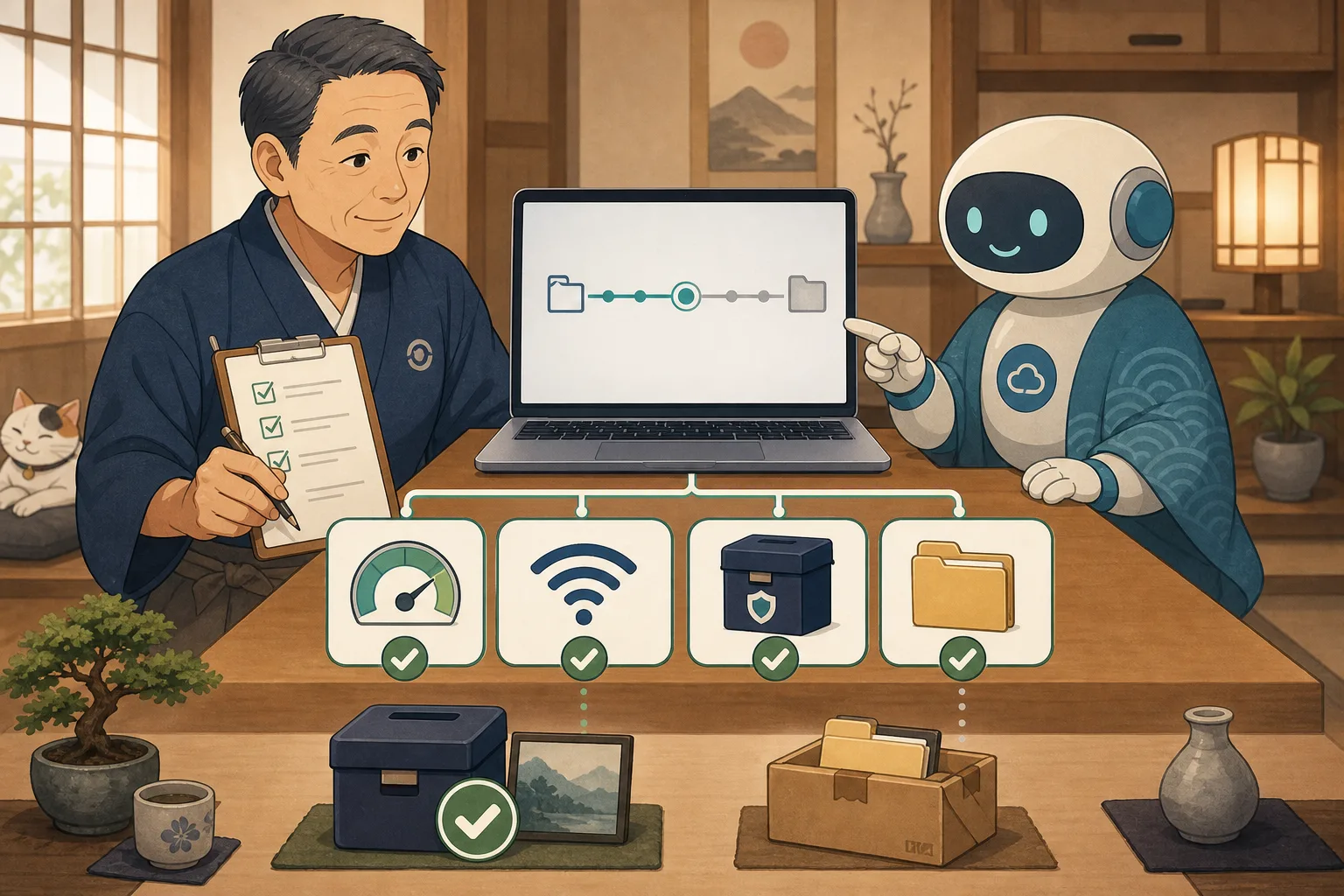
The inn’s homepage suddenly doesn’t display. I press the reservation button but it doesn’t proceed. A “serious error” message was displayed on the WordPress admin screen. When I wake up during business hours, I’m tempted to try updating, restarting, and disabling plugins one after another because I want to fix it quickly.
However, it is not only the speed of correction that is important immediately after a failure.Protect the connection with the person seeking accommodation, record the symptoms, and prevent additional damage before handing over to the investigation into the cause.
In this article, we will explain in chronological order the initial response that the host, who is not familiar with IT, uses Codex and Claude Code for assistance in the first 30 minutes.
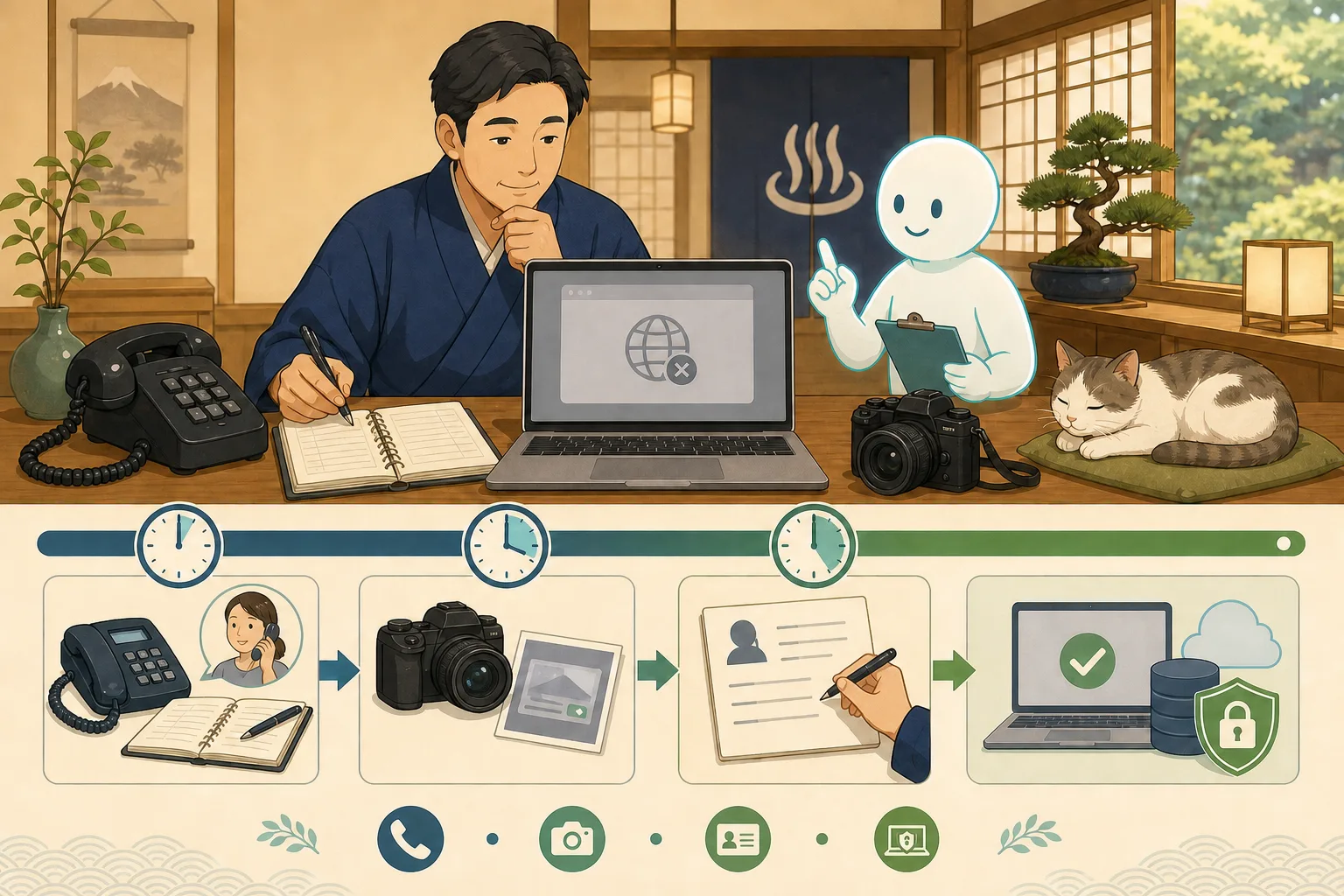
- Conclusion: In the first 30 minutes, “protect, record, stop, and contact business”
- 0-5 minutes: Protect the reservation/inquiry entrance
- 5-10 minutes: Record screen and time
- 10-20 minutes: Stop making additional changes and separate the scope of impact.
- 20-30 minutes: Decide what to give to whom
- What is WordPress recovery mode?
- What we leave to AI is to sort out the situation and plan a safe investigation.
- Initial prompt that can be used with copy and paste
- Don’t rush to decide whether to recover or restore
- Things to check after recovery
- “Disability response card” prepared during normal times
- Checklist for the host
- Official information referenced
- Summary
Conclusion: In the first 30 minutes, “protect, record, stop, and contact business”
The order of priority for troubleshooting is as follows:
0 to 5 minutes Securing an alternative route for reservations and inquiries
Record symptoms and time of occurrence for 5-10 minutes
10-20 minutes Stop making additional changes and check the affected area
20-30 minutes Pass the necessary information to the person in charge and decide on a recovery policy
This does not mean that the system will always be restored within 30 minutes. The goal is to create a situation in which maintenance personnel can safely investigate without rushing to increase the number of causes.
0-5 minutes: Protect the reservation/inquiry entrance
The first thing to check is not the WordPress management screen, but whether the customer can contact the inn.
- Can you connect by phone?
- Is the OTA accommodation page and reservation reception working?
- Can your in-house reservation system be opened separately from WordPress?
- Can you provide information on official SNS?
- Can I contact existing reservation holders?
If only WordPress is down and an OTA or external reservation system is running, you can use that as a temporary reservation route. On the other hand, if the reservation system and payments are down, we will switch to confirming and calling you back after receiving a phone call, instead of guessing availability and prices.
Example of temporary guidance
There is currently a problem with the display of the official website.
For reservations and inquiries, please use [phone number/available reservations] for the time being.
We will inform you about the recovery status in this guide.
We will not determine the cause, expected recovery time, or whether personal information has been leaked before confirmation. Expressions such as “cyber attack” and “data loss” should not be used unless there is a basis for them.
5-10 minutes: Record screen and time
The failure screen is a clue for investigating the cause. Record before it disappears due to reloading or setting changes.
What to record
- Date and time of discovery
- URL where the problem occurred
- Either a computer or a smartphone
- Confirmed lines such as Wi-Fi and mobile lines
- Short error message and number that appeared on the screen
- Difference between logged in and logged out status
- Last updated or changed settings
- Last normal date and time
- Reservations, inquiries, and management screen status
Screenshots may include the management screen URL, user name, email address, reservation number, browser tab, etc. Before passing it outside the company or to AI, we cut out only the necessary parts and hide confidential and personal information.
Check only once on another device
We will tell you whether the problem is unique to your browser or whether it is also happening to other customers.
- Open in incognito window
- Open with your smartphone’s mobile line
- Open the URL in question directly
If you repeat form submissions or reservation operations many times, you may create duplicate inquiries or tentative reservations. Functional testing is done after confirming the method.
10-20 minutes: Stop making additional changes and separate the scope of impact.
Stop the following operations.
- Additional updates to WordPress, themes, and plugins
- Bulk stop of plugins
- Theme production switch
- Database repair/replacement/restore
- Restart server
- Delete cache and change settings at the same time
- Added code just to hide the error
- Delete old backups and logs
If you have already started a task, record “what”, “when”, and “from which screen”.Some processes may cause other problems if they are forcibly stopped midway through, so we will notify the maintenance personnel of the status.
Divide the scope of influence into four stages
| Stages | Examples | Initial thinking |
|---|---|---|
| Partial display | Only the images and decorations are destroyed | Record and check the reservation line and investigate |
| Some functions | Reservations, forms, and menus do not work | Guidance on alternative routes and priority investigation |
| Entire site | White screen, serious error, 500, etc. | Stop adding changes and contact the person in charge |
| Multiple services | E-mail, reservations, and servers also suspended | Emergency contact including trouble information for contracted parties |
If the appearance is broken, proceed to Isolating themes, plugins, and caches.If the entire site is down, don’t assume it’s just a display issue.
20-30 minutes: Decide what to give to whom
Contact information varies depending on how the server is rented.
Rental server/managed WordPress
- Check server company failure/maintenance information
- Contact the inquiry desk on the management screen
- Check the subscriber name and support target
- Check whether a restoration service is available and the target point in time
VPS/Cloud
- Contact WordPress maintenance personnel or server administrator
- Read and check server, web, PHP, and database operating status
- Decide on the scope of impact and how to restore before restarting or restoring
- Check the impact on cohabitation services such as reservations and emails
Server companies may not support internal WordPress modifications, and production companies may not enter into server contracts. It is important to record the scope of your responsibilities during normal times.
What is WordPress recovery mode?
When WordPress detects a fatal PHP error in a theme or plugin, it may send a recovery mode link to the administrator’s email. This allows you to check for problem parts in a special management session.
Once you receive the email, please check the following:
- Is the recipient the administrator email registered with WordPress?
- Is the URL domain your own site?
- Are there any suspicious attachments?
- Theme/plugin name shown on the screen
Recovery mode does not work for all failures and is not a permanent fix. If you don’t receive an email, don’t rush to change your administrator address or open suspicious links from search results. Consult with the rental server or maintenance person.
What we leave to AI is to sort out the situation and plan a safe investigation.
What AI can support in the initial response is as follows.
- Organize recorded contents in chronological order
- List of affected URLs and features
- Create confirmation items that do not change the actual production
- Matching update history and occurrence time
- Search for official documents to check from the error text
- Creation of inquiries for server companies and maintenance personnel
- Creating a confirmation checklist after recovery
- Creating a template for failure records
On the other hand, we do not leave rebooting, database restoration, stopping all plugins, changing permissions, and deleting files to AI immediately after a failure.
Initial prompt that can be used with copy and paste
First situational arrangement
There is a problem with WordPress at the inn. Don't fix it yet.

Discovery date and time: [Date and time]
Problem URL: [URL]
Symptom: [Short error/display status]
Previous work: [Update or change settings]
Currently available reservation routes: [Telephone/OTA, etc.]

At first, just read and organize the situation,
Impact on sales, confirmed facts, candidate causes, unconfirmed matters,
Next, please separate the items that people should check.
Please do not update, stop, restart, restore, delete, or change settings.
Create a support inquiry
Send the following WordPress problems to the server company or maintenance personnel.
Please write your inquiry.

[Date and time of occurrence, URL, symptoms, last changes, confirmation device, affected functions, confirmation of implementation]

Please briefly indicate the level of urgency and desired confirmation without making any definitive statements about the cause.
Do not include passwords, private keys, internal passes, or customer/reservation information.
Compare recovery plans
The reading survey confirmed the following facts.
[Confirmed facts]

Do not run it yet.
Regarding corrections, suspending parts, reverting to previous version, and restoring backups,
Scope of impact, data that may be lost, time required, how to restore,
Compare the confirmation after recovery.
Please clearly indicate operations that require human approval.
Don’t rush to decide whether to recover or restore
There are multiple ways to return to the state before the failure.
- Restore only the settings in question
- Revert updated themes and plugins to verified versions
- Suspend the causing part
- Return only files
- Restore from backup including database
If you revert the entire database to an older point in time, you may lose articles, inquiries, reservations, and settings after the backup was taken. First, see what’s broken and how far you need to put it back together. Please also refer to Restore Rehearsal Article for backup status.
Things to check after recovery
It doesn’t end just by saying “the top page has opened”.
- Main pages open on PC and smartphone
- The reservation button and external reservation destination are correct.
- Rates, plans, and room availability information are correct.
- Contact form securely verified
- Authorized administrator can enter the management screen
- No missing images, CSS, or JavaScript
- Checked whether email sending was successful.
- Monitoring and backup have resumed
- Updated temporary information to recovery information.
- Recorded the cause, response, time required, and prevention of recurrence.
You can use Automatic comparison by Playwright to compare the screens before and after the update.
“Disability response card” prepared during normal times
Save the following on paper or in a safe shared location so you don’t have to search around for it in case of an emergency.
- Public site and reservation page URL
- Alternative communication methods such as phone, OTA, SNS etc.
- Rental server company and contractor
- WordPress maintenance/production/reservation system contact information
- Who can provide temporary guidance?
- How to check the last verified backup
- Storage location for failure records
- Person who can approve reboot/restore/delete
Rather than writing the password or private key directly on the card, just write directions to a safe management location determined by your organization.
Checklist for the host
- [ ] Confirmed alternative reservation routes such as telephone and OTA.
- [ ] Temporary guidance for customers has been issued.
- [ ] Recorded the time of occurrence, URL, and screen.
- [ ] Confirmed once on another terminal/line
- [ ] Stopped additional updates and ad hoc corrections.
- [ ] The impact has been divided into display, reservation, email, and management screens.
- [ ] Contacted the server company or maintenance personnel.
- [ ] We asked AI to start with a reading survey.
- [ ] Confirmed lost data before restoration
- [ ] A person confirmed the reservation/inquiry after recovery.
Official information referenced
- WordPress official: Recovery mode
- WordPress official: Common WordPress errors
- WordPress official: Debugging function
- WordPress official: Backup
Summary
The first 30 minutes after a WordPress failure is not the time to blindly fix it. This is the time to protect your reservation/inquiry channels, record symptoms, stop any changes, and pass information to the appropriate person.
AI can support chronological organization, classification of influence range, inquiry text, and creation of confirmation sheets. The host is responsible for business priorities, external guidance, change approvals, and final confirmation of rates and reservations. If you decide on this division of roles during normal times, you will be less confused about where to start even if a problem occurs.