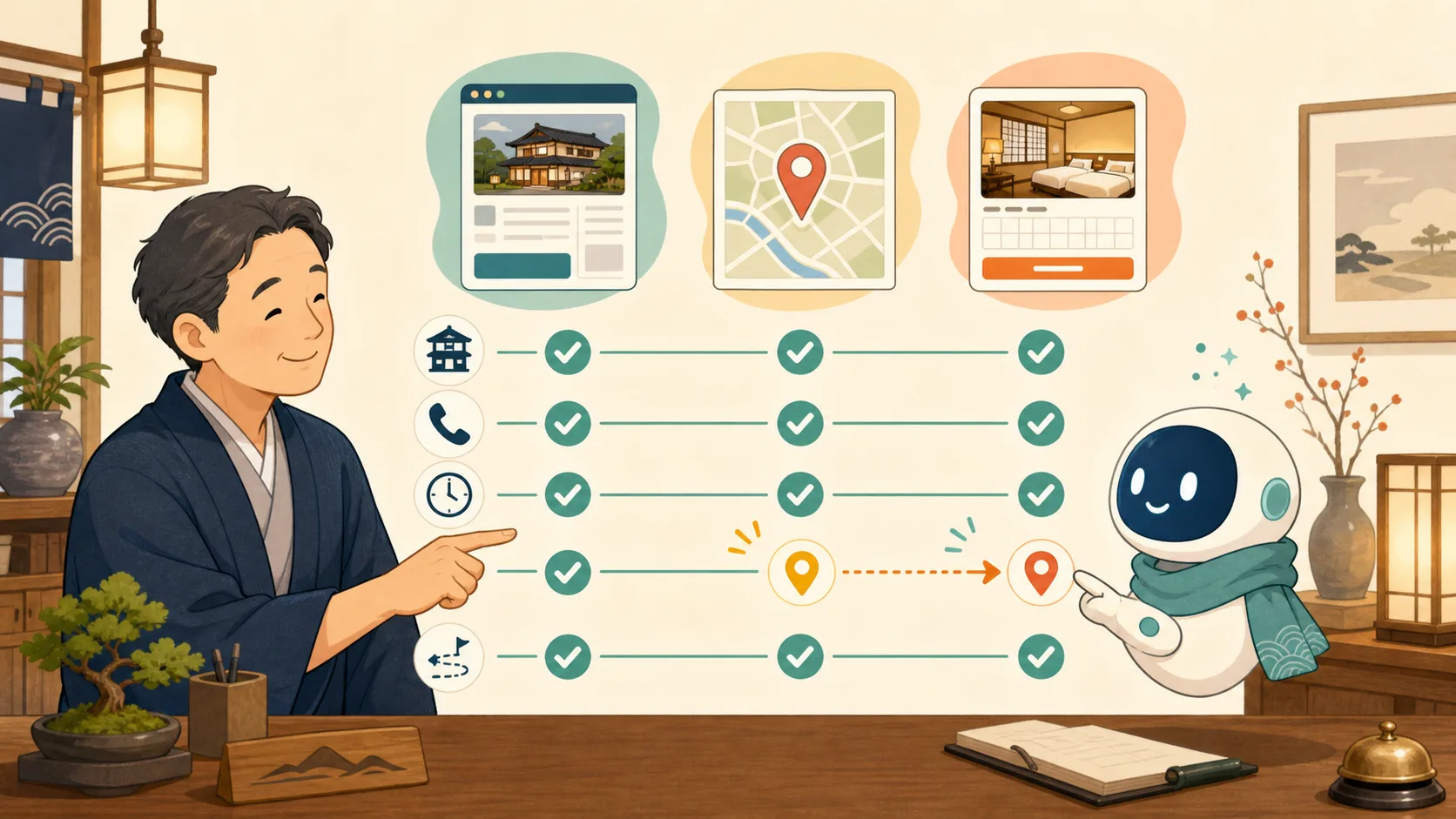
Google Business Profile is a system that manages the address, phone number, photo, official website, etc. that are displayed along with the map when you search for your inn’s name on Google.
If old phone numbers or different map locations remain here, guests will be confused even if the official website is correct. On the other hand, adding area names or advertising slogans to inn names with search strategies in mind, or changing business hours without checking, can create new discrepancies.
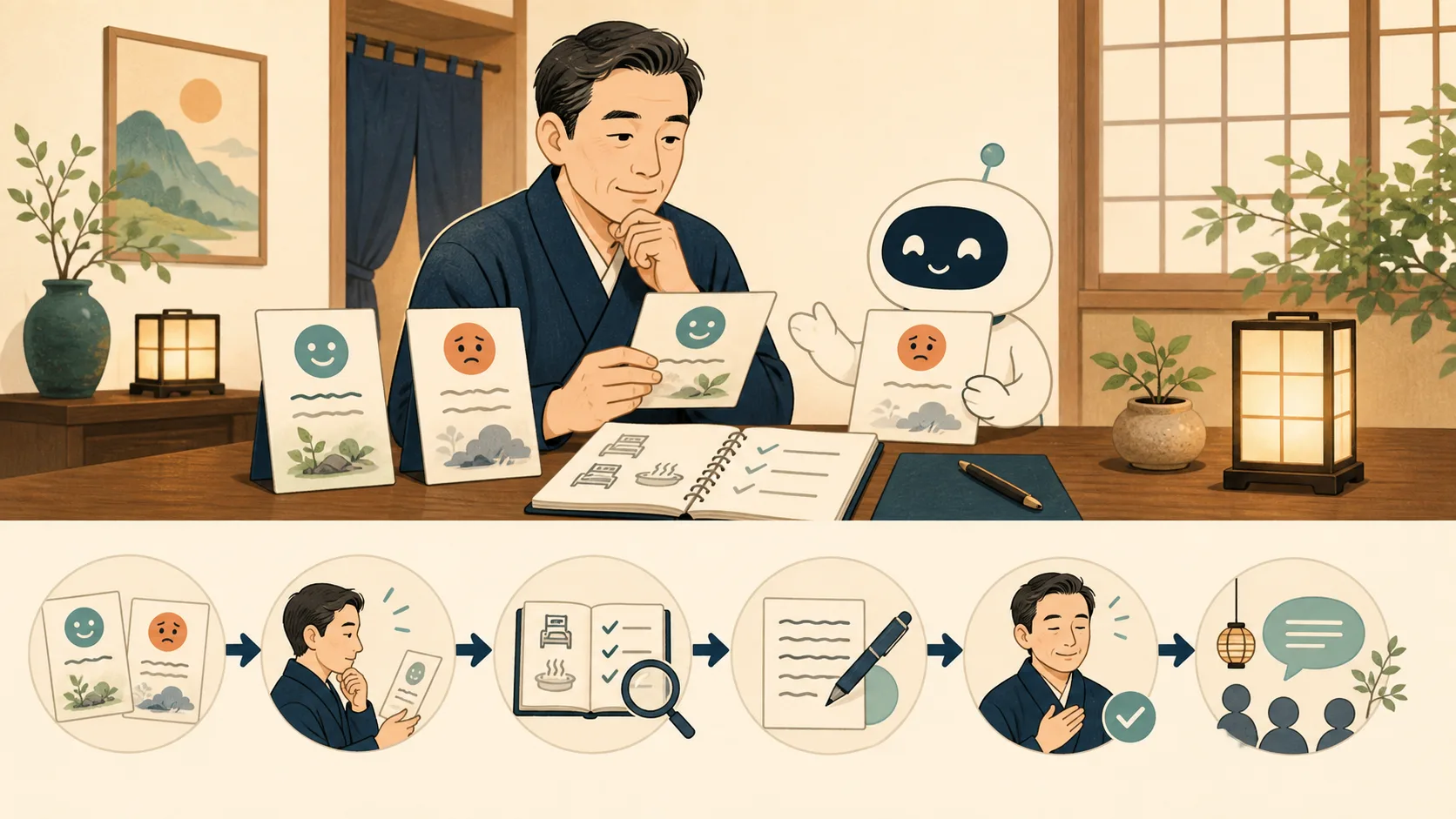
In this article, we assume that the host is unfamiliar with IT, and will explain in the following order: The inn has administrative privileges, records the current display, checks against official information, and changes items one by one.
- What you need to know first
- 1. Check if the inn has administrative privileges
- 2. Record the state before the change
- 3. Basic information to prioritize and match
- 4. Check inn rates and reservation links separately
- 5. Change each item one by one and check the public display.
- Notes on updating photos
- What AI can do and what it cannot do
- Checklist: once a month and whenever details change
- Sources
What you need to know first
The Google Business Profile, the inn’s official website, and the reservation system are separate systems. Even if you change one part, it does not necessarily mean that the other parts will automatically have the same content.
| Display location | Main role | Main management |
|---|---|---|
| Google Business Profile | Search/Basic information on maps, photos, reviews, etc. | Google Search/Google Maps |
| Official website of the inn | Guest room, stay, terms, etc. officially provided by the inn | WordPress/production company |
| Official reservation system | Schedule, inventory, fees, reservation procedure | Reservation service |
| OTA | Products, inventory, fees, and conditions within OTA | Each OTA/site controller |
| Hotel rates and reservation links on Google | Rates, availability, and reservations | Linked reservations and Hotel Center-related services |
In particular, please do not think that the “website” in your profile is the same as the price/reservation link that appears in hotel searches. Google has announced that starting with 2025-07-30, you will need to work with a compatible partner instead of the traditional method of entering room rates directly from your business profile.
1. Check if the inn has administrative privileges
Search Google for the inn name and open the profile using the Google account you use for management. If the edit item is not displayed, you may not be logged in, you may have a different account, the owner may not be confirmed, or the item may be managed by another person.
The basic management policy is as follows.
- Make a Google account that the inn can continue to manage as the main owner
- Invite production companies and personnel using their respective Google accounts.
- Do not share passwords
- Do not give unnecessary ownership rights to people who are only in charge of daily updates
- Review the authority of retired employees and production companies whose contracts have ended
- Set up two-step verification and recovery methods for your Google account
Google explains that owners have strong authority, including adding and deleting users and deleting profiles, while administrators can edit information on a daily basis. An example is a configuration where the inn maintains ownership rights and the production company has administrator rights.
If managed by someone else
Don’t create duplicate profiles without permission, use Google’s official “Request Ownership” procedure. If the company is managed by an old production company or previous management, also check the status of contracts and business succession.
2. Record the state before the change
Before making changes, check the current display from a browser and smartphone where you are not logged in.
- Inn name
- Primary and auxiliary categories
- Address and pin on the map
- Phone number
- Website URL
- Check-in/check-out time
- Displayed business hours
- Photo
- Facilities/Services
- Price and reservation link provider
- Questions and answers, responses to reviews
Save a screenshot of the entire screen and the confirmation date. However, please do not post images containing your Google account name, email address, or non-public administrative information to public articles or AI conversations.
Arranging the URLs of the accommodation site, reservation system, OTA, and Google Maps in one confirmation table will make it easier to spot discrepancies. Please also use How to match OTA and official website instructions.
3. Basic information to prioritize and match
Inn name
For the business name, register the name that will actually be used on signboards, websites, printed materials, etc. This is not the place to add area names, catchphrases, phone numbers, or unnecessary keywords that you want to be searched for.
If you change your store name, we will also check the relationship with the official website, reservation locations, signboards, SNS, and tourist association information. If there is a discrepancy in the spelling, the inn will decide which name should be the official name.
Address and map location
Even if the letters in the address match, the pin on the map may be on a neighboring building or back street.
- Can you arrive at the facility entrance correctly?
- Are the directions different for driving and walking?
- Does the official website provide information on mountain roads, private roads, winter closures, etc.?
- If the parking lot is located far away, is it being confused with the inn itself?
- Does it overlap with restaurants or day trip facilities on the same site?
If the navigation guide leads you down a dangerous narrow path, we will post a safe route on the access page of the official website and in the reservation confirmation email, rather than trying to solve the problem with the profile alone.
Phone number
Register a number that guests can actually contact.
- Can you respond during business hours?
- Could it be an old landline or a retiree’s mobile number?
- Does the official website and reservation confirmation email have the same number?
- Are telephone reception hours provided separately?
- Can I make my emergency contact information public?
Please do not replace the private number for emergencies with a number for search display.
Business hours and check-in times
Avoid assuming that a property’s business hours are simply the same as check-in times. Front desk hours, telephone reception hours, check-in/check-out, food and beverage department, and day-trip business have different meanings.
If you cannot convey your information using only the information on the screen, write detailed conditions in the “Accommodation Information”, “Frequently Asked Questions”, and “Access” sections of the official website so that travelers can reach the official website from your profile. In the event of a temporary closure or disaster, priority will be given to directly contacting confirmed guests.
Official website URL
Register the top page or an official HTTPS URL that shows the overall image of the inn and the reservation entrance.
- Not an old domain or temporary URL of a production company
- Open on smartphone
- Security warning does not appear
- Don’t repeat redirects too many times
- You can check the inn name, address, and phone number.
- Proceed to the reservation page without hesitation
When adding measurement parameters to the URL, do not include personal information and check for broken links and display speed. If you don’t know how to measure, just register the official URL first.
4. Check inn rates and reservation links separately
When viewing accommodations on Google Search or Maps, prices from multiple booking companies and reservation links for the official website may be displayed. This goes beyond regular profile editing and involves information from booking engines, central reservation systems, supported partners, etc.
When confirming, select the actual date and number of people.
- Will the date of stay and number of people be carried over to the reservation company?
- Are guest rooms on sale and prices displayed?
- Are conditions including tax and service charge consistent with the reservation screen?
- Does the official link really take you to the inn reservation page?
- Are there any old reservation systems or OTAs whose contracts have ended?
- Are you confusing full occupancy with suspension of cooperation?
Changing the regular website URL displayed on the inn’s profile does not necessarily change the provider of the rate list. Check with the reservation system company to see if it supports Google’s free reservation link/rate linkage and who to contact if the linkage is terminated.
Understanding the difference between reservation engine, site controller, and PMS will make it easier to decide which company to contact.
5. Change each item one by one and check the public display.
Open your profile in Google Search or Google Maps and change the target items from “Edit Profile”.Screens and available functions may vary depending on device, region, and industry.
If you make a lot of changes at once, it will be difficult to tell which changes have not been reflected. If there is no urgency, proceed in the following order.
- Information related to arrival and contact, such as address, map location, phone number, etc.
- Official inn name and official website URL
- Accommodation attributes such as check-in
- Facilities, Services, and Description
- Photos
- Check links for pricing and reservation links
Don’t just look at the management screen immediately after saving; check the logged-out Google search, Google Maps, smartphone, official website, and reservation screen after the update is reflected. Changes may not be reflected immediately due to review by Google or cross-checking with other information sources.
Notes on updating photos
Photos will match the current accommodation experience.
- Do not use the guest room before renovation as the representative photo
- Meal photos should show the target plan and season.
- Reflects the presence, rest, and replacement of resident cats
- Guest and staff faces confirm consent
- Do not repost photos taken by third parties without permission
- Inaccurate user submissions will not be treated as photos of your own your inn.
Inns may not be able to freely delete photos posted by users. If you suspect a policy violation, use Google’s formal reporting process.
What AI can do and what it cannot do
AI can read public information, create comparison tables for each medium, change candidates, confirmation procedures, and inquiries to production companies. However, do not give the AI your Google account password, 2-step verification code, or private reservation data.
Transferring ownership, deleting profiles, confirming inn names and addresses, and changing rates and reservations are made by humans after confirming the subject.
Request text to check public information
Compare the inn's official website, information publicly available on Google Search/Google Maps, and the official reservation page.

Check items:
- Inn name
- Address and map location
- Phone number
- Official website URL
- Check-in/Check-out
- Reservation URL

Conditions:
- Do not log in or change settings
- Check each public page, not just a summary of search results
- Separate into matched, matched, unconfirmed, and unconfirmed
- Don't automatically fix discrepancies, show suggested changes and where to check
- Do not ask for personal information or Google account information
Create a confirmation letter to the production company/reservation company
Please create a confirmation letter to send to the reservation system company regarding the accommodation rates and reservation link on Google.

Things to check:
- Current information source
- Support for Google's free reservation link
- Scope of cooperation for accommodation dates, number of people, rates, and room availability
- Official reservation link destination
- Steps to stop old linkages
- Contact information in case of trouble

If you do not know the contract name or URL, please do not guess, but write it in.
Checklist: once a month and whenever details change
- The inn holds primary ownership
- There are no unnecessary owners/managers left.
- Two-step authentication and recovery methods available for Google accounts
- Inn name, address, map location, and phone number match the official website
- Don’t confuse phone reception with check-in time
- Official website URL opens successfully with HTTPS
- I selected and confirmed the actual date and number of people in the reservation link.
- Do not move to old reservation services or OTAs
- Photos of guest rooms, facilities, meals, and resident cats match current information.
- Directly informed guests with reservations about temporary closures and important changes.
- Recorded the screens before and after the change, date of change, person in charge, and confirmation results.
Your Google Business Profile is more than just a one-time page where you enter information. The same confirmation sheet will be used to review the information on the day the official website or reservation destination changes, the business hours or facilities change, or the day the contract with the production company ends.
When responding to opinions received from guests, please refer to How to reply to Google reviews of an inn using AI to check the facts, personal information, low ratings, and judgment of violation reports.
Sources
- Edit your business profile (Google)
- Manage business profile owners and administrators (Google)
- Request ownership of your business profile (Google)
- Secure your Google Business Profile (Google)
- Getting Started with Google’s Business Features for Hotel Owners (Google)
- Frequently asked questions about adding and managing guest room rates and availability (Google)
Note: Screen name, available items, and linkage conditions for hotel rates and reservation links are subject to change. This article has been verified by Google official information on 2026-08-19.