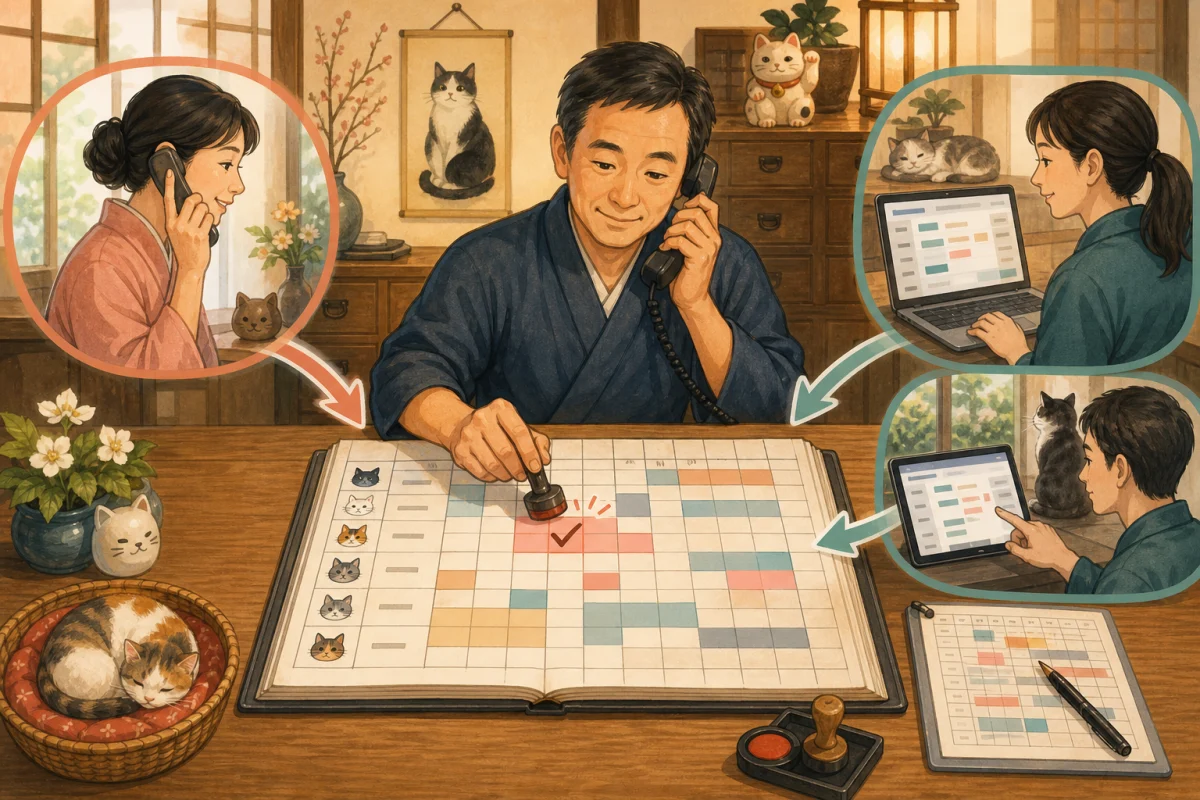
When you receive a cancellation of your accommodation reservation, simply deleting the reservation does not end the process. Guest room inventory, payments, refunds, guest communications, and accounting records must also match.
When it comes to no-shows, just because a guest didn’t show up doesn’t mean you can charge their card without checking. The person approves the charge after reviewing the cancellation policy, guest consent, and payment service terms provided at the time of booking.
In this article, rather than making individual legal decisions, we will explain practical steps to prevent omissions in processing at small inns. If you have any doubts about the legality of the terms or charges, please check with your payment company, reservation service, or specialist.
- Change the “status” without deleting the reservation
- Fix the processing order
- Step 1: Confirm your reservation and identity
- Step 2: View the policy at the time of reservation
- Step 3: Confirm the refund amount together
- Step 4: Update your reservation and guest room inventory
- Step 5: Refund the original payment
- Separate “refund operation completed” and “refund completed”
- Date changes should not be confused with cancellations and new reservations.
- Cancellation due to accommodation circumstances
- In case of no-show, do not charge immediately and confirm.
- Authorization and sales confirmation are different
- Records for preparing for chargebacks
- Separate staff authority
- Daily incomplete list
- Prompt for AI to create confirmation table
- Pre-production test
- Summary
- Reference materials
Change the “status” without deleting the reservation
As a general rule, canceled reservations are not completely deleted from the management screen. The following states are distinguished and a history is recorded.
| Status | Meaning | Main next processing |
|---|---|---|
| Cancellation due to guest’s convenience | Cancellation request from guest | Cancellation fee determination, refund, stock release |
| Cancellation due to accommodation circumstances | Facility cannot provide accommodation | Full refund, alternative information, inventory suspension |
| Change schedule | Move to another day | Secure new date, difference in price, release old inventory |
| No-show | Not arriving without notification | Contact confirmation, policy confirmation, billing determination |
| Payment failure | Payment not completed | Reservation hold/cancellation, repayment information |
| Refund processing in progress | Refund operation completed and waiting for completion | Check payment screen and details later |
| Refund completed | Refund result confirmed | Close record |
If you delete it, you will not be able to track who made what decisions, when, and why they were refunded.
Fix the processing order
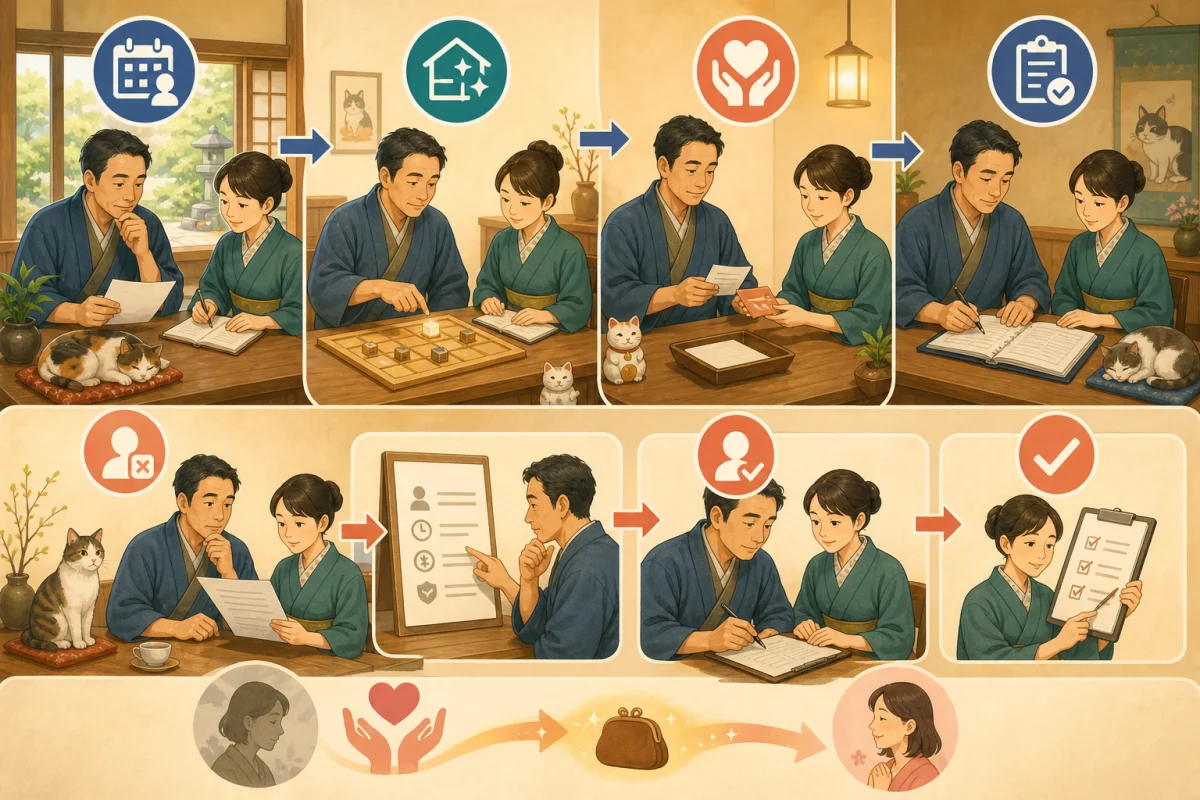
When we receive a cancellation notification, we will process it in the following order.
- Identify your reservation
- Confirm the person and the request details
- Check the policies applied at the time of booking
- Calculate cancellation fee and refund amount
- The person in charge approves the amount.
- Change reservation status
- Check how to return guest room inventory
- Refund the original payment
- Notify guests of the content and reflection target
- Compare payment results and operation records at a later date
Depending on the reservation route, you may need to operate from the OTA management screen, or you may need to operate from the inn’s reservation system. Before instructing guests to “please complete the procedure through OTA,” please confirm which is the official reception route.
Inventory operations to prevent double reservations are explained in Inventory management procedures for telephone, OTA, and in-house reservations.
Step 1: Confirm your reservation and identity
When receiving cancellations by phone or email, please check at least the following:
- Reservation number
- Guest name
- Arrival date and number of nights
- Reservation route
- Registered phone number or email address
- Target rooms and number of people
Don’t judge by just the sender’s name of the email; check to see if it matches the contact information in your reservation record. Do not ask for the entire card number or security code and use it to verify your identity.
Step 2: View the policy at the time of reservation
Please check the conditions presented to the guest at the time of the reservation, not the terms currently posted on the site.
- Free cancellation deadline
- Cancellation fee rate after deadline
- Conditions for same-day cancellation and no-show
- Exceptions such as disasters, transportation suspensions, infectious diseases, etc.
- Refund method and timing
- OTA unique conditions
- Record of guest consent
If refundability differs depending on the rate plan, the plan name will also be recorded. Save any materials you can explain later, such as screens, confirmation emails, and versions of the terms and conditions. However, please do not duplicate your personal information any more than necessary.
Step 3: Confirm the refund amount together
The refund amount will be organized as follows:
Scheduled refund amount = Received amount − Applicable cancellation fee − Expenses that can be deducted under the terms and conditions
The handling of taxes, points, coupons, OTA fees, and payment fees varies depending on the contract and accounting treatment. Don’t guess, check with your reservation service and accountant.
Calculation table example
| Item | Amount/Contents |
|---|---|
| Total reservation amount | |
| Received amount | |
| Free period | |
| Cancellation reception date and time | |
| Applicable conditions | |
| Cancellation fee | |
| Expected refund amount | |
| Calculator | |
| Approver |
Prevents refund staff from completing calculations, approvals, execution, and reconciliation on their own. If you are running a small family business and it is difficult to double check, the calculation screen can be saved and someone else can check it the next day.
Step 4: Update your reservation and guest room inventory
Before refunding, we will confirm the reservation status and inventory handling.
- Cancel all: Restore inventory for all stay days
- Partial cancellation: change only the target room and number of people
- Shorten the number of nights: Return inventory only on days that are no longer needed
- Schedule change: Secure the new date first, then return the old date.
- Accommodation circumstances: We will decide separately whether to resume sales.
- No-show: Check how to handle consecutive nights from the next day onwards
Check the vacancy calendar to see if the change in reservation status has been reflected on OTA or your own website. Don’t just issue a refund and keep your inventory stocked.
Step 5: Refund the original payment
As a general rule, refunds are made by opening the original transaction on the payment management screen and performing it on that transaction.
Stripe’s official refund document explains that successful payments can be fully or partially refunded, and refunds can only be made to the original payment method. Card refunds may be put on hold if your Stripe balance is insufficient.
Square’s official refund guide supports full, partial, and item-by-item refunds, and states that credit card payments must be made within one year from the original transaction date. The deadline for QR code payment varies depending on the company.
Items to record when refunding
- Original reservation number
- Original payment ID/transaction number
- Refund amount
- Full or partial refund
- Reason for refund
- Operation date and time
- Operator and approver
- Payment screen status
- Date and time of notification to guests
Card number will not be posted to records. When handling payment IDs, avoid pasting them on public pages or shared chats.
Separate “refund operation completed” and “refund completed”
Immediately after the inn presses the button, it may not necessarily be reflected in the guest’s statement. Refund requests will be processed through your credit card company.
Therefore, the state is made into two stages.
- Refund processing: A refund was issued using the payment service.
- Refund completed: Confirmed success on the payment screen and completed the necessary verification.
Stripe explains that in rare cases a refund may fail and will notify you of a failure event. Square also advises that the time it takes to reflect on your statement will vary depending on your credit card company.
In addition to informing the guest that the refund has been issued, we will inform the guest of the amount, the recipient of the refund, and the possibility that it may take some time for the credit card company to process the refund. We do not guarantee a specific date for reflection, but we will also tell you where to check.
Date changes should not be confused with cancellations and new reservations.
When changing the schedule, the following will be organized at the same time.
- New date inventory
- Difference between old and new charges
- New cancellation conditions
- Additional charges or partial refunds
- OTA/reservation system/payment display
If you cancel old reservations first, new dates may sell in the meantime. Secure a new date, confirm the changes, and then return the old inventory.
Cancellation due to accommodation circumstances
If we are unable to provide accommodation due to equipment failure, disaster, business circumstances, etc., the same cancellation fee as for the guest’s convenience will not be automatically applied.
- Record the reason why accommodation cannot be provided
- Promptly contact guests
- Confirm refund of received amount
- If via OTA, check the prescribed procedures and contact information
- Consider whether to provide alternative accommodation.
- Stop selling the target guest room
The handling of compensation and additional costs differs depending on the situation and contract, so we do not make promises based on our own judgment and consult with experts as necessary.
In case of no-show, do not charge immediately and confirm.
If you do not arrive after the scheduled check-in time, we will respond in the following order.
- Check your reservation record and estimated arrival time
- Check email, phone calls, and OTA messages
- Attempt to contact guests in a safe manner
- Check traffic disturbance and disaster information
- Record the time and method of contact.
- The person in charge determines that there is no show at the specified time.
- Review booking policies and consent records
- Determine billing according to payment service/OTA procedures
- Decide how to handle consecutive night inventory from the next day onwards.
Square’s Guide for Accommodations explains that the purchaser may be able to dispute the no-show/cancellation fee, resulting in a chargeback at the credit card company’s discretion. It is important to clearly state your policy at the time of booking and obtain a consent record.
Don’t assume that “I can charge you because I have saved card information,” but first check to see if the payment corresponds to a no-show request and can confirm the guest’s consent.
Authorization and sales confirmation are different
Authorization (credit), which temporarily secures credit card usage, and the process of actually finalizing sales are not the same.
Stripe official documentation explains that while approval and sales confirmation can be separated depending on the supported payment method, approval has an expiry date and if it is not confirmed before the deadline, funds will be released. Some Japanese JPY-denominated cards are available for up to 30 days, but the card type and conditions differ.
It is not possible to continue to guarantee reservations made months in advance of the date of stay with regular short-term authorizations. We use official methods provided by reservation systems and payment companies for accommodation purposes.
Records for preparing for chargebacks
Even if a cancellation fee or no-show fee is charged, the guest may file a dispute with the credit card company. Store the following in just the right amount.
- Reservation date and time and reservation route
- Accommodation plans and prices
- Proposed cancellation policy
- Guest consent record
- Confirmation email and important contact history
- Cancellation reception date and time
- Estimated time of arrival and record of contact attempts
- Basis for calculating billing amount
- Refund/claim operation record
We will determine the retention period and access rights, and appropriately delete information that is no longer needed. Never store card numbers or security codes as evidence.
Separate staff authority
| Work | Receptionist | Responsible person | Verification |
|---|---|---|---|
| Accepting cancellation requests | ○ | ○ | |
| Calculation of cancellation fee | ○ | ○ | Confirmation |
| Approve amount | ○ | ||
| Refund execution | Restrictions | ○ | |
| Confirmation of no-show | ○ | ||
| Next day payment verification | ○ |
We will set up two-step authentication on the management screens of Stripe, Square, and reservation systems, and promptly terminate the accounts of those who have left the company. Please also refer to WordPress BASIC Authentication/Two-Step Authentication for login protection.
Daily incomplete list
Before the business closes, check if there are 0 items.
- Cancellation accepted/Reservation unchanged
- Reservation canceled/Stock not released
- Refund approved/not executed
- Refund processing/result unconfirmed
- Schedule changed/difference not processed
- No-show candidate/responsible person unconfirmed
- Notification not sent to guest
If the number is not 0, record the person in charge and the next confirmation time.
Prompt for AI to create confirmation table
Please make a confirmation sheet for cancellations, refunds, and no-shows for small accommodations.
The reservation route is [OTA name, phone, company website], and the payment is [service name].

Please do the following in separate steps.
- All cancellations due to guest's convenience
- Partial change in number of nights and number of people
- Schedule change
- Cancellation due to accommodation circumstances
- No-show without permission
- Payment failure

Each step should include identity verification, applicable terms, calculations, approvals, reservation status, inventory, payment, notifications, and next-day reconciliation.
For service-specific conditions, use only official documents, and if you are unsure, please mark them as "Confirmation required".
Please do not handle real reservation information, card information, or API keys.
Do not use AI alone to perform billing or refund procedures.
Pre-production test
Try the following in a fictitious reservation and payment company test environment.
- Full refund within free period
- Partial refund after deadline
- Change for one room/one person only
- Change of accommodation date and request for difference
- Full refund for accommodation reasons
- Handover assuming refund failure or suspension
- From no-show judgment to records
- Next day verification by another staff member
To select a payment method, please see Comparison of Stripe, Square, and reservation system standard payment.
Summary
Cancellation processing cannot be completed simply by clicking the “Cancel” button on the reservation screen.
- Review policies and consent records presented at time of booking
- Update reservation status, guest room inventory, payment, and notifications in the same order
- The refund amount is divided between the calculator and the approver.
- Distinguish between refund processing and refund completion
- No-shows without permission will be determined by the person in charge after contacting us and checking the terms and conditions.
- Refund to original payment without saving card number
- Set the uncompleted list to 0 every day
First, look at the most recent cancellation and check whether the five items of reservation, inventory, payment, notification, and record match.
Reference materials
- Stripe Official: Refunds and Cancellations
- Stripe official: Separate approval and sales confirmation
- Square Official: Manage Refunds
- Square official: No-show/cancellation fees and chargebacks for accommodation facilities
Note: Payment conditions, refund deadline, and card company rules are subject to change. This article is based on official information from 2026-08-16.For individual claims and refunds, please check the terms and conditions at the time of booking, the conditions of your contract, and expert advice.