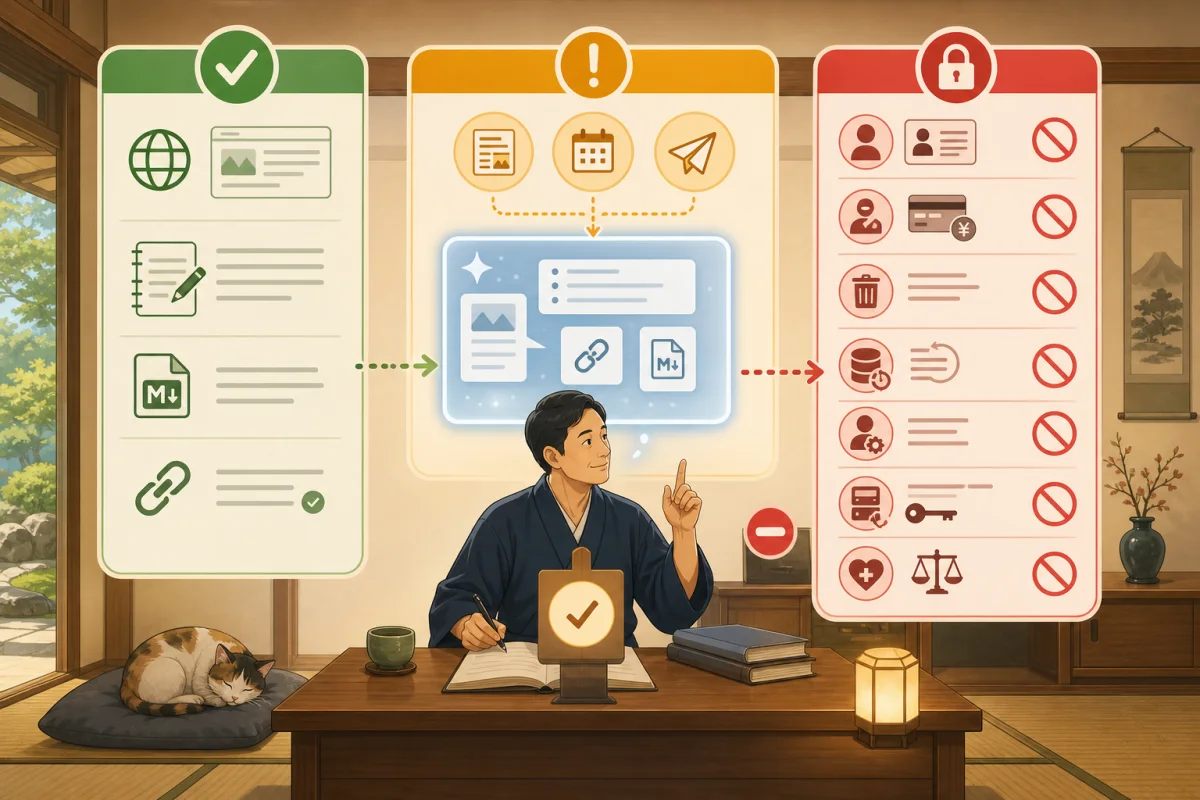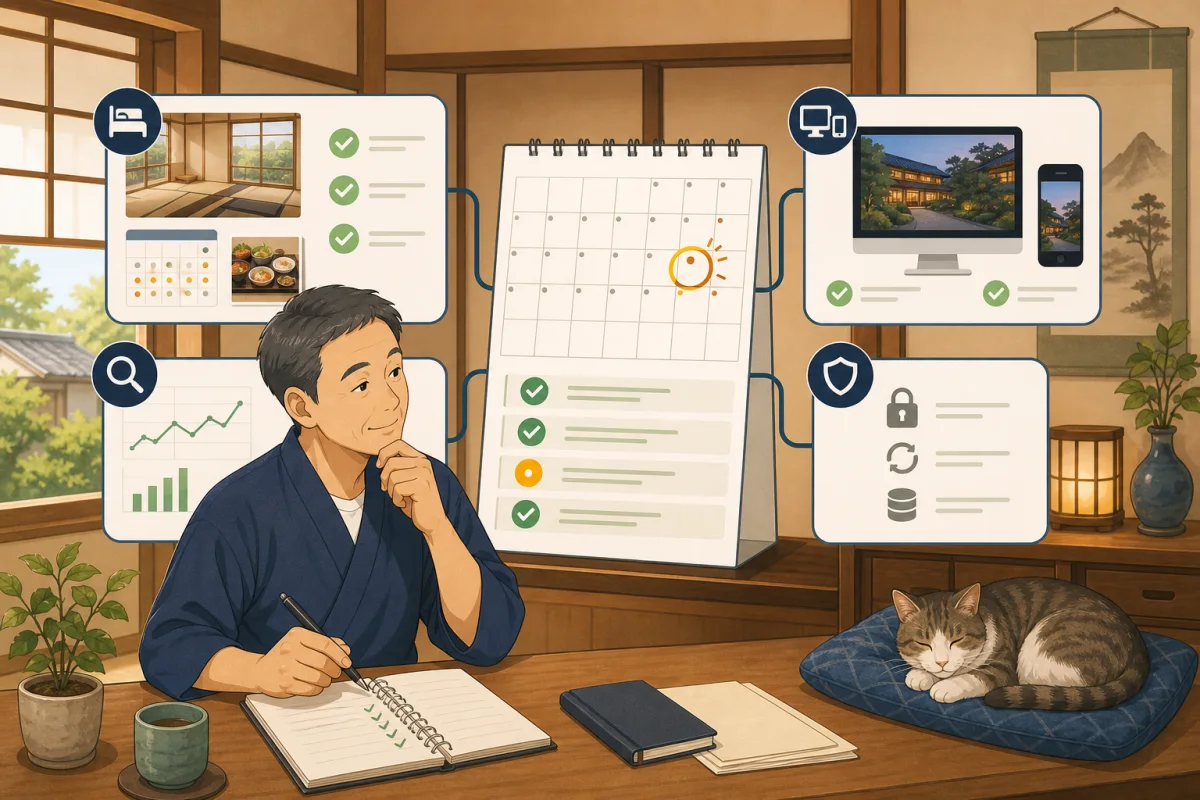
The inn’s official website is not finished once it is completed. Prices and transportation may change, the URL for the reservation service may change, and resident cats may be resting. Updates will also be sent to WordPress and plugins.
However, you don’t have to reread every article and change every setting every month.Monthly inspections are a time to find abnormalities and outdated information, and corrections and updates are done separately after checking the impact.
In this article, we will introduce an inspection procedure that can be carried out at a small inn every month for 60 minutes.
- Conclusion: Check the four areas in order
- Things to prepare before inspection
- Separate what you do every month and what you do every day
- First 15 minutes: Business/reservation information
- Next 15 minutes: Display and reservation leads
- Next 15 minutes: Search and usage
- Last 15 minutes: WordPress and recovery preparation
- Divide the problem you found into four stages
- Monthly checklist template
- Prompt to ask AI to read and inspect
- Conditions for completing the inspection
- Summary
- Reference materials
Conclusion: Check the four areas in order
Monthly inspections will proceed in the following order.
- Sales and reservation information for guests to read
- Public site display and guidance
- Google search and site usage status
- WordPress safety and recovery preparation
It is important not to press the WordPress update button from the beginning. First, check the impact on guests, document any anomalies, and review backup and restore methods before deciding on a change date.
Things to prepare before inspection
- Official website URL
- Official reservations and public URLs of major OTAs
- Original copy of this month’s business days, prices, meals, transportation, etc.
- Previous inspection record
- Smartphone and computer
- An account in the name of the inn that can be used to log into WordPress
- Viewing permissions if you are using Search Console and Analytics
- Backup location and date of last restore confirmation
Individual guests’ reservation numbers, names, contact information, and payment information will not be copied to the monthly checklist. Only public announcements and system status are recorded.
Separate what you do every month and what you do every day
Monthly inspections are not a substitute for daily reservation management.
| Frequency | Main confirmation |
|---|---|
| Daily | New reservations, changes, cancellations, inventory, synchronization errors, same-day arrivals |
| Immediately upon change | Closed, fare error, equipment failure, road closure, reservation suspension, cat rest |
| Once a month | Public information, links, smartphone display, search status, site health, backup records |
| At the time of seasonal/sales changes | Plans, photos, meals, transportation, taxes, winter conditions, target stay dates |
We do not “wait until the next monthly inspection” for emergency information. If we discover an error in pricing or sales, we will make a decision to correct it at that time.
First 15 minutes: Business/reservation information
Compare the information confirmed by the inn as correct with the public page.
Sales and reception
- [ ] Regular business, seasonal business, closed, and suspension of reservations match the current situation.
- [ ] Regular holidays and temporary closing days match the current ones
- [ ] Find out how many months you can make reservations
- [ ] The old emergency notice on the top page does not remain.
guest room/rates/meals
- [ ] The guest room name, capacity, and bedding on sale match the actual one.
- [ ] Prices are displayed for one person/room, tax included/excluding tax, and whether or not meals are included.
- [ ] Additional costs such as bathing tax, accommodation tax, cleaning fee, etc. will be the same as now.
- [ ] Conditions for children, co-sleeping, meals, and allergy consultations match.
- [ ] Ended plans and old season names do not appear available for reservation.
Change/Cancellation/Payment
- [ ] Know the free cancellation deadline and cancellation fee before making a reservation
- [ ] Contact information for changing or canceling reservations can be found for each reservation route.
- [ ] Explanation of local payment, advance payment, and refund method matches the current one
Access and resident cat
- [ ] Address, map, parking, public transportation, and transfers match current
- [ ] Phone number, reception hours, and contact information are correct.
- [ ] The resident cat’s presence, rest, possibility of meeting, and interaction rules match the current ones.
- [ ] There is no promise to ignore the cat’s will or physical condition, such as “I’ll definitely see you”.
For detailed criteria for information items, please refer to Minimum information to be updated on the accommodation site, and for comparing the official website and OTA, please refer to How to match the information on OTA and official website.
Next 15 minutes: Display and reservation leads
Check not only in the browser you are logged in to the management screen, but also in an incognito window.
Top page
- [ ] Official HTTPS URL opens
- [ ] Understand the inn name, area, and inn characteristics
- [ ] Proceed to guest room, rates, access, and reservations from the menu.
- [ ] Ended announcements and empty frames are less noticeable
- [ ] New articles and information are displayed in the intended number and order.
Reservation entrance
- [ ] The reservation button will take you to the correct accommodation and reservation service.
- [ ] Can’t proceed to another facility, URL whose contract has ended, or warning screen
- [ ] You can read important conditions before searching for rates and availability.
- [ ] In addition to phone calls and inquiries, you can find out the official reservation method you are using.
We do not confirm reservations with real dates or enter card information for confirmation. Only use the official procedure if your reservation system has a testing feature.
Smartphone
- [ ] You can open and close the menu.
- [ ] The main text, tables, and photos do not extend far beyond the screen.
- [ ] The phone/reservation button is not hidden behind another element.
- [ ] You can return to the site after opening the map
- [ ] Displays such as cookie consent do not block the reservation button
Main links
- [ ] Guest room, rates, meals, access, FAQ does not result in 404
- [ ] Links to external reservations, tourist associations, and SNS are still valid
- [ ] The inquiry form can be displayed.
- [ ] Confirm sending as necessary only to the site administrator’s test destination
Detailed confirmation immediately after updating a page is explained in How to confirm after WordPress publication.
Next 15 minutes: Search and usage
Don’t just judge the numbers based on increases or decreases, look at the previous month, the same month last year, closed days, consecutive holidays, and seasonal changes.
Search Console
Google instructs owners of small sites how to check their dashboards about once a month to detect an increase in errors or an unnatural decrease in the number of clicks.
- [ ] There are no new important messages
- [ ] Security issues and manual actions are not displayed
- [ ] Page registration errors are not increasing rapidly
- [ ] There is no problem reading the site map.
- [ ] There are no unexplained sudden changes in the number of clicks and impressions.
- [ ] Recorded whether important pages need to be inspected by URL.
Not all “unregistered URLs” are problems. Please do not force yourself to register administrative/duplicate pages that do not need to appear in search results. For a detailed explanation, see Introduction to Google Search Console.
Google Analytics 4
- [ ] Measurement has not stopped completely.
- [ ] Main pages such as reservation information and guest room are being viewed.
- [ ] Important events that have been set, such as the reservation button, are recorded.
- [ ] I considered whether the numbers were increasing just from confirmation access by myself or the production company.
- [ ] Name, email, phone number, reservation number, etc. are not included in the URL or event name.
We do not delete pages with little access just based on monthly numbers. Questions from guests, search terms, and seasonality will be included in the suggestions for improvement. The introduction method and precautions regarding personal information are explained in Introduction to Google Analytics 4.
Last 15 minutes: WordPress and recovery preparation
You can check critical issues and improvements under “Tools → Site Health” on the WordPress admin screen. You don’t have to change everything on the spot after seeing the diagnostic results.
Site health and update candidates
- [ ] No new critical issues with site health
- [ ] Recorded update candidates for WordPress itself, theme, and plugins.
- [ ] We have designated a person to check updates, compatibility, and support information.
- [ ] There are no unused administrator accounts or unknown users.
- [ ] The administrator’s email address will be sent to the current person in charge.
There is a difference between having an update candidate and being able to apply it to production immediately. Make a backup before making changes, check how to restore, and update to avoid busy times.
Backup
- [ ] Find out when the last backup was completed
- [ ] Includes database, images, themes, and plugins
- [ ] You can actually access the storage location.
- [ ] Not only error notification but also completion record
- [ ] Understand the restoration procedure and the person in charge of restoration
- [ ] Records the most recent restore test date.
Just because a backup file exists does not mean it can be restored. Please use Backup and restore before WordPress update and check the procedure that matches your contracted server method.
Login and Safety
- [ ] All administrators are using individual accounts
- [ ] Confirmed the accounts of retirees and those whose contracts have ended.
- [ ] Two-factor authentication can be used as intended
- [ ] No suspicious login notifications or unexpected changes
- [ ] When using BASIC authentication, understand the impact on REST API and external collaboration.
Settings to protect your login are covered in BASIC/Two-Step Authentication for WordPress Login.
Divide the problem you found into four stages
| Priority | Example | Estimated response |
|---|---|---|
| Emergency | Site suspension, reservations made to another facility, personal information exposed, unauthorized administrator | Stop additional changes and decide whether to suspend or restore publication with the person in charge |
| High | Errors in prices, closures, and cancellations, reservations not possible, and old information about cats’ presence | Confirm correct information and scope of influence on the day |
| Medium | Some 404s, broken smartphone display, sudden abnormalities in search registration | Decide on the person in charge and deadline for corrections |
| Low | Minor typos, photo replacement, improved explanation | Move to next update |
We don’t mix unrelated plugin updates or design changes in the middle of fixing a single issue. This is because you don’t know the cause and how to fix it.
Monthly checklist template
Target month:
Inspection date:
Inspector:
Last inspection date:

1. Business/reservation information: No problem / Action required / unconfirmed
2. Display/Reservation route: No problem / Action required / unconfirmed
3. Search Console: No problem/Needs action/Not used
4. Analytics: No problem / Action required / Not used
5. WordPress: No problem / Action required / unconfirmed
6. Backup: No problem / Action required / unconfirmed
7. Login/Security: No problems / Action required / unconfirmed

Problem URL or screen:
Impact on guests:
Priority: Urgent/High/Medium/Low
Person in charge of correction:
Correction deadline:
Backup before change: Necessary/Unnecessary/Waiting for decision
Confirmed by:
Next inspection date:
Confirmation is required to select “No problem”.If something could not be viewed without authorization, it will be recorded as “unconfirmed” instead of no problem.
Prompt to ask AI to read and inspect
Please help with the monthly inspection of the accommodation site.
This time we will only read and report public pages, log in, edit, update,
Please do not make reservations, send inquiries, call, or make payments.

Official website: [URL]
Official reservation: [Public URL]
Main OTA: [Public URL]
Current information confirmed by the inn: [operations, fees, address, transportation, resident cat, etc.]
Previous inspection results: [Contents]

Please categorize the following into "No problem," "Requires action," "unconfirmed," and "Not applicable."
1. Business hours/Closed hours/Reservation reception
2. Guest room/rates/meals/additional expenses
3. Cancellation/Change/Payment
4. Address/Transportation/Transfer/Contact information
5. Current information about resident cat
6. HTTPS, 404, key internal and external links
7. Display problems on PC/smartphone
8. Directions for reservations and inquiries

Add the URL, relevant location, and impact on guests to problem candidates.
Please rank them in order of emergency, high, medium, and low.
Please do not guess the information and mark items that can only be confirmed on the management screen as unconfirmed.
The contents of the Search Console, Analytics, and WordPress management screens will be shared by the host as screen and export data only to the extent necessary. Passwords, two-factor authentication codes, reservation information, and private keys are not pasted to the AI.
Conditions for completing the inspection
Just filling out the checklist is not enough.
- Determined the person in charge and deadline for urgent/high-level issues.
- Decide who will confirm unconfirmed items.
- Reconfirmed the revised items on PC and smartphone.
- Changes related to reservations and rates are verified by another person or at a later time.
- Registered the next inspection date on the calendar.
If you are a small inn and there is only one person checking, you can also check again from the public screen the next morning instead of immediately after making the changes.
Summary
The purpose of monthly inspections is not to redesign the site every month. By looking at business/reservation information, public display, search status, WordPress and recovery preparations in order, you can quickly find abnormalities that have a large impact on guests.
Separate reservation inventory to be checked daily, emergency information to be updated immediately when changes are made, publication status to be checked monthly, and plans to be reviewed by season. Record “No problem,” “Requires action,” and “unconfirmed,” and make any changes after deciding on a backup and a person to confirm.
Reference materials
- WordPress.org: Site Health Screen (English)
- Google Search Console Help: Basic usage for site owners (English)
- Google Search Console Help: Page Indexing Report
- Google Search Console Help: URL Inspection Tool
Note: When updating WordPress, themes, plugins, and reservation services, please check their official information and contract details. Please do not perform unplanned bulk updates to the production environment based solely on inspection results.