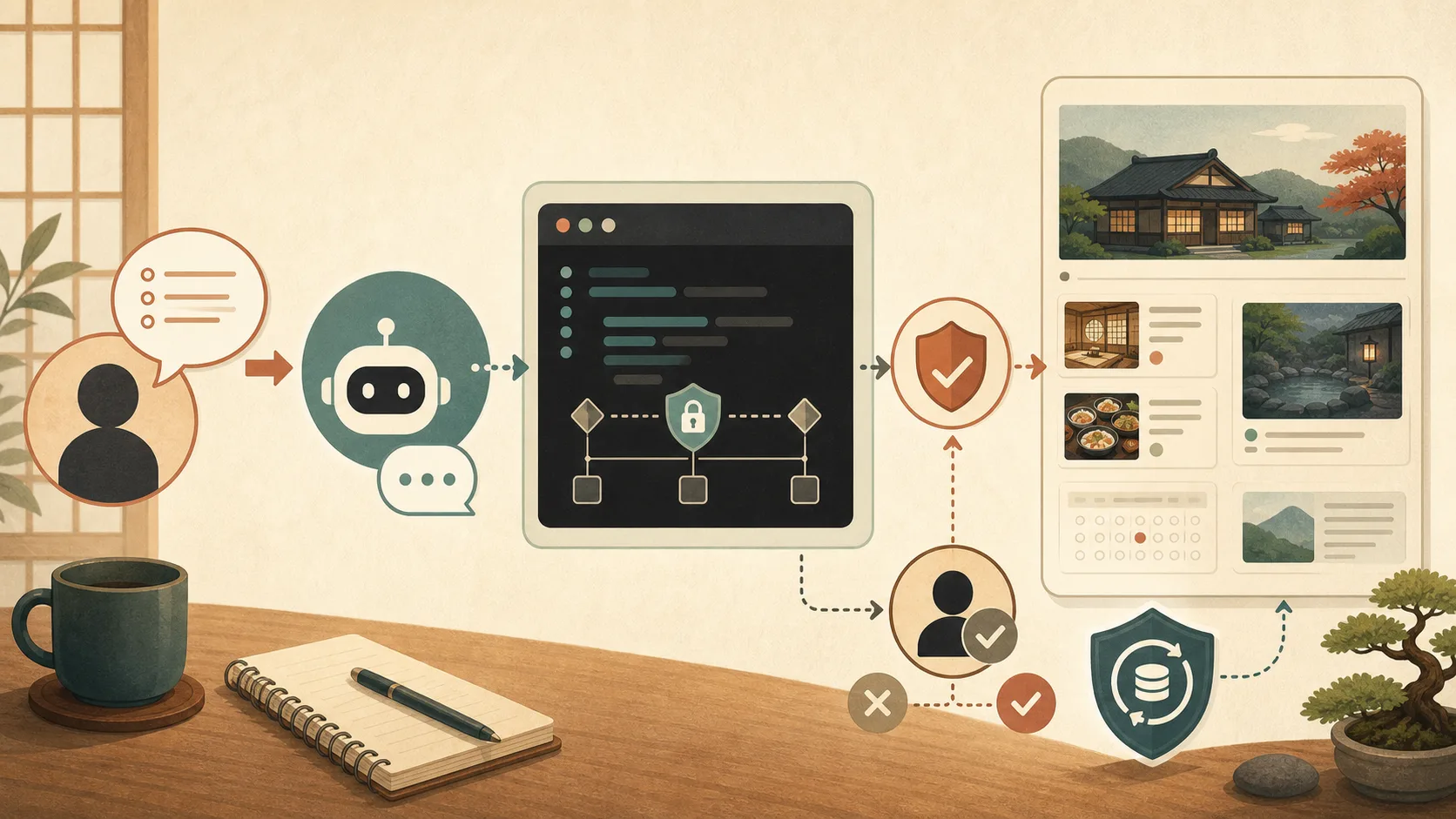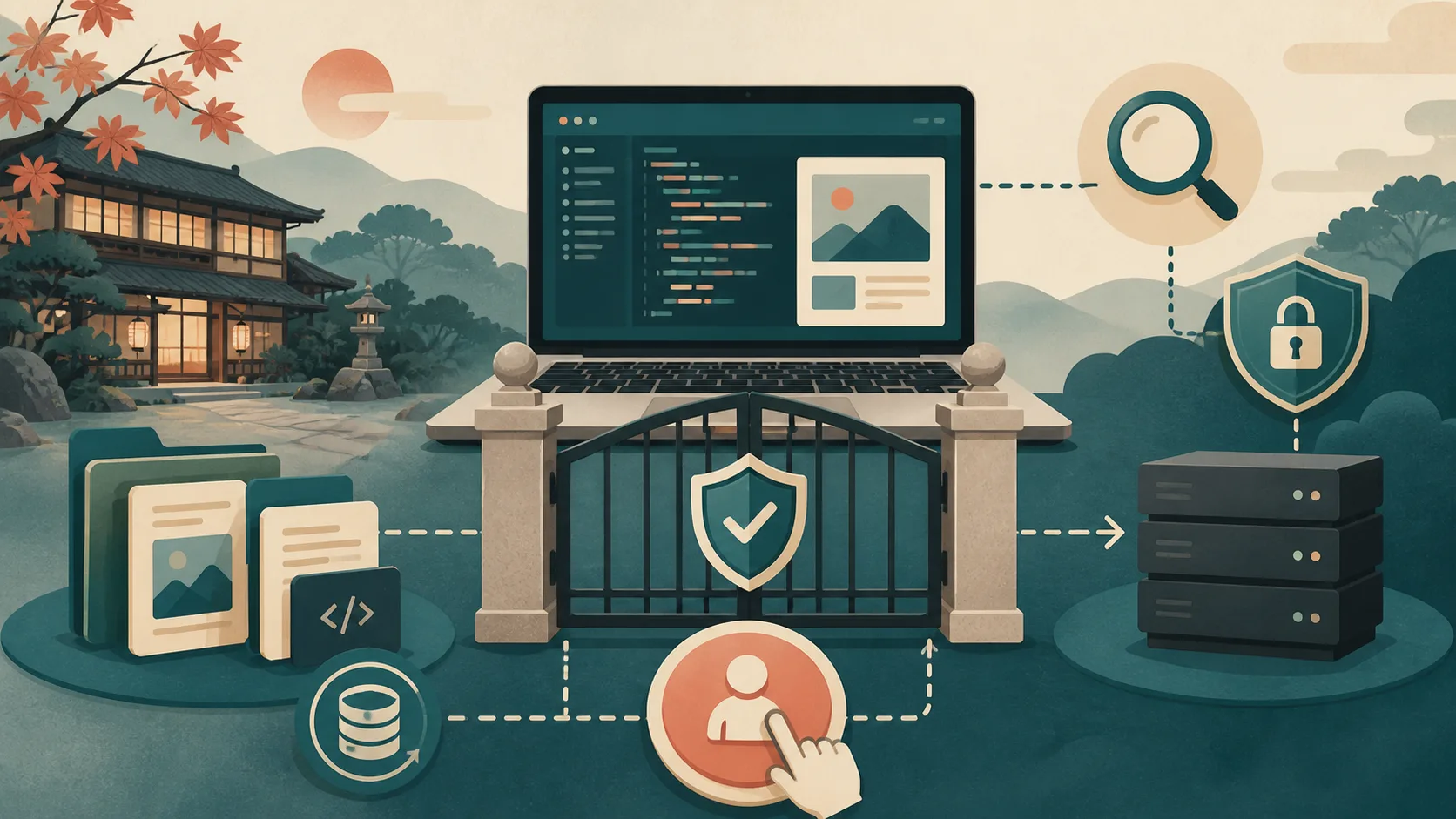
Codex and Claude Code can assist with site configuration research, article creation, code modification, and testing. On the other hand, depending on the environment you connect to and the permissions you give, it can also affect your production files and servers. Decide what to allow and what people will approve of before considering convenience.
Separate “investigate” and “change”
For the first request, we only ask for reading-based research and suggestions.
Please investigate how this WordPress site is structured and updated, and organize your suggestions for improvement.
Please do not change files, apply them to production, restart, update, or delete them yet.
If you are unsure about something, please write "Unknown" instead of guessing.
After reviewing the report, request changes by specifying the target file and completion conditions. This will prevent misunderstandings from proceeding to the actual revision even though you thought you were asking for a diagnosis.
Operations that require human approval
Typically, you would pre-approve the following:
- Go live, deploy, sync
- Delete posts, images, files, and databases
- WordPress, themes, plugins, OS updates
- Stopping and restarting servers and containers
- Registration, contract, and billing of external services
- Send email to guests
- Change reservations, inventory, refunds, and payment data
Allow local drafts and non-destructive testing, and create boundaries that stop at operations that affect the outside world, making it easier to proceed.
Do not paste confidential information and customer information
Do not write passwords, API keys, private keys, or card information in conversations or instructions. Please do not use customers’ names, addresses, phone numbers, emails, and reservation numbers as actual data for investigations. Use the secure storage function of the usage environment for authentication information, and limit the privileges and duration to the minimum necessary.
AGENTS.md and CLAUDE.md
The site structure, work procedures, and safety rules that are communicated each time are summarized in Markdown within the project. The official file name is AGENTS.md in Codex and CLAUDE.md in Claude Code.
You can reduce double management by writing the common rule in AGENTS.md and reading it at the beginning of CLAUDE.md as follows.
@AGENTS.md
This @ is not part of the file name, but a symbol used by Claude Code to read another file. It does not create a file named @AGENTS.md.
Folder to manage the accommodation site/
├── AGENTS.md ← Common rules read by Codex
└── CLAUDE.md ← Read by Claude Code. Also load AGENTS.md from inside.
View and save templates directly
The following Markdown file is not a ZIP.You can open the link to see its contents and save it.
- Display AGENTS.md for Codex/Common Rules
- Display CLAUDE.md for Claude Code
- Display installation explanation README.md
Applying the starter version to Neko Yado Research’s editorial policy is as follows. The published example does not include server configuration, services used, internal paths, commands, connection information, or authentication information.
- See Neko Yado Research version AGENTS.md entry example
- See example entry in CLAUDE.md for Neko Yado Research version
Points to be realized from the starter version
In contrast to the blank fields in the starter version, the published example specifies the actions and completion conditions without revealing the environment, such as “default steps with limited permissions”, “restoreable backups”, and “confirmation of public pages and internal links”.
In addition, we have changed the instructions from an abstract instruction such as “work safely” to a format that allows judgment as follows.
| Starter version items | Specific examples from Neko Yado Research |
|---|---|
| Work target | Limited to manuscripts and operational documents in authorized work areas |
| WordPress operations | Use default steps with limited permissions |
| Check before change | Check if there is a restoreable backup and how to restore |
| Article rules | Check the official information about the cat’s presence and guest-room visits, and do not write about experiences you have not experienced |
| Check after publishing | Check page display, text, images, categories, author, and internal links |
| Home page | Keep 6 new items and exclude host category |
| Operations requiring approval | Restart, update, deletion, reservation/payment changes, external transmission |
Even when using it at your own hotel, if you specify “which file”, “which confirmation method”, and “which operation to stop” to this extent, it will be easier to match AI and human recognition.
The official filename for Codex is plural AGENTS.md, not singular AGENT.md. Please be careful to ensure it does not change to AGENTS.md.txt during saving.
1. Save the file
Open the link and either “save page” in your browser or copy the contents into a text editor and name the file exactly AGENTS.md.If you also use Claude Code, save CLAUDE.md as well.
Instead of placing them in the WordPress admin panel or on the live server, we place themes, plugins, article drafts, and sync scripts at the top level of the working folder where they are managed. If the production company manages the site and you do not know the working folder, please do not upload to the server on your own; instead, confirm with the person in charge.
2. Rewrite the items in square brackets
Replace the [宿名] in the distribution version of AGENTS.md, [URL], [事業者名], and other items with those in your own environment. Do not guess for items you do not understand; it is acceptable to write “Unknown/Confirming with the production company.”
In particular, be specific about the following items:
- Where to find the original manuscript or theme
- Steps to reflect in production
- How to take and restore backup
- Page to check after update and reservation/inquiry function
- Operations that AI may perform
- Operations that require prior approval, such as production release, deletion, and restart
Do not write passwords, API keys, private keys, or customer information.
3. Check loading with Codex
Open the folder where you placed AGENTS.md in Codex, start a new task and ask:
Please summarize the currently loaded project instructions.
Do not make any changes to the files or server yet.
Check if the accommodation name, work procedure, and operations requiring approval are reflected in the answer. If it is not reflected, review the file name, location, and folder opened in Codex.
4. Check loading with Claude Code
Place AGENTS.md and CLAUDE.md in the same folder and start Claude Code in that folder. Common rules are also loaded by @AGENTS.md written in CLAUDE.md.
Run /context with Claude Code and check if CLAUDE.md is visible as a memory file. Then, similar to Codex, ask for a “summary of the current project instructions” and make sure the common rules are reflected.
5. Start with small reading tasks
We start with tasks that do not change the original state, such as checking the site configuration, without asking for updates or publication from the beginning.
Check out this project's WordPress configuration and publishing steps.
Please follow the rules of AGENTS.md and only read this time.
Please report any questions or things you should check before proceeding.
Verify that the report matches your environment, then expand to your local draft, test environment, and production environment.
Just placing instructions does not make it safer.
AGENTS.md and CLAUDE.md are instructions to the AI, not mandatory access control. Combine with SSH permissions, sandbox, backup, and authorization settings. If your operations change, please update the files and avoid leaving behind outdated publishing procedures or non-existent verification commands.
Specific measures to limit privileges on the execution path side are explained in Design of privileges when letting AI access the production server, divided into dedicated OS users, SSH, sudo, WP-CLI, and emergency shutdown.
Tasks that cannot be left to AI alone, such as factual misunderstandings, omissions in updates, bulk changes, and backup failures that are likely to occur, are organized in Failures that occur in AI operations and tasks that should not be left to AI.
Records left before and after work
Before proceeding, check the backup date and time, target, and restoration method. Upon completion, let them report the modified files, tests run, unconfirmed items, and URLs for people to review after publication. Don’t leave decisions only in conversations; reflect them in operational documents.
Free template
Neko Yado Research publishes AGENTS.md and CLAUDE.md above for free. Before using it, be sure to adjust the server system, publishing procedure, backup method, and areas that should not be touched to suit your environment.
Reference materials
Note: Product specifications and settings may change. Please check the latest version of each official document when installing.
If you want to proceed to operations using WP-CLI, please refer to [What is WP-CLI? Start the read-only review from The basics and safe way to get started before letting AI help you with WordPress.