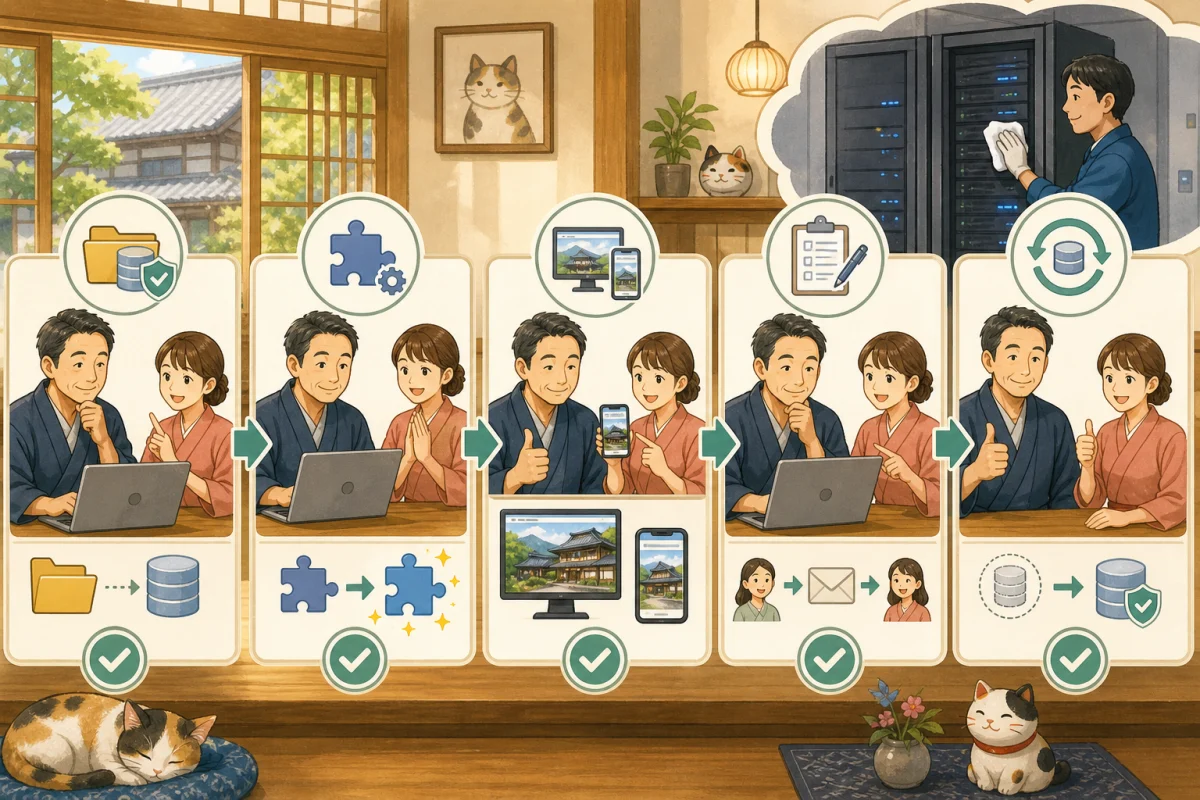
Even if you are told that you have taken a backup before updating WordPress, that alone does not necessarily mean it is safe. If you only have files, the database is old, the storage location is the same as the production server, and no one knows how to restore it, you may not be able to restore it in the event of a failure.
The following conditions are required for the accommodation site.
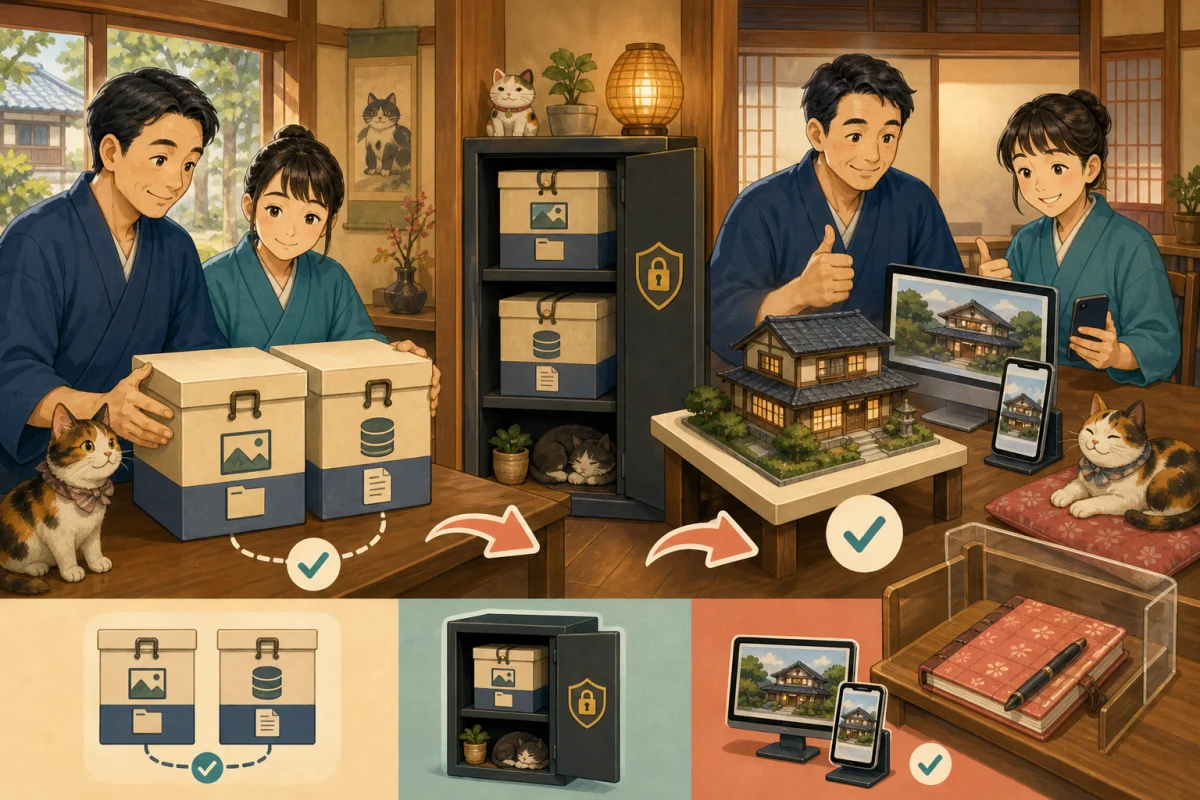
** Files and databases from the same point in time are stored as a set, you know where and how to restore them, and the items to check after restoration are determined.**
In this article, we will not limit you to one method of obtaining backups, but will explain the confirmation methods that are common to rental servers, backup plugins, and production company operations.
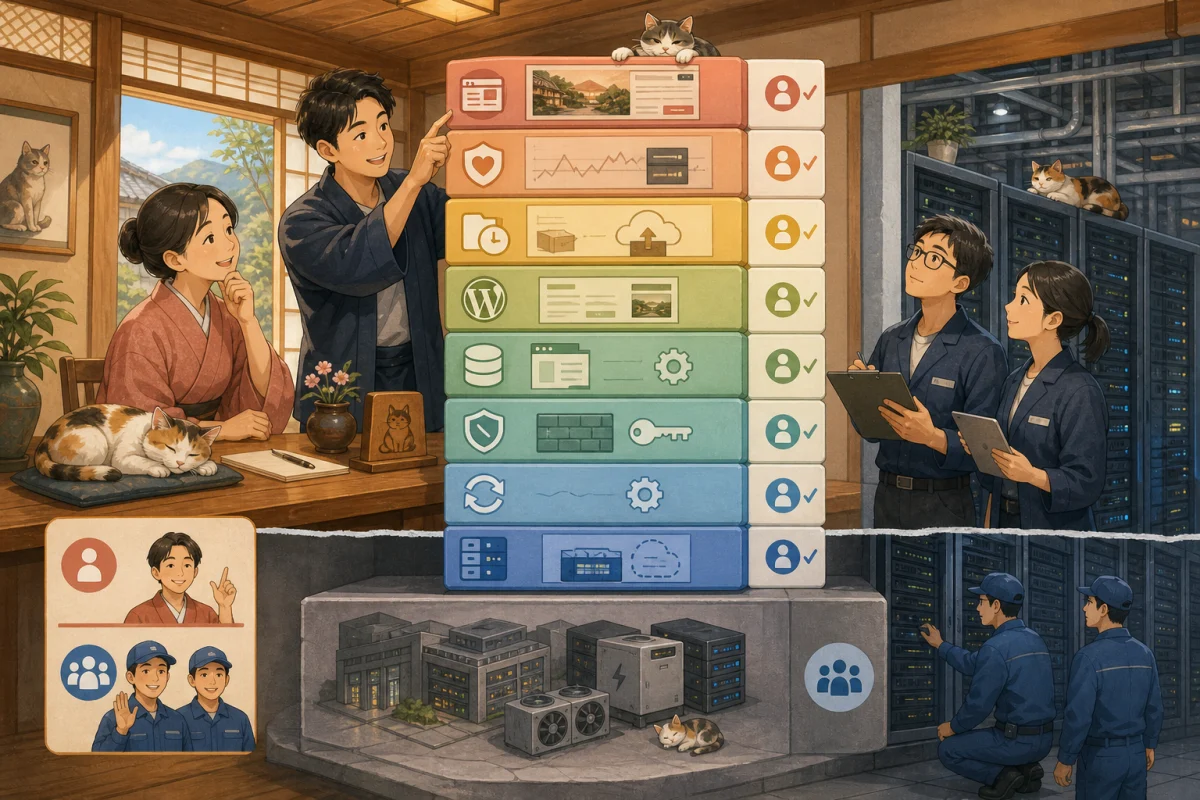
- There are two main parts to a backup.
- External services are not included in WordPress
- Manage a set of “restore points”
- Three common acquisition methods
- Don’t just put it inside the server
- Prevent backup disclosure accidents
- How to confirm acquisition success
- Perform a restore test
- Stop before production restore
- Basic order of restoration
- Confirmation table after restoration
- Retention period is determined by update frequency
- Prompt to ask AI for confirmation
- Backup management table
- Summary
- Reference materials
There are two main parts to a backup.
1. WordPress files
- Theme
- Plugin
- Upload image/PDF
wp-config.php- Configuration files such as
.htaccess - WordPress main files
2. Database
- Posts, fixed pages, comments
- WordPress settings
- User information
- Menu and widget settings
- Settings and data saved by many plugins
WordPress official database backup material also explains that files such as themes, plugins, uploads, wp-config.php, etc. are not included in database export.
There are cases where only the files or only the database are saved, but in principle, both are saved when performing a pre-update backup that restores the entire WordPress.
External services are not included in WordPress
The following data may be located outside of WordPress.
- OTA reservation
- External reservation system inventory/guest information
- Payments such as Stripe and Square
- Google Analytics・Search Console
- External email service mailbox
- DNS/Domain Agreement
- SNS and map information
Restoring WordPress does not necessarily return these to the past. On the other hand, if you revert only WordPress to the past, there is a possibility that the status of external reservations and payments will be inconsistent.
Manage a set of “restore points”
Include the following information with your backup:
| Item | Record example |
|---|---|
| Acquisition date and time | 2026-08-16 10:00 JST |
| Target site | Official website domain |
| Target folder | WordPress installation location |
| Database | Record target name in secure management table |
| File | Completion/Capacity |
| Database | Completion/Capacity |
| Reason for acquisition | Before plugin update |
| Storage location | Storage location outside the server |
| Verification | Read/Checksum/Restore Test |
| Person in charge | Acquirer/confirmer |
If the times of the file and database are significantly different, inconsistencies may occur, such as images existing but not displayed in the article, or settings and plugin versions not matching.
Three common acquisition methods
Rental server backup
Save and restore files and databases from the admin screen. While the operations are easy to understand, retention periods, restoration fees, targets, and whether or not data can be saved separately vary depending on the plan.
Lollipop Official Manual also restores the website and database separately. Be sure not to confuse the target and restoration date and time.
WordPress Backup Plugin
You can set periodic acquisition and external storage from the management screen. However, if the site is unable to open, you may not be able to access the WordPress management screen and may not be able to restore the site using the same plugin alone.
Things to check are:
- Is it possible to restore even if you cannot enter WordPress?
- Who manages the storage credentials?
- Processing does not terminate midway on large-capacity sites?
- Is the backup itself unreadable from the public URL?
- Can I retrieve the plugin even after the contract ends?
Backup by production/maintenance company
Check not only what is “included in maintenance” but also retrieval frequency, retention period, restoration target time, additional charges, and handover at the end of the contract. The accommodation will also have emergency contact information and the date and time of the most recent success.
Don’t just put it inside the server
If you simply copy it to another folder on the same server, you will be simultaneously affected by server failure, contract suspension, infringement, and capacity shortage.
Keep at least one backup in a trusted location separate from the production server.
- Cloud storage separate from server company
- Limited access business storage
- Encrypted external media
- Separate backup infrastructure for maintenance companies
Official WordPress security document also suggests the idea of placing periodic snapshots of the entire WordPress and database in a trusted location.
Prevent backup disclosure accidents
If you place a backup of SQL, ZIP, tar, etc. in a public web folder, there is a risk that it will be retrieved if the URL is known. Backups may include personal information, email addresses, password hashes, settings, and confidential information.
- Do not place it in a location where it can be obtained directly from the web.
- Limit the sharing scope of the save destination
- Encrypt if necessary
- Do not put the decryption key in the same location as the backup
- Allows you to check download history and operation history
- Safely delete old backups you no longer need
Please do not post the backup URL, password, or decryption key to AI chat.
How to confirm acquisition success
In addition to the “Complete” email, check for the following:
- Not exiting with error
- File size is not 0 or extremely small
- Database file exists
- Obtained date and time immediately before update
- Target domain and folder are correct
- Can actually read from the storage location
- Matches if hash value/checksum exists
Scheduled backups check the date and time of the last successful backup every month. It may have been failing for several months due to insufficient capacity or expired authentication.
Perform a restore test
The most reliable way to confirm that a backup is usable is to restore it to a test environment separate from production.
- Prepare domain/folder/database for testing
- Blocked from search engines and general users
- Restore files
- Restore the database
- Safely change to test URL
- Log in to the management screen
- Check the top, articles, images, and menu
- Confirm reservations/inquiries with settings that do not send them to the actual production.
- Confirm the protection of personal information
- Record results and time required
Avoid sending emails to guests or manipulating external reservation inventory or live payments from the test environment.
If you do not have a technical person, ask the server company or production company, “Can you confirm the restoration to a different location without overwriting the original?”
Stop before production restore
Production restore is an important operation that may overwrite existing data with a past state. Don’t rush into action, first decide what’s next.
- Is this a problem only on the public screen?
- Can I enter the management screen?
- Can I restore just the last plugin?
- Will it be fixed if I just restore the file?
- Do I need to go back to the database?
- Are there any new reservations/inquiries/articles after the backup?
- Is the status with external payments/OTA out of sync?
Database restoration may erase information that was included after the backup. Before restoring, the current data is also saved urgently and the difference is recorded.
Basic order of restoration
For actual operations, the server company’s procedures will take precedence. The general decision order is:
- Temporarily suspend new updates, posts, and reservations.
- Record failure time and symptoms
- Make an emergency backup of the current state
- Confirm the restore target and restore point together
- Separately record reservations/inquiries after backup
- Restore the required range of file databases
- Delete cache
- Check the management screen and public screen
- Check reservations, forms, and emails
- Safely re-enter and verify differences
- Resume sales/updates
Rather than “returning everything”, you may be able to safely restore only the part that caused the problem. If you cannot make a determination, do not perform a full restore and contact maintenance.
Confirmation table after restoration
WordPress
- [ ] Top, guest room, price, and access are displayed.
- [ ] Image and PDF are displayed
- [ ] Menu and internal links work
- [ ] You can log in to the management screen
- [ ] You can save articles as drafts.
- [ ] No SSL warnings, 404s, or PHP errors
Reservations/Inquiries
- [ ] Reservation button goes to correct external page
- [ ] Inventory reserved within WordPress matches external inventory
- [ ] Inquiry form works
- [ ] You will receive a notification from the accommodation and an automatic reply.
- [ ] Reflecting reservations, cancellations, and changes received during restoration.
Safety
- [ ] Test environment is not open for search
- [ ] The backup file is not published on the web.
- [ ] Temporary account for recovery has been suspended
- [ ] Checked cache and temporary files.
- [ ] Recorded restoration date and time, person in charge, and results.
Retention period is determined by update frequency
If you continue to overwrite only one latest version, there may be no normal version left by the time you notice an infringement or defect.
Even in a small inn, keep things separate for different purposes.
- Manual backup just before update
- Daily automatic backup
- Weekly/monthly long-term backup
- Archive version before major design changes
The required period is determined by article updates, reservation data storage location, maintenance contract, and personal information policy. It is also important not to retain unnecessary personal information indefinitely.
Prompt to ask AI for confirmation
Please check the inn's WordPress backup before updating.
Do not perform any retrieval, restore, deletion, or production changes yet.

Just read and organize the following.
- WordPress installation location
- Target database
- How to retrieve files and databases
- Data that does not include external reservations, payments, emails, etc.
- Current storage location, retention period, last success date and time
- Is there a separate storage location from the actual one?
- Restoration method and time required
- New data that may be lost on restore
- Restoration test plan that does not overwrite the production version

Do not display confidential information, customer information, or the contents of backups.
If you are unsure about anything, please do not speculate and ask the server company.
We do not allow the AI to perform a production restore from the beginning, and only proceed after humans approve the target, restore point, differences, and confirmation method.
Backup management table
| Date and time | Reason | File | DB | Save separately | Verification | Restore test | Person in charge |
|---|---|---|---|---|---|---|---|
| Before update |
Do not write passwords or encryption keys directly in this table; use secure password management methods.
Summary
- Combine files and databases as the same restore point
- Check external reservations, payments, and emails separately.
- Save at least one off the production server
- Check not only the completed email, but also the capacity, date and time, target, and reading.
- Test recovery to a location separate from the production location
- Save reservations and inquiries after backup before production restoration
- After restoration, check not only the display but also reservations, forms, and emails.
Combine this with How to safely update WordPress on a rental server to make backup, update, confirmation, and restore into one manual.
Reference materials
- WordPress.org: Database backup and restore
- WordPress.org: WordPress hardening and backup
- WordPress.org: Add existing site to test environment
- Lollipop: Backup restore
Note: Backup targets, storage period, restoration fees, and operation screens vary depending on the service and contract plan. Please be sure to check the latest manual from your contractor.