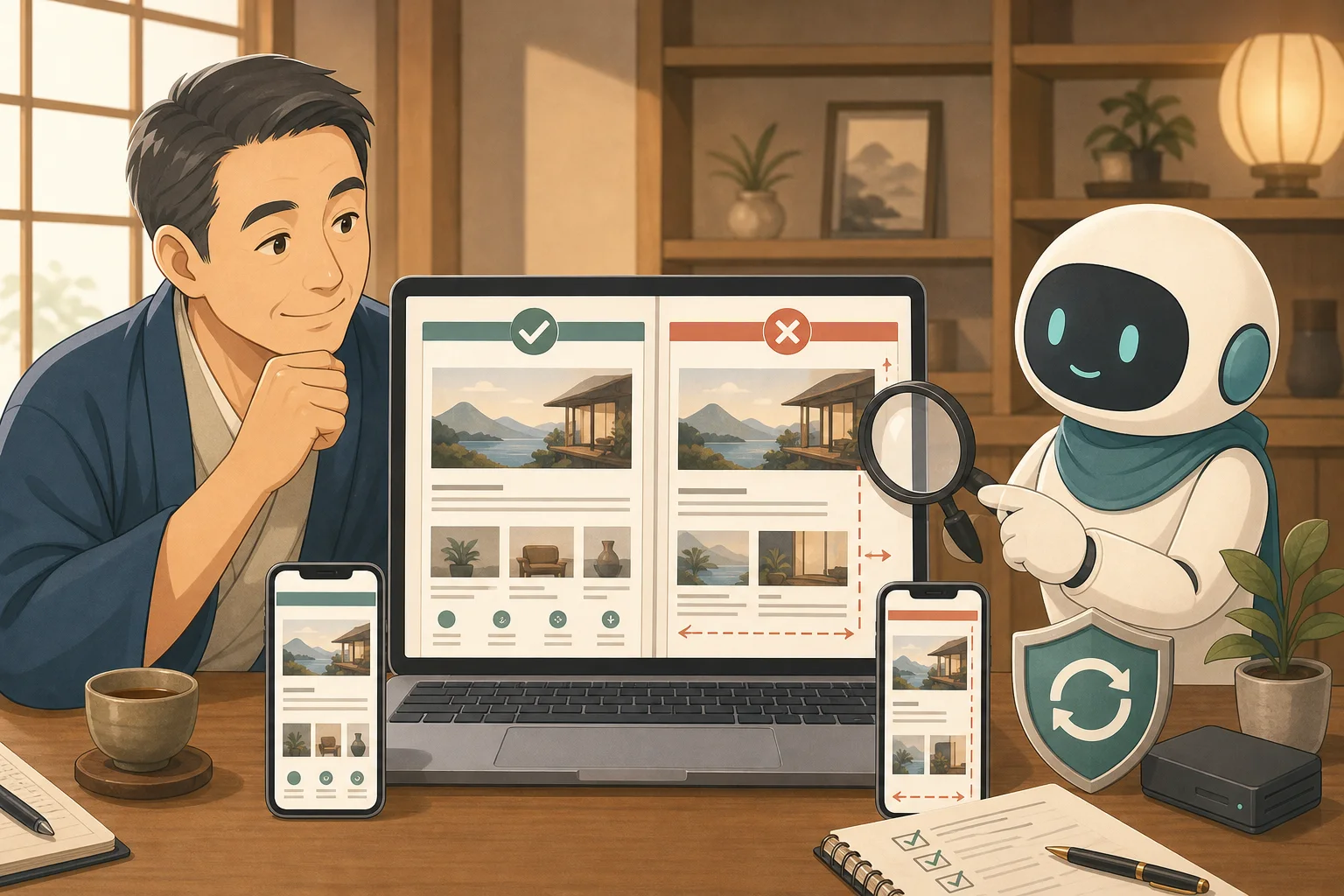
If you suddenly update WordPress, themes, and plugins on your production site, problems such as menus shifting, reservation buttons disappearing, and inquiry forms not working will be visible to guests.
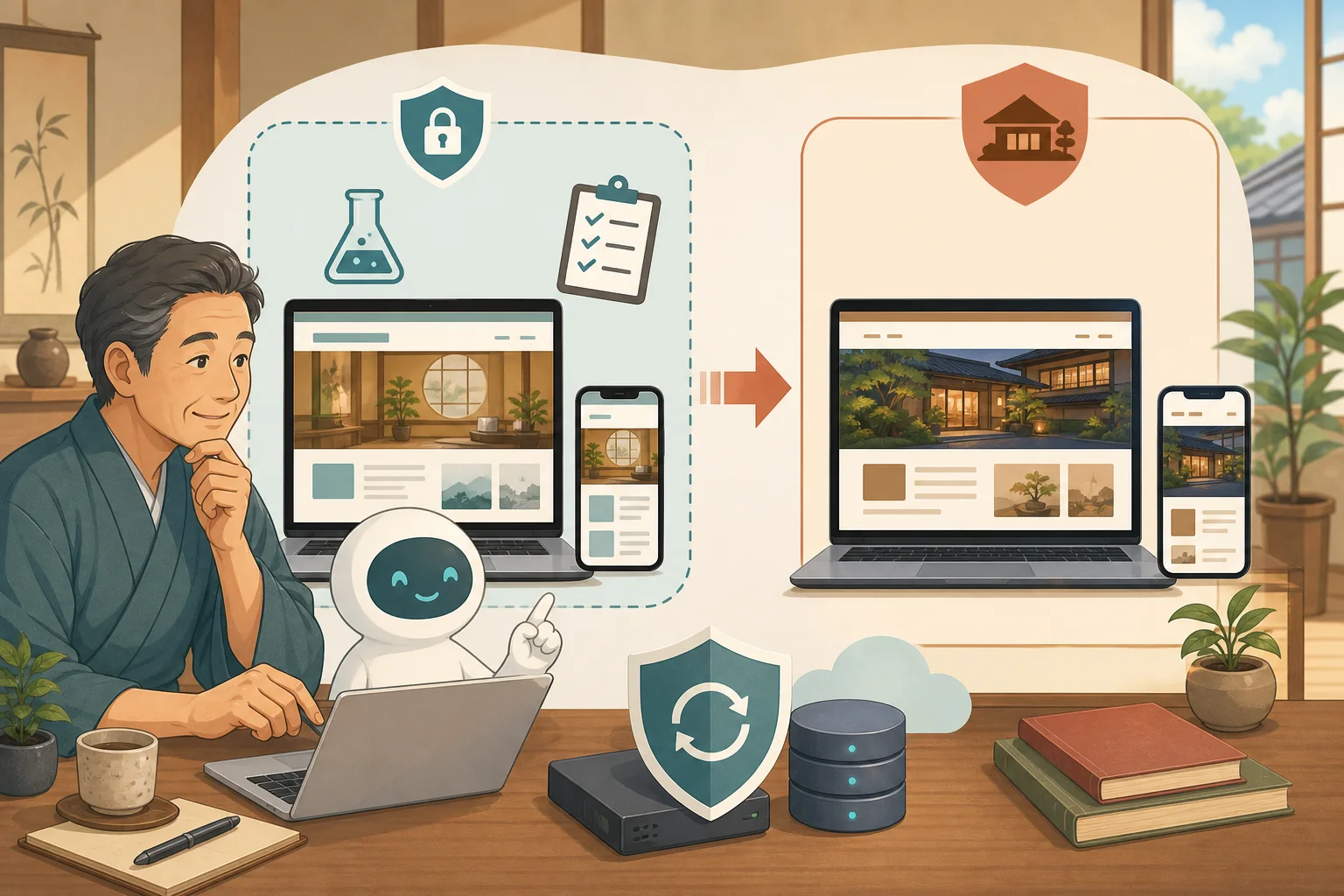
What we use here is Verification environment (staging environment).Create a copy somewhere else that is closer to your production site and try any updates or corrections first.
However, staging is not a “safe copy at all costs.”Other accidents can occur if they are created and used incorrectly, such as duplicating genuine reservation information, sending test emails to guests, and overwriting old verification data to the actual one.
- Conclusion: Staging is a rehearsal place before the actual release
- Differences between production, staging, and local environments
- What task should you try first?
- Main methods for staging
- Do not display verification environment in search results
- Do not leave genuine reservation/customer information as is.
- Stop emails/reservations/payments
- Do not mix Google Analytics and Search Console
- The most dangerous thing is completely overwriting the production.
- What AI can help with
- Implementation steps for beginners
- Copy-paste prompt: Research before implementing staging
- Copy-paste prompt: Try updating with staging
- Completion Checklist
- Summary
- Reference materials
Conclusion: Staging is a rehearsal place before the actual release
During staging, we try out the following flow before the actual production.
Check the production configuration
↓
Securely replicate to verification environment
↓
Only one update/change
↓
Check your PC/smartphone/reservation line
↓
Record problems and procedures
↓
People approve and implement the same changes in production
What is important is not to unconditionally overwrite the entire verification environment to the production environment. This is where you check what to try, what works, and what goes into production.
Differences between production, staging, and local environments
| Environment | Main purpose | Who will see it | Points to note |
|---|---|---|---|
| Actual environment | Inn official information, reservations, inquiries | Guests/search engine | Failures directly affect sales |
| Staging | Try updates, displays, and functions in a state close to production | Host, creator, and maintenance | Restrict external disclosure, email, payments, and personal information |
| Local environment | Develop and practice on your own PC | As a general rule, only for operators | It may not be possible to reproduce the behavior specific to the production server |
Staging is also not a replacement for backups. Staging itself may break and may become unavailable at the same time as production fails. Back up your production files and database separately before updating.
What task should you try first?
- WordPress main body update
- Update of the theme/child theme in use
- Update/add/stop plugins
- PHP version change
- CSS and layout corrections
- Menu, header and footer changes
- Changes to reservation button and inquiry form
- Cache/speedup settings
- Lots of articles, URLs, and image changes
There is no need to require staging every time you correct a typo. Changes that affect the entire site, reservations, inquiries, payments, themes, and databases are worth trying first.
Main methods for staging
1.Server company staging capabilities
The rental server or managed WordPress you have a contract with may have replication/staging functions.
This method is relatively easy to understand for beginners, but please check the following.
- Can it be used with your current plan?
- Whether to replicate files or databases
- Staging URL and access restrictions
- From production to verification, direction of reflection in production
- What will be overwritten during reflection?
- Handling of emails, reservations, payments, and access analysis
- Retention period and additional fees
WordPress.com Staging Guide also provides an option to replace the database on the production side when synchronizing staging to production, so it is necessary to back up and confirm the production data before synchronization. Even if the function name is the same, the operation differs depending on the operator.
2.Staging plugin
There is also a way to clone your site with a WordPress plugin. This is a candidate if the server company does not have the functionality, but we will check capacity, processing time, compatible PHP, large-scale site, multi-site, and compatibility with reservation plugins.
Introducing the plugin itself is a production change. We don’t try without backups or pass production data to plugins from unknown sources.
3.Creators and maintenance personnel build separate environments
This is a method for the creator to create a verification environment on a subdomain, another server, VPS, container, etc. While it is easy to reproduce a configuration close to production, it is also necessary to manage DNS, SSL, databases, email, access restrictions, and update procedures.
With a VPS, the host should not force the construction, and should decide on the person in charge after sorting out the scope of responsibility for operating WordPress on a VPS.
Do not display verification environment in search results
If the staging item appears in Google search, the same text as the actual item will be published on a different URL, and guests may be able to see the test prices and old information.
Combine the following:
- Viewing restrictions based on password and access source
- WordPress search engine settings
- Check
noindex - Do not link from the production site
- Do not include in XML sitemap
- Do not register as an official page for Search Console or ads
robots.txt or “Prevent search engines from indexing your site” should not be the only features you use to protect your secrets. Secure pages that require authentication with actual access restrictions.
Do not leave genuine reservation/customer information as is.
The production database may include reservation person names, email addresses, phone numbers, inquiries, member information, and operation history.
- Do not duplicate unnecessary personal information
- Replace with anonymized test data if necessary
- Do not reuse the same administrator password as in production
- Do not expose customer information to AI conversations or logs
- Limit the authority and period of use of the person in charge of verification
- Properly discard unnecessary validation data after work
Please first decide with the production company/maintenance staff whether you really need a production copy that includes personal information.
Stop emails/reservations/payments
Testing impacts sales when you connect from staging to real external services.
- Do not send reservation confirmation/broadcast notifications to guests.
- Limit recipients to test emails
- Stop sending or use email capture feature
- Add conditions that indicate “verification” to the inn notification.
Reservation
- Do not send inventory to OTA or production site controller
- Do not create a confirmed reservation to the production reservation engine
- Check with the service provider for official procedures that can be tested
- When making a fictitious reservation, decide on deletion procedures with the person in charge.
Payment
- Do not copy the private key or card information for production use
- Use payment provider test mode/test credentials
- Make sure there are no refunds or actual charges.
- Do not leave payment confirmation or refund decisions to AI
Do not mix Google Analytics and Search Console
If the verification person accesses the production Analytics, the usage status will be incorrectly determined. Do not unconditionally use the same measurement ID as in production, disable it in staging, or separate it into a measurement destination for testing.
We will also check the actual integration of Search Console, advertisements, tag management, heatmaps, chat, automatic SNS posting, etc. For more information, see Introduction to Google Analytics 4 and Introduction to Google Search Console.
The most dangerous thing is completely overwriting the production.
Even after testing begins, new reservations, inquiries, articles, and setting changes will continue to increase on the production site.
For example, if you copy the production database to staging on Monday, and then move the entire staging database back to production on Friday, you may lose the data that was entered from Tuesday to Friday.
Before implementing production, distinguish between the following:
- Does it only reflect files such as themes and plugins?
- Will the database including settings and articles be reflected?
- Are there any additional reservations/inquiries/orders due to the actual performance?
- Reproduce just the target or synchronize the entire environment?
- Which backup to revert to in case of a problem
Even if you manage your accommodation reservations with a service outside of WordPress, your inquiries and form settings may remain within WordPress. Do not assume that it is safe to overwrite the database because reservations are made externally.
What AI can help with
Organization and organization of dangerous areas
AI can sort out the following differences between production and staging in its reading range:
- WordPress, PHP, theme, and plugin versions
- Enabled plugins and child themes
- URL, SSL, cache, email settings
- Connection destination for reservations, payments, inquiries, and measurements
- Data and changes that only exist in production
Display comparison before and after update
You can take a photo of important URLs at the width of your computer or smartphone and compare them before and after updating. If you combine it with How to use AI to check for display problems after updating WordPress, you can record changes in menus, images, tables, reservation buttons, and horizontal protrusions.
Recording test results
- Updates and old/new versions
- Pages that were normal
- Broken URL and screen width
- Browser server error
- Reservations, rates, and inquiries checked by people
- Steps to reflect in production and how to revert
AI is suitable for “not leaving out confirmation items” and “repeat under the same conditions.”The final decision on production sync and restore is left to humans.
Implementation steps for beginners
- Check with the server company/production company to see if they have a staging function.
- Back up your production files and database
- Check the restoration target, date and time, and how to restore it
- Save important URLs and normal screens
- Create staging and check access restrictions
- Keep personal information, emails, reservations, payments, and measurements safe
- Update only one thing
- Test PC/smartphone display, reservation/inquiry
- Document issues, unconfirmed matters, and production steps
- After someone approves, update only the target in production
- Reconfirm the actual performance under the same conditions
- Decide on a policy for retaining and deleting staging that is no longer needed
Copy-paste prompt: Research before implementing staging
I would like to prepare a verification environment (staging) for my inn's WordPress.
I'm not familiar with IT.Do not perform any production changes or replication yet.

Just read and check the official information to organize the following.
- Server method in use and presence or absence of official staging function
- Production WordPress, PHP, themes, plugins, child themes
- How to backup and restore files and databases
- Replicated personal information, reservations, inquiries, and administrator information
- Stop emails in verification environment, reservations, payments, Analytics, Search Console
- How to password protect, noindex, and exclude sitemaps
- Range to be overwritten when reflecting to production
- Important URLs to check on your PC/smartphone

Do not display passwords, private keys, API keys, or customer information.
Don't make assumptions about things you don't know; instead, point out the official instructions from the server company and service provider.
Please do not clone, update, production sync, or restore until I approve.
Copy-paste prompt: Try updating with staging
Attempts a single specified update in an approved testing environment.
Please do not change the production environment.

Please check the following before updating.
- Verification environment URL/access restrictions/noindex
- Email, reservation, payment, and access analysis are not connected to production.
- How to back up and restore
- Current version and updated version

After updating, the top page, guest room/rates, reservation information, inquiries, and access will be updated.
Please compare the PC width and smartphone width.
Check HTTP, images, menus, sideways extensions, reservation buttons, forms, browser errors,
Please divide it into “Passed”, “Needs correction”, and “Waiting for someone else's judgment”.

Please do not reflect the change in production, but report the changes, confirmation results, steps to reproduce in production, and how to revert.
Completion Checklist
- [ ] Production and staging can be distinguished by URL, display, and management screen.
- [ ] Access to staging is restricted
- [ ] Confirmed settings that do not appear in search results and site map.
- [ ] Do not store unnecessary customer/reservation/inquiry information
- [ ] Stopped and separated production emails, reservations, payments, and measurements.
- [ ] File and database backups are available
- [ ] Updated one by one and compared on PC and smartphone
- [ ] You can see what will be reflected in the production and the overwriting range
- [ ] Do not lose reservations and inquiries that increased during the actual event
- [ ] Leave human approval for production reflection and restoration
Summary
Staging isn’t just a place to practice updating your production site without fear, it’s a place to test the changes you want to make to your live site.
Personal information, emails, reservations, payments, searches, and measurements are safely separated while keeping it close to the actual production. Then identify and reflect the changes and steps that passed, rather than returning the entire validation environment to production.
Please also check How to safely update WordPress on a rental server for the entire update process, and Backup and restore before WordPress update for backup information.
Reference materials
- WordPress.com: Create a staging site
- WordPress.org: WordPress Update
- WordPress.org:Recovery Mode
- WordPress developer documentation: Upgrading WordPress
Note: Specifications for staging, backup, synchronization, PHP, email, and reservation/payment coordination vary depending on the server company, contract plan, and service used. Please check the official instructions and maintenance contract before actual operation.