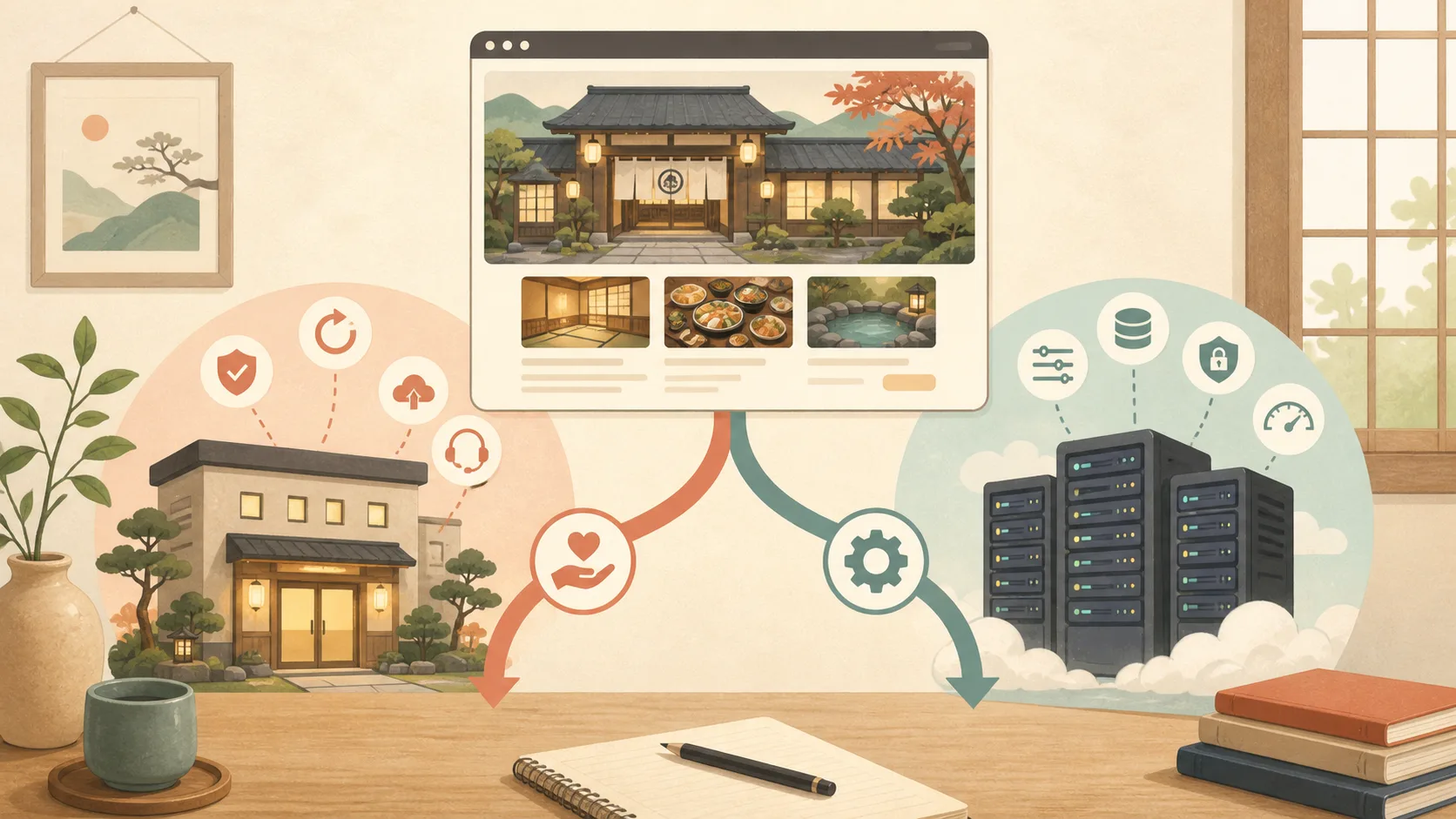
Even if you run your inn’s official website using WordPress, the scope of management will vary greatly depending on the server you are using. Knowing your environment first will make it easier to determine update procedures and tasks that can be left to AI.
First, check the contract partner and management screen
Check the contract partner from the invoice, contract email, and name on the management screen. If you do not know, please do not change the settings and ask the production company or maintenance person for the “server operator, contract plan, and person responsible for managing WordPress.”
Rental server
With rental servers such as Lolipop and Sakura, the operator manages the infrastructure used by multiple users, and users configure WordPress, domains, SSL, email, etc. from the management screen.
While you do not have to maintain the OS or physical server yourself, you manage WordPress itself, themes, plugins, articles, users, and backups yourself according to the contract details.“With automatic backup” does not necessarily mean that you can always restore for free.
Managed WordPress
A service tailored for WordPress, with the operator responsible for some of the updating, caching, security, and backup. The operational burden is lower, but some plugins and server settings may not be available.
This method is easy to consider if you are a small inn and would like to spend more time on articles and reservation information than on server technology. However, this does not mean that we can leave everything to you. The inn will also confirm article content, reservation links, administrator privileges, and handling of personal information.
VPS/Cloud
With virtual machines such as VPS and Google Cloud, the user may be responsible for the OS, web server, PHP, database, SSL, firewall, backup, and monitoring. While it has a high degree of freedom and makes it easy to create your own unique system, it also has a large impact if updates are left unattended.
If the production company manages the VPS, there is no need for the host to operate it directly. It’s important to know who will hand over your domain, servers, WordPress, and backups at the end of your contract. The specific migration order can be found in How to safely take over management of an inn site.
The specific scope of responsibility is explained in Responsibility for operating WordPress on VPS, which is divided into OS, SSH, firewall, WordPress, monitoring, and backup.
How to choose when in doubt
- No time for server management: Rental server or managed WordPress
- Requires administrator and unique configuration: VPS/Cloud
- Outsourcing to a production company: Check the division of responsibility and handover conditions from the method
Compare not only prices, but also contact information in case of failure, backup and restore, email, integration with reservation systems, and migration methods in case of cancellation.
What to check next
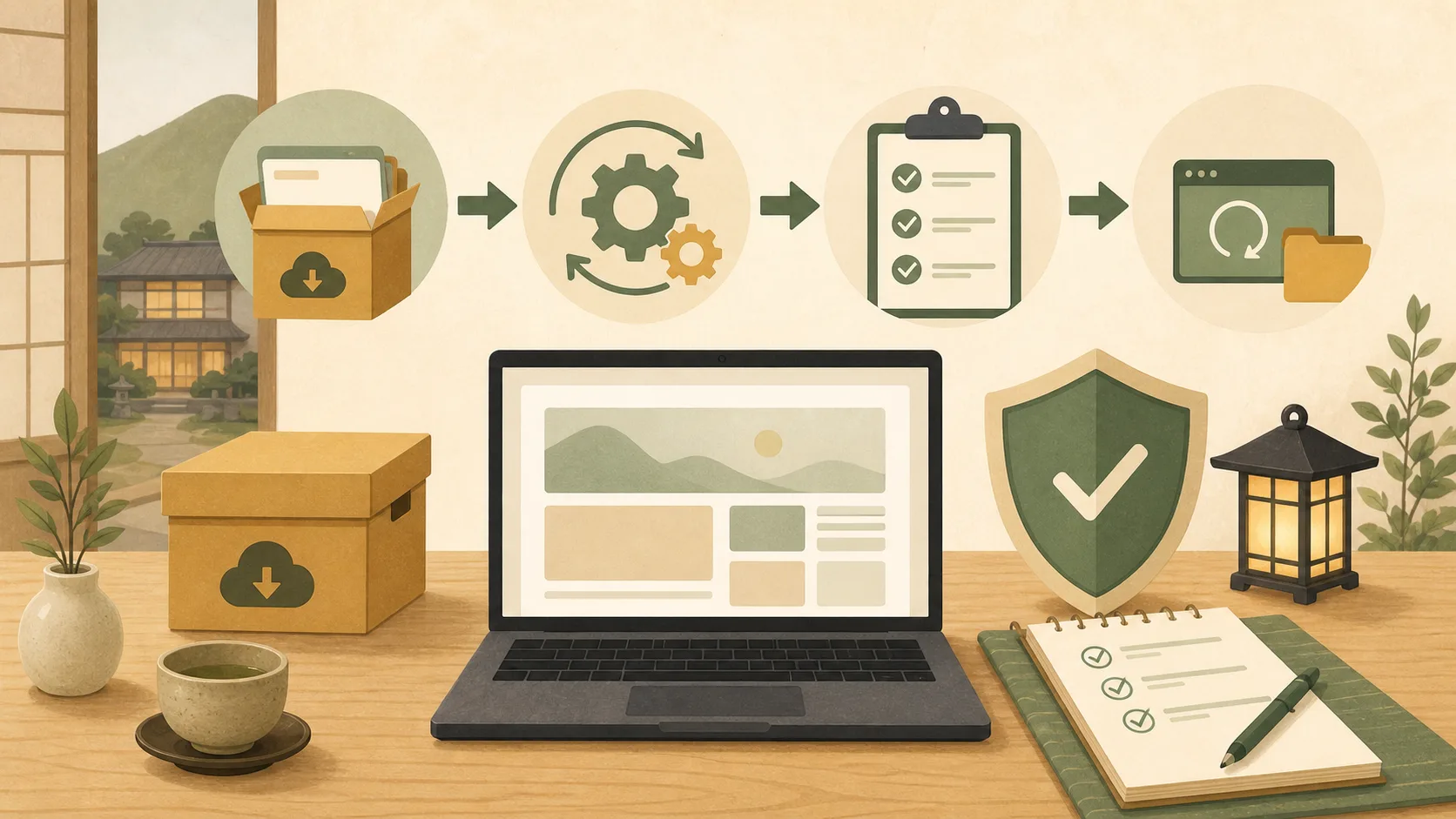
Once you know the environment, decide who will be the WordPress administrator, who will be in charge of updates, who will be in charge of backup, and who will approve the production release. When using AI, we start by reading the configuration and planning the work, without having to operate the production server from the beginning.
Next, check out the process from backup to post-publishing confirmation in Introduction to WordPress update for the host.When using AI, first decide on safety rules for managing the inn’s WordPress using Codex/Claude Code.
Web operation guide for the host allows you to search for all articles, including reservations and payments, by category.
Reference materials
Note: Service contents vary depending on the contract and plan. Please check the latest information on the management screen and contract.