It’s too early to start asking Codex or Claude Code to operate your production site just by enabling WP-CLI.
WP-CLI has functions that allow you to not only check articles, but also publish, delete, update plugins, change settings, and operate the database. In addition to carefully writing the request to the AI, it is necessary to technically narrow down the authority and route through which it can execute the task, and to create a situation in which it can be returned even if it fails.
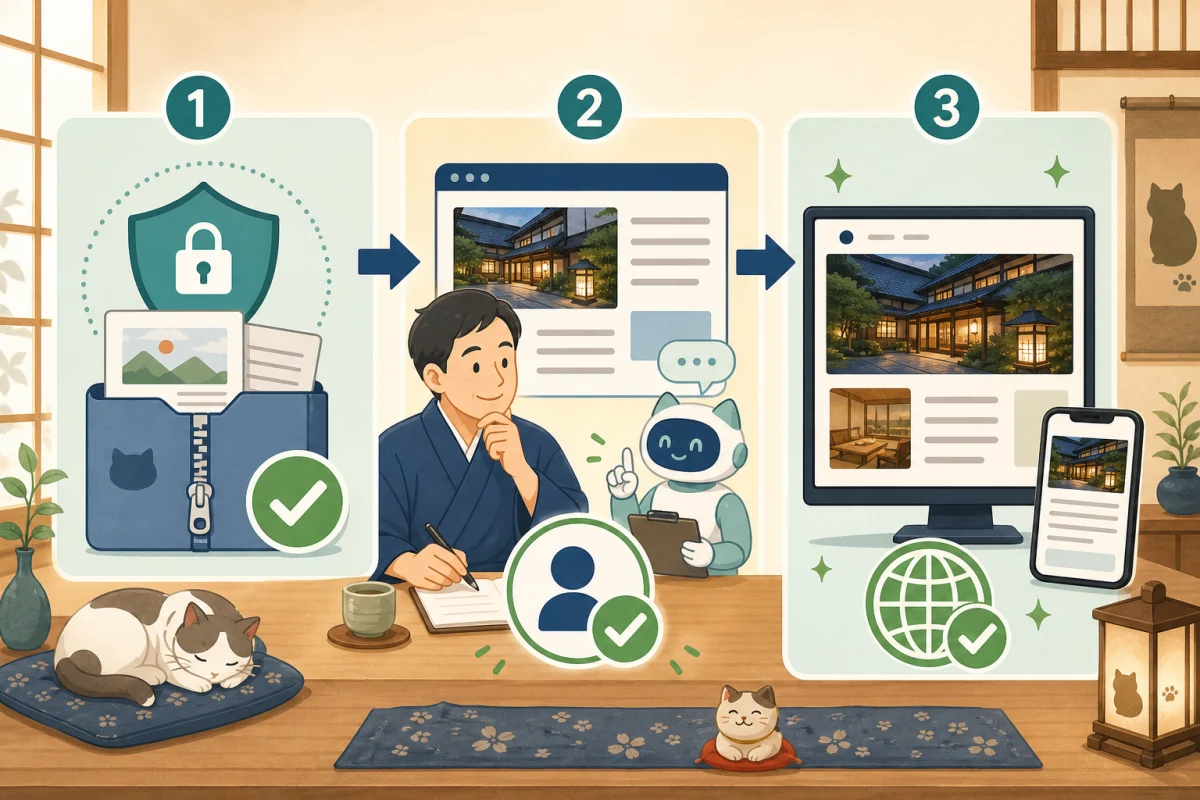
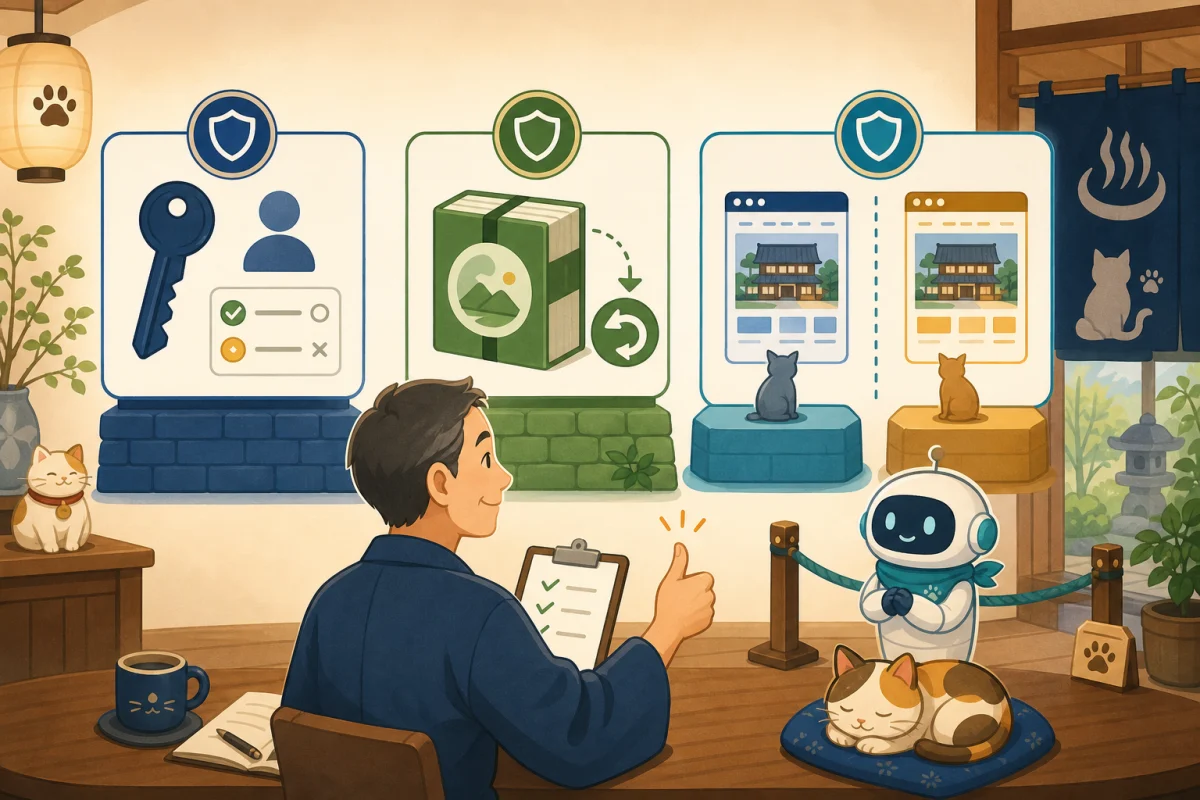
In this article, we will check the things you need to prepare before handing over WP-CLI to AI, in the order of Responsible Person, Authority, Backup, Test Environment, Approval, and Records.
- What happens if you start without preparation?
- Overall preparation
- 1. Check who is in charge
- 2. Be able to distinguish between production and test environments
- 3. Separate authority into three layers
- 4. Fix the target and execution path of WP-CLI
- 5. Check the backup until it can be restored.
- 6. Decide the conditions for AI to stop.
- 7. Also try “Reject” in the test environment
- Pre-implementation checklist
- Readiness prompt for AI
- Summary
- Reference materials
What happens if you start without preparation?
For example, when you ask someone to “organize old articles,” people may expect a list of suggestions, but the AI may interpret the task as including updates and deletions. If you make a mistake in the location of the target site or WordPress, you may end up changing what was intended to be a test environment to the production environment.
The issue is not just with AI. Causes also include the administrator’s own vague requests, outdated procedure manuals, permission setting errors, backup corruption, and plugin behavior. Therefore, the goal is not “for AI to not make mistakes,” but rather to ensure that even if mistakes occur, they do not spread, stop midway, and can be reverted.
Overall preparation
Check the contract scope with the person in charge
↓
Identify production and test environments
↓
Prepare a dedicated connection route and minimum privileges
↓
Backup acquisition and restoration test
↓
Decide on permitted operations and approval boundaries
↓
Check permission/deny in test environment
↓
In production, start from read-only
For rental servers, the scope of SSH and WP-CLI provided is determined by the contract plan. With VPS, the administrator designs everything from OS users, file owners, web servers, PHP, and databases. If you don’t know your contract method, please check Difference between rental server and VPS first.
1. Check who is in charge
First, clarify who will be responsible for:
- Person who manages server contracts
- WordPress Administrator
- Person who approves article content and publication
- Person to restore in case of failure
- Scope of requests to production companies and maintenance companies
Even if the host can approve the article, it doesn’t mean they can change the server settings. If you change the theme or plug-in in another way during the contract with the production company, it may not be covered by maintenance.
Requesting the AI to “find out if it works” and “install it if you haven’t installed it” are two different permissions. Separate research, local preparation, and production changes.
2. Be able to distinguish between production and test environments
If the production and test environments look the same, have the same names, and have similar URLs, it’s easy to confuse them.
- Separate URLs for production and test
- Add a display that says “test environment” to the management screen
- Fix the target path and URL of WP-CLI on the management side
- Do not show the test environment in search results and restrict access from outside.
- Do not send emails from the test environment to real guests
- For reservations and payments, configure test mode or stop sending.
When replicating production data to a test environment, please do not bring in the reservation person’s name, contact information, inquiry details, or payment-related information. Delete or replace personal information to the extent necessary.
If you cannot create a test environment
If we are unable to create a test environment due to contract, we will reduce the risk of the work.
- Start with read-only confirmation
- Only create one draft for new articles
- Check the preview of the admin screen before publishing
- Theme, plugins, DB, and reservation function will not be changed.
- Request work that has a large impact to maintenance personnel
Don’t just try everything in production because you don’t have a test environment.
3. Separate authority into three layers
AI has more than one type of authority when operating WordPress.
Connection permissions
Permissions for entering the server, such as SSH key, connection source, usage time, port forwarding, and interactive shell. Do not share the administrator key that you normally use for AI purposes, but separate its uses. Do not paste the contents of your password or private key into the chat.
OS and file permissions
Permissions that determine which commands the connected user can execute and which files they can read and write. Do not run WP-CLI as root or as a user who can control the entire server.
WordPress’s official security explanation also suggests the idea of not making files writable too much and only granting permissions to the necessary locations. Since the owner and execution method differ depending on the environment, do not uniformly change it to 777 due to a permission error.
WordPress Permissions
WordPress has permission groups such as administrators, editors, authors, and contributors. The official documentation shows the differences, such as editors being able to publish and manage posts including those from other users, and contributors being able to write their own articles but not publish them.
If you only want to draft articles, check whether you really need administrator privileges to change plugins, themes, audience, and even site settings. However, lowering WordPress permissions is not a sufficient restriction as long as the OS side can freely manipulate WordPress files and databases. Consider the three layers together.
WP-CLI’s --user is an argument that specifies the user on WordPress and sets the processing context. Rather than thinking of it as a mechanism that forcibly restricts all WP-CLI commands according to their privilege groups, the main barrier is the privileges on the OS side and the permission list described below.
4. Fix the target and execution path of WP-CLI
WP-CLI has global arguments that allow you to specify the target path, URL, remote destination, WordPress user, PHP to preload, etc. While convenient, being able to freely change it from outside can lead to manipulation of another site or code execution.
Fix the following on the administrator side.
- WP-CLI executable file
- WordPress location
- Target URL
- OS users and WordPress users
- Allowed subcommands and options
- Number of items that can be operated at one time
Instead of freely passing raw wp commands to the AI, we use a restricted wrapper as the entry point.
5. Check the backup until it can be restored.
The purpose of a backup is not to save, but to restore if something goes wrong.
- WordPress database
- Images, themes, and plugins in
wp-content - Settings to be changed this time, such as web server and PHP
- Backup acquisition date and time and target environment
- Archive reading and checksums
- Restoration procedure, time required, and person in charge
The backup required is different when adding only articles and when changing plugins or server settings. You cannot restore a backup that is narrower than the scope of changes.
If possible, perform the restoration test in a different location from the actual production location. At a minimum, check that you can open the archive, confirm that the database is complete, and that it contains the necessary files.
6. Decide the conditions for AI to stop.
Before you begin, decide that you want to stop without performing any additional operations in the following cases:
- Target site, production/test cannot be distinguished
- Latest backup failed or don’t know how to restore
- The execution schedule contains unauthorized change/delete commands.
- The number of targets is greater than the number of requests.
- WordPress location, post ID, and URL are different from expected
- Execution results are errors, warnings, or timeouts
- HTTP response becomes 4xx/5xx after publishing
- Suspected impact on reservations, inquiries, and payments
If you make another correction after an error, you will not know the cause and the scope of the change. Stop and have them report on the current situation and whether or not recovery is possible.
7. Also try “Reject” in the test environment
Not only do we make sure that it works properly, but we also make sure that we can stop unauthorized operations.
- Allowed status check succeeds
- Unknown operation name is rejected
- Extra arguments are rejected
- Multiple changes are rejected
- Publish or delete will not be performed without approval
- Unable to specify another WordPress path or URL
- Execution results and failures are recorded without secret information
Even if you implement a successful configuration in a test environment into production, the results may not be the same if the users, owners, plugins, and URLs are different. In production we start out read-only again.
Pre-implementation checklist
- Confirmed contract method and maintenance scope
- The person responsible for the work, the person responsible for publishing, and the person in charge of restoration have been determined.
- Production and test environments can be distinguished by URL and display
- Do not leave personal information of guests in the test data
- Separated the connection path for AI and the execution user
- Root and normal administrator privileges are not passed as is.
- Adjust WordPress permissions to match the work content
- Fixed the target path, URL, and command of WP-CLI
- Verified backup contents and integrity
- Confirmed restoration method and person in charge
- Separated operations that are allowed and operations that require human approval.
- Determined the conditions for stopping when an error occurs
- Tried both allow and deny in test environment
- Made the first production task read-only.
If there is even one item that cannot be determined, we will check with the contractor or administrator instead of having the AI make a guess.
Readiness prompt for AI
Audit readiness before making changes to this WordPress site with WP-CLI.

This time we will only investigate read-only, install, change permissions,
Please do not change, post, update, or delete settings.

Items to check:
- Is it a production or test environment?
- Server contract method and maintenance scope
- Availability of WP-CLI and target sites
- Connection, OS, WordPress permissions
- What to backup, consistency, and how to restore
- Permitted operations and operations that require human approval
- Stop conditions in case of error

Confidential information, user information, and internal settings are not displayed.
Please report items as confirmed, unconfirmed, and questions that should be asked to the administrator.
This request is for research purposes. Humans will confirm unconfirmed items instead of filling them in with AI guesses.
Summary
When preparing to pass WP-CLI to AI, instead of preparing one strong administrator authority, we separate the three layers of connection, OS, and WordPress to the minimum necessary. Then identify your production and test environments, have backups you can restore from, approval boundaries, and outage conditions.
When you are ready, start by checking the reading of posts, plugins, themes, and categories with Introduction to WP-CLI without changes.If you are new to WP-CLI, please go to WP-CLI basics and how to get started safely, and for technical execution restrictions, please go to How to create a restricted wrapper.The actual publishing process is explained in From backup to HTTP/display confirmation.
Reference materials
- WordPress Developer Resources: Enhance WordPress security
- WordPress.org: Permission groups and permissions
- WordPress Developer Resources: WP-CLI global arguments
- WordPress.org: WordPress site maintenance
Note: Server and WordPress permissions, backups, and how to create a test environment vary depending on the contract. Prefer existing maintenance contracts and official manuals.