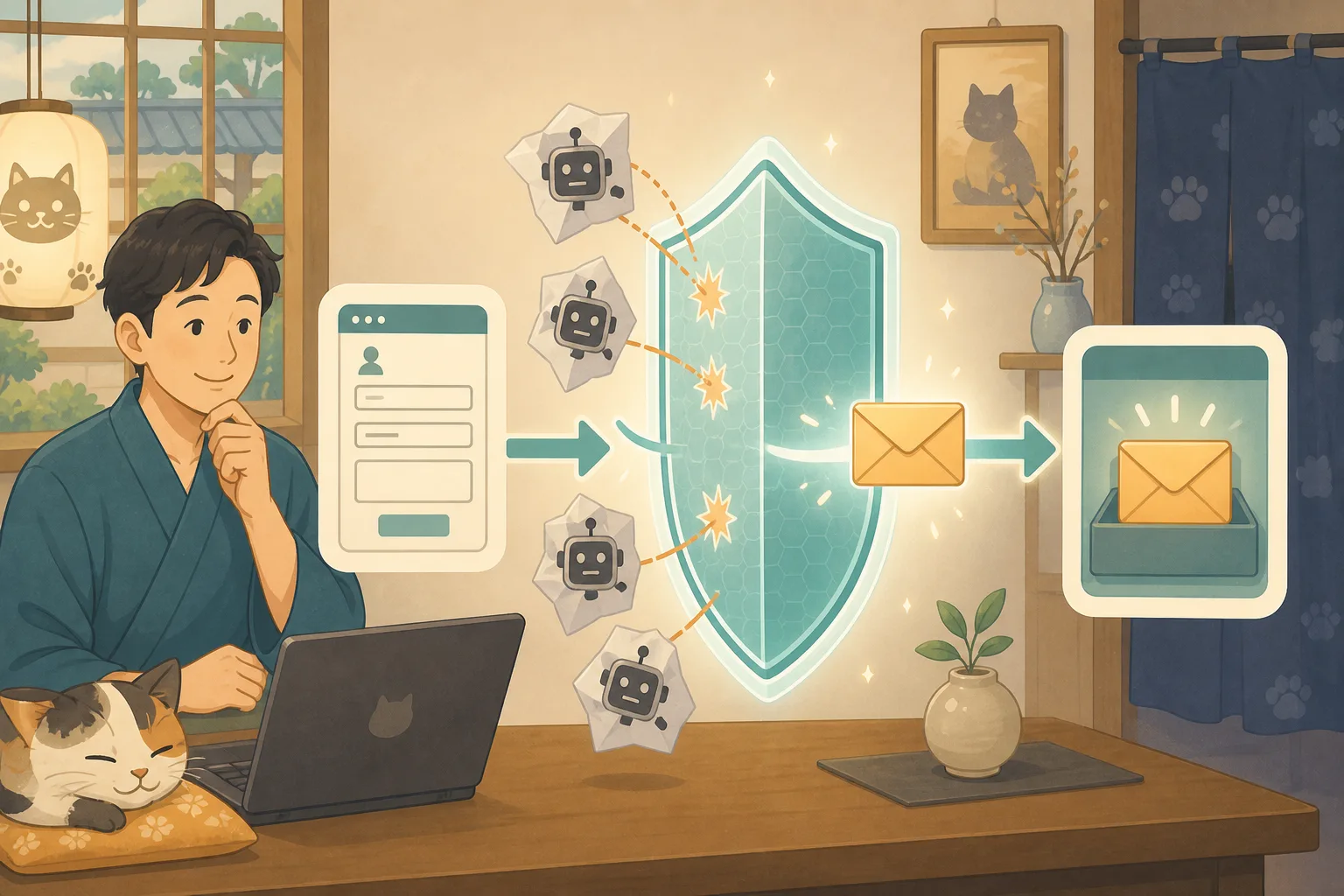
You may receive business information, sentences that don’t make sense, or the same content over and over again to the inn’s inquiry form. As the number of inquiries increases, true accommodation inquiries may be overlooked.
However, if anti-spam measures are strengthened too much, customer inquiries may also be stopped. What is important on the inn website is not to reduce spam to zero, but to reduce the burden while maintaining a state where genuine inquiries can be received.
In this article, the host, who is not familiar with IT, will explain how to take safety measures while letting Codex and Claude Code help with the investigation.
- Conclusion: Don’t suddenly increase the number of plugins
- Count the spam status first
- Check the form you are currently using
- Consider countermeasures in three layers
- Points to check when choosing Turnstile
- Use prohibited words and IP address blocking carefully
- Test whether normal inquiries are stopped
- Leave a mechanism to detect false positives
- Also check the privacy policy
- Tasks that can be left to AI and tasks that are judged by humans
- Request text to AI that can be used with copy and paste
- Checklist for the host
- Referenced information
- Summary
Conclusion: Don’t suddenly increase the number of plugins
Measures should be taken in the following order.
- Record how many forms are received
- Check the current form and existing spam protection
- Perform a backup and normal transmission test before making changes.
- Add only one measure
- Retest on PC/smartphone/different email address
- Check the number of false positives and inquiries for a while.
If you add multiple plugins, CAPTCHAs, and banned words at the same time, you won’t know which one stopped a legitimate inquiry.
Count the spam status first
For about one week, record only the following items. There is no need to paste the main text or email address into the AI.
| Check items | Record example |
|---|---|
| Target forms | Inquiry, reservation consultation, recruitment |
| Number of spam submissions | About 10 in one day |
| Concentrated time of day | Mostly late at night |
| Continuation of the same content | Yes/No |
| Misjudgment of genuine inquiries | Yes/No/Unknown |
| Current measures | Unknown, Akismet, Turnstile, etc. |
If you introduce a complicated system even though the number of cases is small, the number of maintenance items may increase. Count the current situation and then decide on the required strength.
Check the form you are currently using
In WordPress, the setting location and corresponding anti-spam measures differ for each form, such as Contact Form 7, Jetpack forms, and WPForms. Ask the AI to first check the following without making any changes.
- Plugin name and version that is creating the form
- URL where the inquiry form is located
- Already effective anti-spam measures
- Is the sent content saved in WordPress?
- Notification destination for the inn and whether or not to automatically reply to the customer
- What is currently written in the privacy policy
When passing a screenshot of the management screen, hide the email address, API key, inquiry text, and reservation information.
Consider countermeasures in three layers
1. A simple trap that is difficult for people to see
A mechanism that rejects items filled in by automatic sending programs that are not normally entered by humans is generally called a honeypot. While it is difficult to increase customer operations, it is not possible to prevent all automatic transmissions.
If the form function you are using is officially supported, it will be considered as a candidate, and code of unknown origin will not be pasted directly into the theme.
2. Service that determines sent content
Akismet and others determine whether a message is spam based on the content of the message. Depending on the form plugin, additional settings may be required, and you may also need to check the contract terms and data handling.
The selection criteria also includes whether there is a screen where you can review erroneous judgments, and whether normal inquiries can be returned as “not a nuisance.”
3. Mechanism for checking on both the browser and server
Cloudflare Turnstile and Google reCAPTCHA also verify the confirmation information issued on the browser side on the server side. According to Cloudflare’s official documentation, Turnstile can be used even by sites that do not use Cloudflare as a CDN.
Simply displaying the parts on the screen does not complete the measure.Verify that server-side validation is being performed using the official instructions for compatible plugins and the validation environment.
Points to check when choosing Turnstile
Turnstile uses a sitekey that is publicly available and a secret key that must not be shown to the outside world. Do not post secret keys in articles, chat, Git, or browser-side code.
Check the following before installation.
- Is the form plugin you are using officially compatible?
- Can settings be separated between production and verification environments?
- Are target domains restricted?
- Are you validating the token on the server side?
- Can you provide easy-to-understand guidance in the event of a temporary communication failure?
- Can I send using a smartphone or old device?
Cloudflare officially states that tokens expire in 5 minutes and can only be verified once. Testing also includes retries when form filling takes a long time.
Use prohibited words and IP address blocking carefully
The ability to block specific words and senders is useful, but registering short common words also stops genuine inquiries. For mobile lines and shared lines used by travelers, it is safer not to broadly reject services based solely on IP address.
When using prohibited words, record the reason for addition, approver, date of addition, method of deletion in case of incorrect judgment, and scheduled review date. You can ask AI to organize the candidates, but humans will check the actual registration.
Test whether normal inquiries are stopped
The same test will be conducted before and after the change.
- Send a short Japanese inquiry from your PC
- Send from your smartphone’s mobile line
- Send a long message
- Check the notification to the accommodation
- Check the customer’s automatic reply
- Check records when saving in WordPress
- Also check the spam detection screen
We include “operation confirmation/reply unnecessary” in the test text and do not use actual customer information. In case we are unable to send the message, we will provide other contact methods such as a phone call on the page. Internal information and detailed judgment reasons are not displayed on the error screen.
Leave a mechanism to detect false positives
Even if you implement anti-spam mail measures, it is important not to ignore the content that has been determined.
- Check every day for 1 week immediately after implementation
- Check the nuisance judgment regularly even after stabilization
- People will decide what content looks like accommodation consultation.
- If there is a function that can restore false positives, restore them correctly.
- Decide on a retention period and do not continue to leave unnecessary personal information
Contact Form 7 may display similar errors when it is marked as spam or when it fails to send an email. Don’t determine the cause just by viewing it; check the available logs and test results.
Also check the privacy policy
Adding an external judgment service may change the information handled when submitting the form and the destination. Check the official privacy information of the services you use and update your site’s privacy policy as necessary.
WordPress has the ability to specify a privacy policy page and edit its contents. However, automatically generated text alone is not always sufficient. Please check the forms you actually use at inn, analytics, and spam countermeasures. If legal judgment is required, consult an expert.
Tasks that can be left to AI and tasks that are judged by humans
Things that are easy to leave to AI are investigating the functions in use and official materials, comparing countermeasures, creating test items, counting the number of cases excluding personal information, and organizing possible causes and ways to restore them.
Contracts for external services, handling of personal information, issuance and storage of secret keys, approval for production updates, and judgment and responses to genuine inquiries are performed by humans. There is no need to hand over WordPress administrator privileges or all privileges of external services to AI from the beginning.
Request text to AI that can be used with copy and paste
First, investigate without making any changes.
We are receiving an increasing number of spam emails to the inn's WordPress inquiry form.
Please do not change any settings yet.

Form functions used, currently effective anti-spam measures,
Where to save your inquiry, how to check if it has been sent successfully, and official materials.
Just read to confirm.

Confidential information, inquiry text, and email address will not be output.
Please do not make any guesses about unknown items and mark them as "unknown."
Compare measures
For the current form configuration, honeypot, Akismet,
Compare Cloudflare Turnstile and Google reCAPTCHA candidates.

Impact on normal inquiries, response status, costs, personal information, maintenance burden,
Please check the official documentation on how to confirm and recover from false positives.
Please do not install or change settings yet.
Install and verify only one
Please set only one approved anti-spam email measure to your verification environment.
Please show me the backup before the change, the changed part, where the secret information is saved, and how to restore it.

After setting, you can send normally on PC and smartphone, automatic reply, notification from the hostel,
Please verify how to check for false positives. Do not make any changes to your production environment.
Checklist for the host
- [ ] Understood the number of spam emails and target forms
- [ ] Confirmed form functions and existing countermeasures
- [ ] The normal transmission result before the change was left.
- [ ] I confirmed how to back up and restore.
- [ ] Countermeasures were added one by one.
- [ ] The secret key is not posted on screen sharing or AI conversations.
- [ ] Checked whether server-side validation was enabled.
- [ ] Tested on PC and smartphone
- [ ] I checked both the inn notification and the automatic reply.
- [ ] Determined the person in charge of checking false positives and the frequency.
- [ ] I have confirmed the privacy policy.
- [ ] Provided alternative contact information such as telephone
If you are having trouble receiving emails, please refer to How to check the sending, receiving, and authentication of WordPress inquiry emails.You can check the judgment before changing the settings in the Pre-release checklist, and the initial response in the event of a failure in the First 30 minutes after a WordPress failure.
Referenced information
- Cloudflare Official: Overview of Turnstile
- Cloudflare official: Turnstile server-side verification
- Google official: reCAPTCHA response verification
- Contact Form 7 official: Spam mail prevention
- Akismet official: Use in inquiry form
- WordPress official: Privacy settings
Summary
When using the inquiry form for an inn, it is necessary to simultaneously reduce spam mail and receive genuine inquiries.
Count your current situation, check the forms you are using, back them up, and add just one countermeasure. After that, confirm normal transmission using different terminals and lines, and periodically review false positives. AI can help with research, comparison, testing, and recording, but the inn must manage the determination of confidential information, personal information, and genuine inquiries.