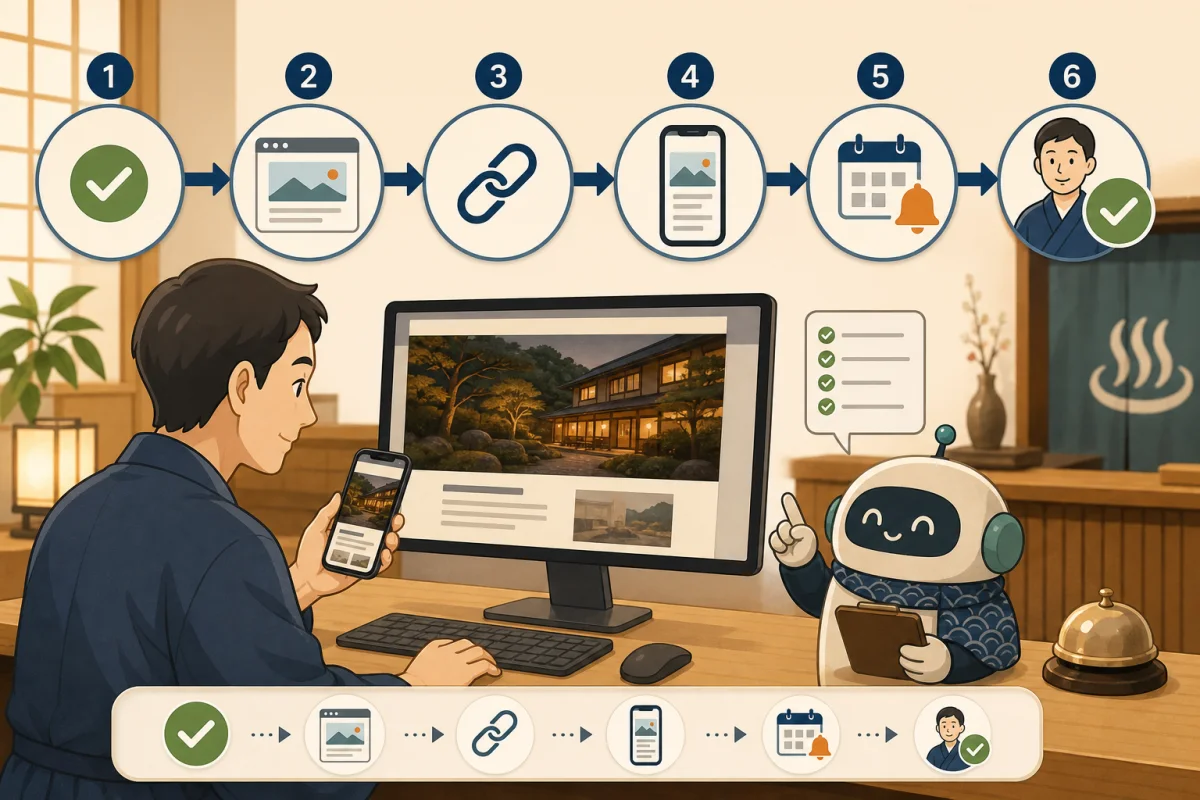
Once you hit the “Publish” button in WordPress, your work isn’t done yet. Even if the page looks correct on the editing screen, there may be problems such as the image not appearing on the public page, the table sticking out on a smartphone, or the reservation button pointing to an old link.
After publication, check whether the page opens, whether its content is correct, and whether visitors can proceed to booking, in that order. This article sets out checks that hosts can use even if they are unfamiliar with technical terms, and explains which tasks to ask AI or a website production company to handle.
- Conclusion: Check from three perspectives after publication
- Things to record before publishing
- 1. Open the official URL in your browser
- What is HTTP 200?
- 2. Reread the text and accommodation information
- 3. Check the photo and eye catch
- 4. Press internal and external links
- 5. Check the flow of reservations, inquiries, and telephone calls
- 6. Visually check with your smartphone
- 7. Check the basics of SEO
- 8. Check the publication status in Search Console
- 9. Analytics is used to improve the flow from the next day onwards.
- Priority when finding a problem
- Checklist for 15 minutes after publication
- Copy and paste prompt to ask AI
- Related articles
- Reference materials
Conclusion: Check from three perspectives after publication
- Mechanical verification: HTTP response, URL, title, link, etc.
- Verification with human eyes: Text, photos, smartphone display, ease of understanding
- Confirmation as part of inn business: Reservations, telephone calls, inquiries, latest business information
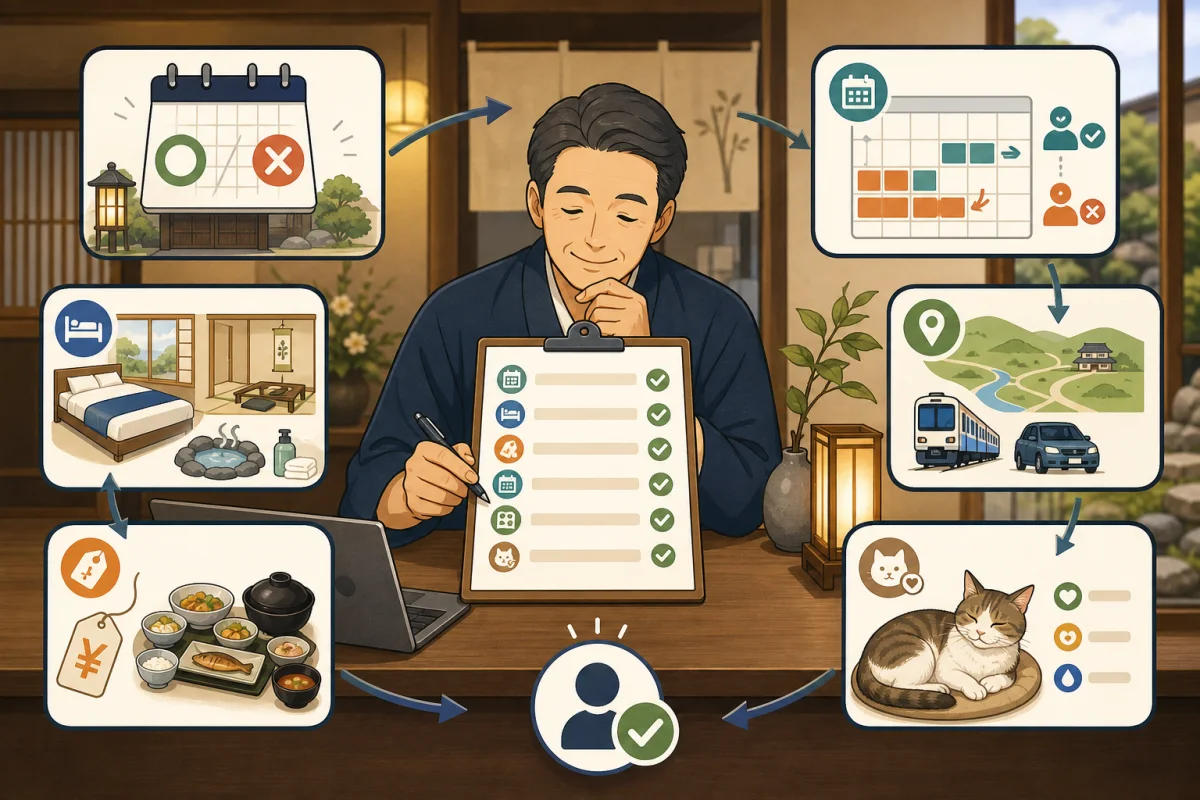
AI can perform mechanical checks quickly, but humans are the ones who decide whether the prices and business information are really correct, whether they are easy to read on a smartphone, and whether they are ready for reservations.
Things to record before publishing
Please note the following before starting work so that you can compare it after publication.
- URL of the page to update
- Title and main contents before change
- Post ID and target file
- Backup date and time and how to restore
- Changed internal links and reservation destinations
- Person who approved publication
When making major changes, it will be easier to notice if the display is distorted if you save the previous screen on your computer and smartphone. Also check Backup and restore before WordPress update.
1. Open the official URL in your browser
Opens the official URL that actually guides guests, not a WordPress preview. Check not only in the browser you logged in to the management screen, but also in an incognito window or another device.
- URL starts with `https://`
- No lock mark or certificate warnings
- Can be opened by the general public without being asked to log in
- No “page not found”
- Do not unintentionally move to old URLs
- Can be opened on both PC and smartphone
The cache may allow administrators to see new content and the public to see old content. It will be easier to discover if you check in an incognito window or on your smartphone line.
What is HTTP 200?
Behind the browser, the server returns the status in numbers. A successful public page usually returns 200.
| Main conditions | Meaning | Correspondence |
|---|---|---|
| 200 | Page returned successfully | Proceed to next confirmation |
| 301・302 | Moved to another URL | Check if the destination is as intended |
| 403 | Viewing denied | Check basic authentication and access restrictions |
| 404 | Page not found | Check URL, publication status, and slug |
| 500s | A problem occurred on the server side | Stop adding changes and contact the administrator |
You can ask your technical staff or AI to confirm the following:
Please check the final HTTP status and destination of the specified public URL without making any changes.
Please do not display the authentication information and only report possible causes if it is other than 200.
Even with HTTP 200, the text may be empty, a different article may be displayed, or the reservation link may be broken.200 is the entrance to confirmation and is not the whole point of passing.
2. Reread the text and accommodation information
Read the public page from the top as if you were making a reservation for the first time.
- Page heading and text match the purpose of the update
- There are no errors in the inn name, location, phone number, and rate conditions.
- Business days, closing hours, and check-in times match the current guidance.
- Don’t be too decisive about the cat’s presence, rest, and interaction.
- There are no old campaigns or ended plans remaining.
- Draft notes, temporary images, and
TODOare not visible. - No typos or unnatural line breaks
Text inspection using AI is convenient, but it cannot determine actual business days, reservation slots, or even the cat’s physical condition. We will leave a confirmation to check against the current status of the inn.
3. Check the photo and eye catch
- Eyecatch is displayed correctly in article list and main text
- The aspect ratio is not distorted and the faces of people and cats are not unnaturally cut off.
- Image is not extremely blurry
- Alternative text concisely describes what the photo is about
- Provider credits and illustrative images are displayed if necessary.
- Do not use unauthorized photos or images containing confidential information
Don’t stuff search terms into the alternative text, instead write a description that conveys the content to people who can’t see the image.
4. Press internal and external links
Click the main links in the article, not just look at the text.
- Go to the correct page for related articles
- The current URL is the official website or reservation page of the inn.
- Phone link uses the intended number
- Map shows correct facility
- YouTube videos can be played.
- Cannot proceed to closed facilities or discontinued services
- Only links that require opening in a new tab have that behavior.
It is difficult to understand where to go, especially if you only use “here” or “see details”, so use text that explains the link destination, such as “view guest room and prices.”Google also advises that you use links that search engines can follow and add link wording that is relevant to the destination.
5. Check the flow of reservations, inquiries, and telephone calls
If you can’t make a reservation on an accommodation site even if you can read the article, it’s a big problem. Proceed from the public page to the actual action.
Reservation link
- Proceed to the correct accommodation/plan/date selection screen
- There is no sign of contract expiry or maintenance on the reservation site.
- Back can be done on PC and smartphone
- Information when there are no vacancies does not lead to misunderstandings
Inquiry form
- Input field and send button are displayed
- Required fields and errors are easy to understand
- Do not include personal information in URLs
- If you want to send a test message, decide on a time with the person in charge of receiving it.
- Check both automatic reply and accommodation notification
Phone link
Press the phone number on your smartphone and make sure the correct number appears. You can still check the number even if you stop the call before actually making the call.
When testing actual reservations and payments, unnecessary reservations, charges, and notifications may occur. The implementation method will be determined by the person in charge of the reservation service, and the AI will not be allowed to perform confirmation operations without permission.
6. Visually check with your smartphone
In addition to previewing the management screen, check on the actual device if possible. People looking for accommodation often look at it while on the move or while traveling, so we assume a small screen and one-handed operation.
- You can read the text without enlarging it.
- Avoid unnatural scrolling horizontally
- Tables, long URLs, maps, and videos do not run off the screen
- Open the menu and proceed to the desired page
- The reservation button is not hidden behind other parts.
- Buttons are not too close together and can be pressed separately
- Screen does not move significantly even while loading images
- Back button to top of page does not hide text
- Cookie information can be closed and does not interfere with reservation operations
If you turn your smartphone not only vertically but also horizontally and check the font size slightly larger, it will be easier to spot fixed-width tables and overlapping tables.
7. Check the basics of SEO
SEO checking is not about whether the search ranking has improved, but rather whether search engines can understand the page and users can judge the content.
title
- Expresses the content specifically and concisely
- Not the same title as another article
- Inn name and theme are included naturally
- Search terms are not unnaturally repeated
- There is no discrepancy between the main heading and the content of the main text.
Google automatically generates search result titles using multiple pieces of information, including title, main heading, prominent body text, and link text. The text you set will not always be displayed exactly as it is.
description
Ensure that the page-specific summary is set and matches the body text. Google automatically generates descriptive text for search results, mainly from the page content, and uses meta descriptions when it deems it appropriate. Therefore, it summarizes the content of the article more accurately than adjusting only the number of characters displayed.
Headline
Make sure that the headings that separate the content are lined up in order under the article title. Don’t use headings just to make the text bigger, but create a structure that readers can understand as a table of contents.
index settings
If you want to show your published page in Google search, make sure it is not noindex.Just being allowed by robots.txt does not confirm the index settings.
canonical URL
If an SEO plugin etc. is issuing a canonical URL, check if it is pointing to another article or test site. Be especially careful with articles whose URLs have been changed.
8. Check the publication status in Search Console
Even if it does not appear in search results immediately after publication, it is not necessarily abnormal. It will take some time for Google to re-crawl and process it.
If you have registered your site with Google Search Console Introduction, use URL inspection to check the following:
- Can Google access the URL?
- Are there any settings that prevent indexing?
- canonical URLs recognized by Google
- Did you request indexing if necessary?
Requests do not guarantee registration or higher ranking. Rather than submitting the same URL over and over again, improve your sitemap and internal links.
9. Analytics is used to improve the flow from the next day onwards.
If you have installed Introduction to Google Analytics 4, you can check whether page views are recorded in the real-time report. However, there are also settings that prevent your access to confirm from being recorded and cookie consent settings.
Don’t judge the success or failure immediately after publication based on the number of accesses, but look at the next one a few days or weeks later.
- Is the article the entry point?
- Have you proceeded to guest room, access, and reservation information?
- Are smartphone users getting lost along the way?
- Are clicks on the reservation link being measured correctly?
We don’t delete articles just because of a low number, we improve them based on guest questions and Search Console search terms.
Priority when finding a problem
| Priority | Example | Response |
|---|---|---|
| Emergency | The entire site does not open, reservations are made to another facility, personal information is visible | Stop additional work, and decide with the person in charge to suspend or restore publication |
| High | 404 articles, incorrect pricing and closing information, reservation button not working | Correct on the day and reconfirm |
| Medium | Tables protrude on smartphones, some images and internal links are broken | Check the affected area and fix it |
| Low | Fine-tuning of expressions, margins, minor typos | Record and correct without mixing with other changes |
When you find an error, record the symptom, URL, time of occurrence, device, and screen before making too many changes to fix it.
Checklist for 15 minutes after publication
First 5 minutes
- [ ] Official URL opens with HTTPS and returns HTTP 200
- [ ] Can also be opened in an incognito window
- [ ] Title, text, and images have been updated.
- [ ] There are no errors in the business information of the inn.
Next 5 minutes
- [ ] You can read the text and tables on an actual smartphone
- [ ] Menu, internal links, maps, and videos move.
- [ ] The entry points for reservations, inquiries, and telephone calls are correct.
- [ ] Personal information and draft notes are not visible
Last 5 minutes
- [ ] title and description are page-specific
- [ ] There is no error in
noindexor canonical URL. - [ ] Recorded the URL to check in Search Console
- [ ] Recorded the changes, confirmers, results, and unconfirmed items.
Copy and paste prompt to ask AI
Inspect the following published WordPress pages without any changes.

Target URL: [URL]
Current changes: [Article publication, text correction, link changes, etc.]

Check items:
1. HTTP final status and unintended redirects
2. title、meta description、robots、canonical URL
3. Heading structure, image alt text, and key internal links
4. 404 or links that lead to different domains
5. Tables, images, and buttons protrude beyond the width of smartphones
6. Directions to reservations, inquiries, phone calls, and maps

Please only read and report this time.
Please do not modify posts, files, settings, or caches.
Please do not send reservations, inquiries, make phone calls, or make payments.
Please mark items that cannot be confirmed as "unconfirmed" and separate the items that need to be confirmed by a person on the actual device.
Even if the AI report says “No problem,” the host will proceed to the booking entrance using their smartphone. A combination of mechanical inspection and human confirmation is a condition for completing the public work.
Related articles
- Monthly inspection checklist for accommodation facility sites
- Steps to make AI publish WordPress articles
- Permission design when letting AI touch the production server
- How to protect your WordPress login
- Introduction to Google Search Console
- Introduction to Google Analytics 4
Reference materials
- Google Search Central: SEO guide for web developers
- Google Search Central: Search result title link
- Google Search Central: Search result snippets and meta description
- OpenAI:Agent approvals & security
Note: Specifications of search services and AI tools may change. Please also check the latest version of the official documentation when installing.