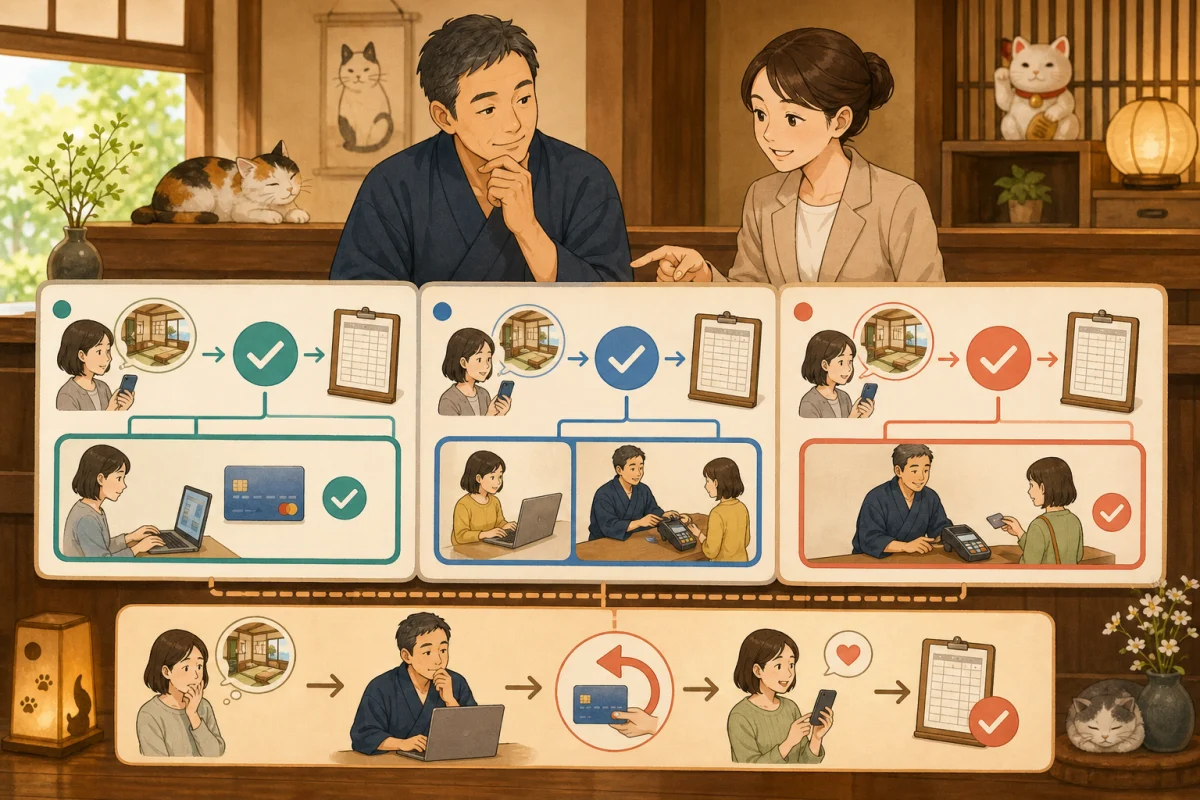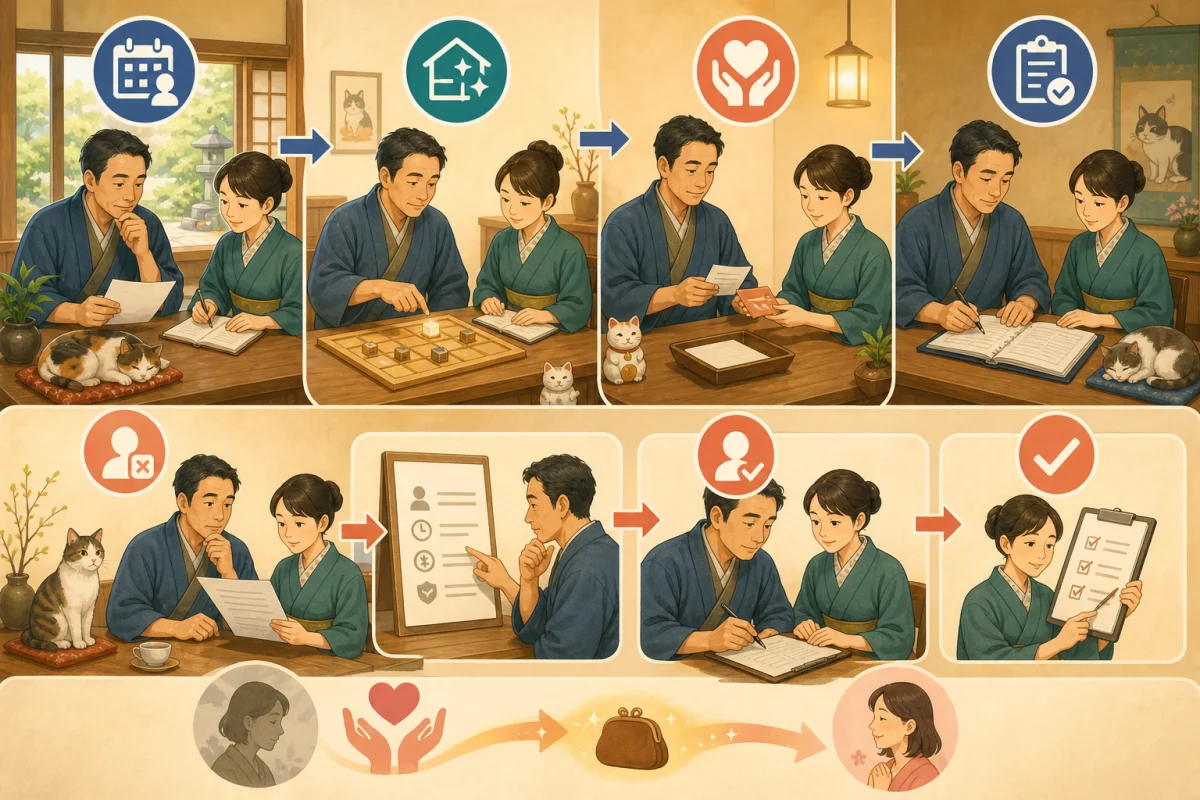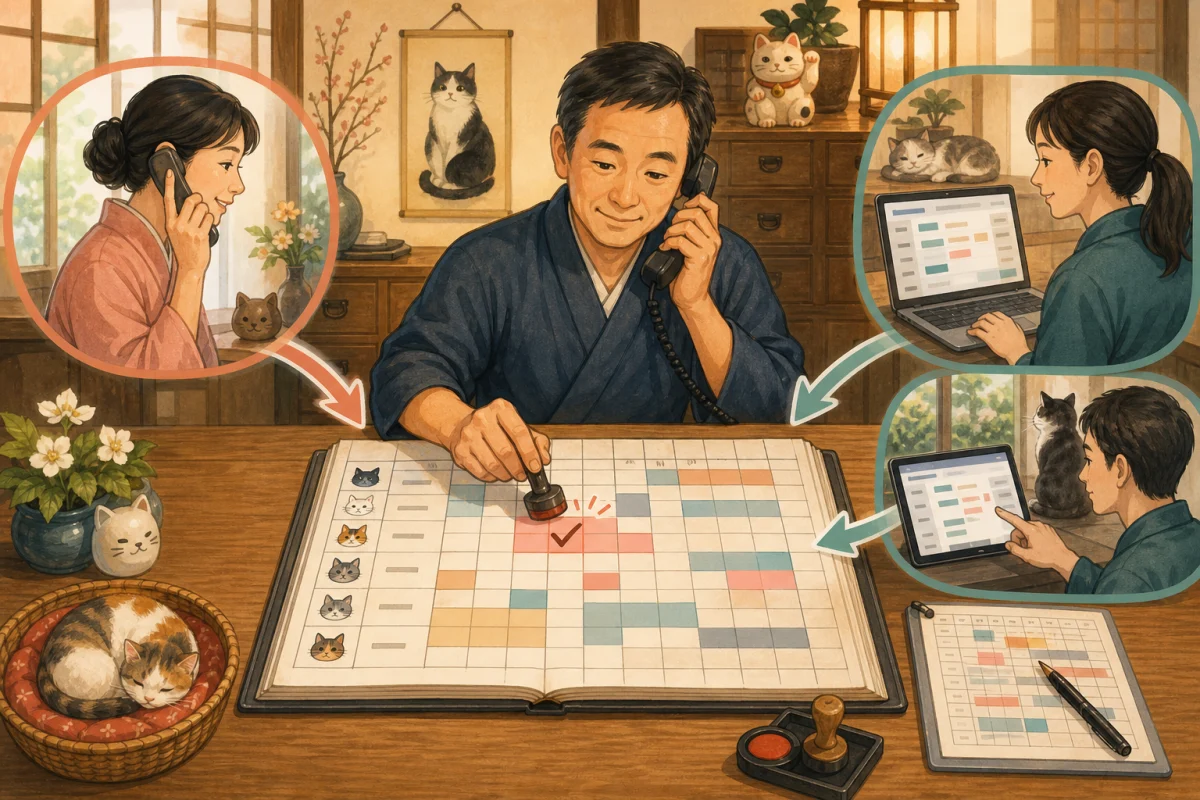
At small inns, you will receive OTA notifications while receiving phone calls, and reservations will also be made through their own website. Even if all routes are working correctly, double reservations may occur if human input is delayed or coordination stops.
The conclusion is simple.
A ledger will be created that shows the correct answer for a vacant room, and the person who received the call, change, cancellation, or reservation will update it on the spot.
This operation is necessary even if you install a site controller. In this article, we will put it into a format that even the host who is not familiar with IT can share with his family and staff.
- Five causes of double reservations
- First, decide on one “original” copy.
- Stop telephone reservations with the “30 second rule”
- Always set a deadline for temporary holding
- Confirmation when OTA reservation is received
- Confirm your own site reservation
- For changes or cancellations, check both the entrance and the original copy.
- Register a closed sale in the same way as a reservation.
- Emergency procedures when synchronization stops
- Daily verification is done twice: in the morning and in the evening.
- Numbers to check once a week
- Deciding on the roles of family members and staff
- Prompt for AI to create operational procedures
- Pre-implementation test
- Summary
Five causes of double reservations
1. Enter your phone reservation later
This is a case where you just leave a note and return to customer service, and in the meantime you can make an online reservation.“Later” is the most dangerous time.
2. There are two original copies in stock.
Treating both paper ledgers and computers, OTA management screens and reservation systems as correct inventory makes a difference.
3. There is a time lag in collaboration
It may take some time for other sales locations to close after a reservation is made.iCal linkage differs from the API method in terms of synchronization range and reflection method.
4. Change or cancel only one side
Although the schedule change was corrected in the reservation ledger, the OTA and payment side remained outdated.
5. Look only at the number of reservations, not the rooms
Unless sales suspensions due to consecutive nights, room types, room changes, and cleaning are taken into account, there may be overlaps in the middle of the day.
The roles of the reservation engine, site controller, and PMS are organized in this article.
First, decide on one “original” copy.
The original is the standard by which everyone judges, “If this screen is vacant, it can be sold.”
Possible candidates are:
- Site controller inventory screen
- PMS/reservation management system guest room ledger
- Management screen that integrates OTA and in-house reservations
Paper ledgers can be used for temporary records when the system is down or for confirmation on the same day, but it is dangerous to use only paper as the original copy sold online.
Questions to determine the original version
- Can I immediately register for a telephone reservation?
- Will reservations automatically be made for OTA and your own website?
- Will all consecutive nights stay stop at once?
- Can you stop a room being reserved, closed, or under repair?
- Can I see who made the changes and the history?
- Can emergency operations be performed from a smartphone?
- How to notify failures
Once you have decided on the original copy, mark the paper ledger, shared calendar, and each OTA screen as “for confirmation” or “sold to”.
Stop telephone reservations with the “30 second rule”
Once we receive a telephone reservation, we will stop stocking the guest room before we receive detailed customer information.
- Check the accommodation name, desired date, number of people, and number of nights.
- Check the vacancy using the original ledger
- Register a tentative reservation or reservation during a call
- Enter guest name and phone number
- Enter plan, meal, price, and payment method
- Recite the content and send a confirmation email or document
If you can’t open the management screen right away, say, “I’ll check for availability and get back to you.”Don’t make commitments just from memory or from a piece of paper you printed yesterday.
Place it next to your phone.
- How to open the original ledger
- Location of new reservation button
- Temporary seizure deadline
- Required fields
- Recording sheet in case of failure
- Contact information if you are lost
Even new users can operate in the same order.
Always set a deadline for temporary holding
If you suspend reservations indefinitely, such as “I will get back to you after consulting with my family” or “The number of people in the group is undetermined,” you will lose sales opportunities. On the other hand, if you wait without stopping inventory, you will end up making double reservations.
Record the following in the temporary hold.
- Guest name and contact information
- Target date and guest room
- Reason for temporary seizure
- Response deadline date and time
- Person in charge
- Will it be automatically canceled after the deadline or will it be confirmed by a person?
When the deadline arrives, change it to “Confirm,” “Extend,” or “Cancel” and do not leave it unattended.
Confirmation when OTA reservation is received
Even with automatic integration, the person who sees the notification will check the following:
- A reservation has been made to the original ledger.
- Stock stopped from arrival date to the day before departure date
- Room type, number of people, meals, and prices are correct.
- There is no reservation for another route at the same time.
- Changes and cancellations are also reflected in the original version.
Just because you received a reservation email does not mean that other sellers have closed their inventory. View the original guest room calendar.
Confirm your own site reservation
On our own website, we separate the submission of the reservation form and the confirmation of the reservation.
- Request accepted: Confirmed after confirming accommodation
- Instant reservation: Automatically confirmed when room availability and payment conditions are met
If you display the request acceptance as an immediate reservation, guests will think that the reservation has been confirmed.“Received”, “Confirming”, and “Confirmed” will be clearly displayed on the screen and in the email.
Instant Booking also tests the order of payment success and booking confirmation. Don’t overlook the situation where the stock is stopped even though the payment has failed, or the reservation is not made even though the payment has been completed. How to choose a payment method is explained in Comparison of Stripe, Square, and reservation system standard payment.
For changes or cancellations, check both the entrance and the original copy.
When you receive a reservation change, before deleting the old reservation and creating a new one, check if there is a change function that allows you to keep a history.
Schedule change
- Check availability for new dates with original copy
- Secure new inventory first
- Explaining rates and cancellation conditions to guests
- Change your reservation
- Confirm that the old dates are back available for sale.
- Also check OTA, email, and payment information
Cancel
- Check your reservation number and personal information
- Determine the cancellation fee
- Change reservation to canceled status
- Check to see if the stock is back available for sale.
- Human approval and execution of necessary refunds
- Send completion notification to guests
This prevents one-sided processing such as only deleting the reservation and leaving the payment, or only refunding and leaving the guest room closed.
Register a closed sale in the same way as a reservation.
I will use guest room stock next time as well.
- Repairs and inspections
- Days when cleaning is not done in time
- Host’s rest day
- Entire building reserved
- Room for tour conductors and staff
- Closed due to disaster or traffic disruption
Do not tell us verbally or with sticky notes; instead, register it as a “room stop” in the original book. We will also record the reason and cancellation date.
Emergency procedures when synchronization stops
If we find a coordination problem, we will suppress the influx of new reservations before investigating the cause.
- Save or print the current inventory of original copies
- Identify affected OTAs and in-house reservations
- Close inventory from safe sales channels
- Make phone reservations on the emergency record sheet in chronological order.
- Record new/changed/cancelled items one by one
- Notify the provider of the failure time and symptoms
- After recovery, check the original and each sales destination in chronological order
- Confirm that there are no problems and resume sales.
If you overwrite all at once immediately after recovery, there is a risk of erasing new reservations during the failure. Please check each item one by one.
Emergency record form items
| Reception time | Route | Reservation number | Guest | Accommodation date | guest room | New/Change/Cancellation | Reflect original | Person in charge |
|---|---|---|---|---|---|---|---|---|
Forms containing actual guest information will be locked up, and once the original information is entered after recovery, storage and disposal rules will be followed.
Daily verification is done twice: in the morning and in the evening.
Even small inns will check your information at least at the start of business and before the end of reservations.
Morning confirmation
- Arrival/departure today/stay overnight
- Unsettled, unconfirmed, temporary hold
- Room allocation and cleaning status
- OTA/in-house reservations made at night
- Sync error notification
Evening confirmation
- All telephone reservations received today are in the original copy.
- Changes and cancellations have been reflected to each sales destination.
- Temporary seizure deadline from tomorrow onwards
- Payment and reservation status match
- No omissions in canceling sell-holds
Even on days when there are few reservations, if you keep a record of confirming that there were no reservations, you can distinguish them from cases where confirmation was not made.
Numbers to check once a week
- Number of new reservations by route
- Number of manually entered phone reservations
- Number of sync errors
- Time from input to inventory reflection
- Number of expired provisional seizures
- Number of outstanding changes/cancellations
- Number of times inventory discrepancies were discovered
If a discrepancy is found even once, rather than blaming the person in charge, review what steps could have been taken to stop the problem on the spot.
Deciding on the roles of family members and staff
| Work | Main person in charge | In absence | Final confirmation |
|---|---|---|---|
| Telephone reservation registration | Receptionist | Person receiving the call | Evening person |
| Check OTA notifications | Reservation staff | On duty | Morning and evening staff |
| Change/Cancellation | Person with authority | Host | Host |
| Refund | Host/Responsible Person | Designated Representative | Verification by another person |
| Synchronization failure response | System staff | Provider contact | Host |
Avoid the situation where “only those in the know know” and allow at least two people to make reservations, changes, cancellations, and suspensions over the phone.
Prompt for AI to create operational procedures
We will create a procedure to prevent double reservations at an inn with [number of] guest rooms.
The reservation route is [phone, OTA name, company website].
The original inventory is [system name].

Please make the following into a single procedure manual so that even staff who are unfamiliar with IT can use it.
- Steps to register a telephone reservation during a call
- Temporary holding and deadline management
- Confirm the reflection of OTA/in-house reservations
- Schedule changes and cancellations
- Room stopper
- Emergency recording and suspension of sales in case of synchronization failure
- Morning and evening verification

If you do not know the system-specific operation name, do not guess, but leave it as a confirmation.
Please do not use real customer information or passwords in your examples.
The AI-created procedure is tested by humans from start to finish using fictitious reservations.
Pre-implementation test
For the same guest room, try the following in order:
- Make a tentative reservation for two nights over the phone.
- Check whether the target date is closed on OTA and your own website
- Confirm tentative reservation
- Add one night and see inventory for all dates
- Change to another room
- Cancel only one room
- Cancel all orders and check if stock is returned.
- Use emergency record forms assuming that collaboration has stopped
- Another staff member recovers from the recording.
For the installation procedure for all inns with less than 10 rooms, please see Reservation system operation for guesthouses and pensions with less than 10 rooms.
Summary
Countermeasures against double reservations are not limited to expensive systems.
- Decide on one original copy of the vacant room
- For telephone reservations, inventory is stopped during the call.
- Set a deadline for temporary seizure
- Do not process changes, cancellations, and refunds on only one side
- When synchronization stops, sales are stopped and recorded in chronological order.
- Check the reservation route and the original in the morning and evening.
- Allow at least two people to perform the same steps
Today, please ask everyone at the inn which screen is the correct answer for vacant rooms. If you have a different answer, that’s the first place to fix it.