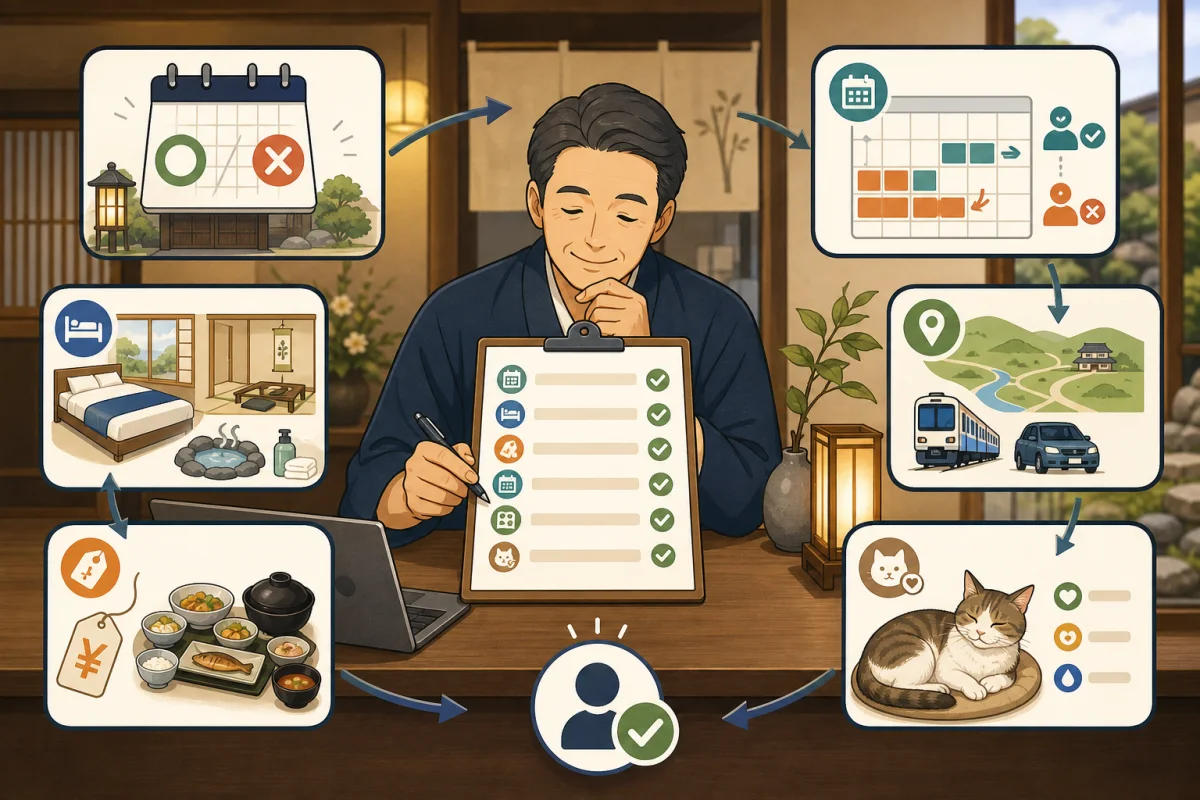
“Breakfast included” on the official website, “no meal” on OTA.Parking on the official website is free, but on other reservation sites there is a fee. These discrepancies can lead to anxiety for guests and trouble on site.
For inns with multiple sales channels, it is not easy to completely eliminate omissions when manually entering the same content repeatedly. What is important is deciding which information to treat as the master copy and which media to check when making changes.
- Conclusion: Inventory synchronization alone does not match guidance
- Main reasons for discrepancies
- First, decide the “original” for each item.
- Create media list
- 12 items to match first
- 1. Accommodation name/address/contact information
- 2. Guest room name and room type
- 3. Capacity, bedding, children
- 4. Meals
- 5. Prices and display units
- 6. Sales period/stay period
- 7. Cancellation/Change/Payment
- 8. Facilities/Amenities
- 9. Access, parking, and transportation
- 10. Pets and resident cat
- 11. Photos and descriptions
- 12. Reservation confirmation email
- Update order when changing
- Check with the site controller
- Daily/monthly/seasonal verification
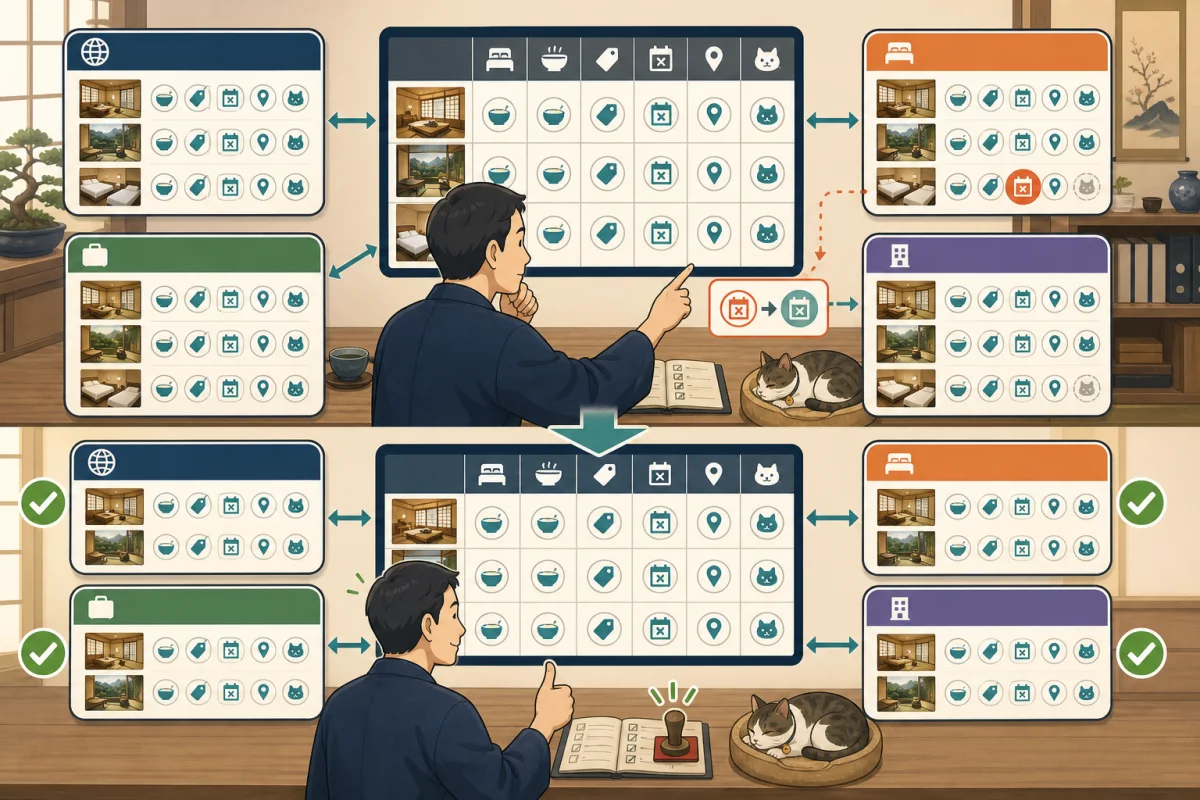
- Discrepancy management table
- Prompt to ask AI for verification
- Summary
- Reference materials
Conclusion: Inventory synchronization alone does not match guidance
Even if a site controller is installed, not all information will be collected automatically.
| Information | Possibility of automatic linkage | Things that tend to require human verification |
|---|---|---|
| Inventory | Expensive | Room lock, phone reservation, synchronization failure |
| Fees | Depends on configuration | Taxes/additional fees, display unit, member price |
| Plan | Depends on configuration | Explanation, benefits, sales period, photos |
| Reservation changes/cancellations | Depends on configuration | Partial changes, refunds, failure to notify |
| Guest room/facilities | Often low | Capacity, bedding, bath, renovation details |
| Meal/child requirements | Often low | Age category, allergies, location of provision |
| Access/Transfer | Low | Time, reservation deadline, seasonal suspension |
| resident cat information | Usually not linked | whether cats still live, resting, where they can be met, rules |
Separately confirm that “inventory is synchronized” and “the information read by guests is consistent.”
Main reasons for discrepancies
Many screens to update
The same information is distributed across the official website, official reservation system, OTA, Google Business Profile, SNS, and paper guide. It’s easy to fix one thing and think it’s complete.
Specific steps to check the inn name, address, phone number, official URL, and hotel reservation link on Google Search/Google Maps are explained in How to set up your inn’s Google business profile.
Item names vary depending on the medium
Even if the conditions are the same, the input fields and names are different, such as “sleeping together,” “no meals or bedding,” “infants,” and “preschoolers.”If you copy the text verbatim, the meaning may change.
Misunderstanding the scope of automatic linkage
Even if inventory and prices are linked, photos, facility descriptions, cancellation policies, and transportation must be updated manually. Check how far it will be synchronized by contract name and function.
Old plans and duplicates remain
When you duplicate a plan from the previous year, old mealtimes, terminated benefits, and previous cat information will be carried over. Even if sales are stopped, explanatory text and images may remain on a separate page.
First, decide the “original” for each item.
The original is the place where you can decide that “this content is the current official information” when in doubt.
| Information | Original example | Reason |
|---|---|---|
| Vacant rooms/room closures | PMS or site controller | To centrally determine whether or not to sell |
| Rates and sales plans | Rate management system or reservation system | To confirm before sales start |
| Guest room/facilities | Facility ledger | Not affected by reservation media |
| Meals and child conditions | Accommodation product ledger | To manage food, bedding, and age conditions as one set |
| Cancellation/Payment | Approved Terms Ledger | To keep a history of changes to contract terms |
| Access/Transfer | Access ledger | To manage operating conditions and destinations |
| resident cat | Confirmation of presence and living situation | To prioritize the cat’s health and lifestyle |
| Photos | Photo ledger with permission and shooting date | To avoid old equipment and images with unknown rights |
You don’t have to cram everything into one giant table. However, please make sure that you know the original copy, person in charge, and date of update for each item.
Create media list
First, find out where information about accommodations is posted.
- Official website top, guest room, rates, meals, access, FAQ
- Official reservation system
- Each OTA under contract
- Google Business Profile
- Instagram, Facebook, X, LINE, etc.
- Tourism associations, local governments, and regional portals
- Old PDFs, brochures, reservation confirmation emails
- Separate page managed by the production company
Search for OTAs that have ended their contracts and old URLs to see if any pages that appear to be available for reservation remain. If the inn is unable to delete the information, we will leave a record of requesting the management company to correct or make it private.
12 items to match first
1. Accommodation name/address/contact information
- Current official name and reading
- Postal code, address, map location
- Phone number and reception hours
- Contact information
- Where the operator name must be displayed
After relocating or changing the name, we will provide a guide that lets people who search for the old name know that it is the current inn.
2. Guest room name and room type
If the official website’s “Japanese-style 8 tatami room” and the OTA’s “Standard Japanese-style room” are the same room, we will create a correspondence table.
Internal guest room code: R01
Official name: Garden side Japanese room 8 tatami mats
Official reservation: Garden side Japanese room
OTA A: Standard Japanese-style room
OTA B: Japanese-style room 8 tatami, non-smoking
Even if the names on the media cannot be exactly the same, we will use a common internal code that allows the person in charge to determine that the rooms are the same guest room.
3. Capacity, bedding, children
- Minimum/Maximum number of people
- How to count adults and children to capacity
- Bed, futon, co-sleeping
- Child age classification
- Meal/bedding combination
- Infant facility usage fee
Since the child’s input classification differs for each OTA, do not make a judgment based only on the item name on the surface, but check the price and inventory with a reservation test.
4. Meals
- Accommodation without meals, breakfast and dinner available
- Meal venue, room meals, time
- Possibility to change the contents of the dishes
- Deadline and scope of allergy consultation
- Children’s food
- Beverages and additional orders
Make sure that the photo does not include a luxurious dinner, but the sales plan shows that you are staying overnight without meals.
5. Prices and display units
- Per person or per room?
- One night or the entire stay?
- Tax included/excluding tax
- Does it include meals?
- Bathing tax, accommodation tax, cleaning fee, etc.
- Additional local charges
- Conditions for member/official limited/consecutive stay discount
The fact that prices differ between the official website and OTA does not always mean there is an error. The benefits, sales conditions, inventory, and cancellation conditions may differ. Simply aligning the amounts is not enough; confirm what is included in the same product.
6. Sales period/stay period
We separate the “period in which you can make reservations” and “the period in which you can actually stay.”
- Sales start/end date and time
- Target stay dates
- Excluded dates
- Minimum/Maximum number of nights
- Reservation deadline
- Same-day reservation
If you duplicate the previous year’s plan, the days of the week, holidays, season names, and year names will also be reread.
7. Cancellation/Change/Payment
The Japan Tourism Agency’s online travel transaction guidelines require that the travel price and payment method, timing and amount of cancellation fees, billing entity, payment/refund method, etc. be appropriately displayed before the application is completed.
- Free cancellation deadline
- Daily cancellation fee
- No-show without permission
- How to change dates, number of people, and meals
- Local payment/advance payment
- Refund method and days
- Presence or absence of OTA specific conditions
- Which reservation route should I contact?
If the regulations differ between official reservations and OTA, we will clearly indicate that the regulations for each reservation route apply.
8. Facilities/Amenities
- Is the bath/toilet in the guest room or shared?
- Wi-Fi, air conditioning, TV, refrigerator
- No smoking/Smoking
- Towels, toothbrushes, nightwear
- Rental items and paid items
- Stairs, steps, elevators
- Renovated or broken equipment
In addition to checking the equipment icons, check to see if they are inconsistent with the text or photos.
9. Access, parking, and transportation
- Map points
- Nearest station/bus stop
- Number of parking spaces, fees, and reservations
- Transfer section, time, reservation deadline
- Winter traffic, seasonal suspension
- Contact after final check-in
Important matters that do not fit into the OTA standard items will be reflected in the plan notes and reservation confirmation emails.
10. Pets and resident cat
“Inns with cats” and “Inns where cats are allowed” are different information.
- Is there a resident cat currently living at the inn?
- Possible places to meet
- Do you ever come to the guest room?
- Possibility of not being able to meet due to rest or physical condition
- Rules for holding, taking photos, and snacks
- Whether or not guests can bring pets, types, applicable guest rooms, and fees
- Information for people with allergies or dislike of cats
We do not guarantee the resident cat as a plan benefit, but prioritize the cat’s will and physical condition. Please do not continue to use old cat photos as current resident cat information.
Announcements and updates when taking a break, retiring, or welcoming a new cat are organized in detail in How to inform about resident cat enrollment, rest, and replacement.
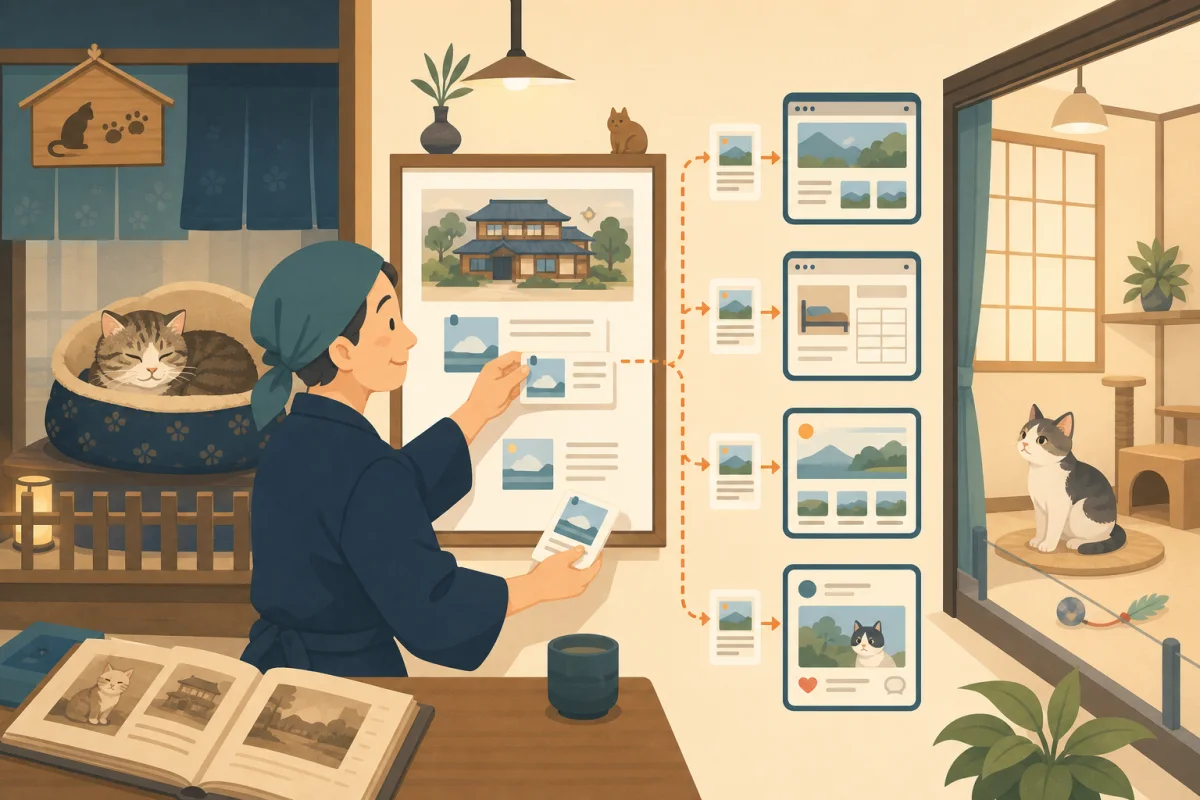
11. Photos and descriptions
- There are no photos of the guest room before renovation.
- Photos and guest rooms on sale are compatible
- Understand meal photo plans and seasons
- Permission to reprint images is granted
- Resident cat’s name and current occupancy status match the current one
- The order of photos does not cause misunderstandings
When uploading photos individually for each medium, record the shooting date, target guest room, rights holder, and publication location in the photo ledger.
12. Reservation confirmation email
Even if you fix your sales page, the old automated emails may remain.
- Inn name, address, phone number
- Check-in/out
- Meal time
- Parking/Transfer
- Cancellation/change destination
- Additional charges required locally
- Old URLs and discontinued services
When sending a test, we do not use the actual guest information, but instead use the test contact information managed by the inn.
Update order when changing
Once you have decided on your changes, proceed as follows.
- A person approves the changes, effective date, and target plan.
- Update the original ledger
- Update PMS, site controller, and reservation system
- Update the official website and official reservation screen
- Update the items, descriptions, and photos of each OTA
- Update Google, SNS, regional portals, and PDF
- Update reservation confirmation email and inside the inn information
- Check each sales screen on PC and smartphone
- Compare prices, inventory, and cancellation displays using fictitious conditions
- Record the update date and time, person in charge, and destinations that have not been reflected.
If simultaneous renewal is not possible, we will secure a renewal period before sales start. For media with major discrepancies, it is necessary to decide to suspend the corresponding plan until corrections are completed.
Check with the site controller
The Japan Tourism Agency’s IT usage case study explains the site controller as a system that allows you to summarize the availability and reservation status of multiple reservation sites and your own homepage, and change prices and plans for each site at once.
However, the scope of cooperation varies depending on the product, contract, and OTA.
- Is inventory bidirectional?
- Where can I get the prices and plans?
- How much of new reservations, changes, and cancellations should be included?
- Can child classification and additional charges be linked?
- Can I send photos and descriptions?
- Who will be notified when collaboration fails?
- Will manual changes be overwritten on the next sync?
- Alternate procedure during outage
Don’t judge by just the word “linked”, specify the OTA name and items you will actually use and check.
Daily/monthly/seasonal verification
Every day
- The phone call/official/OTA reservation received today is in the original copy.
- Inventory returned after change/cancellation
- No sync errors or unprocessed notifications
- Meal and transportation conditions for those arriving on the day match the reservation details
Procedures to prevent double reservations are explained in detail in Operations to prevent double reservations by telephone, OTA, and in-house reservations.
Once a month
- guest room name, capacity, facilities
- What’s included in the price
- Children/Meals/Cancellation conditions
- Photos, access, contacts
- Official website and top plans of major OTAs
- Reservation confirmation email
When switching seasons/plans
- Sale date and accommodation date
- Meals, photos, and season names
- Transfers, transportation, winter conditions
- Fees, taxes and additional charges
- Current information about resident cat
If it is difficult to view all plans at the same depth each time, check the plans with the most reservations, the most expensive plans, and the plans with more complex conditions.
Discrepancy management table
Confirmation date:
Confirmed by:

Item:
Correct content:
Applicable start date:

Official website: Match/Unconfirmed/unconfirmed
Official reservation: match/mismatch/unconfirmed
OTA A: Match/Unconfirmed/unconfirmed
OTA B: Match/Unconfirmed/unconfirmed
Google/SNS: Match/No match/Not applicable
Reservation confirmation email: match/mismatch/unconfirmed

Person in charge of correction:
Correction deadline:
Reconfirmation date:
Reason for not reflecting:
We do not copy the guest’s name, reservation number, contact information, or payment information to the management table. Only record product and public information.
Prompt to ask AI for verification
Compare the inn's official website and OTA public information.
Please only read and report this time, and do not make reservations, changes, logins, or submissions.

Information confirmed by the inn as the original: [Contents]
Official website: [URL]
Official reservation: [URL]
OTA: [List public URLs]

Please categorize the following items into "match", "mismatch", "unconfirmed", and "not applicable".
1. Inn name, address, telephone
2. Guest room name, capacity, bedding
3. Children, co-sleeping
4. Diet and allergy consultation
5. Fees, taxes and additional charges
6. Sales period, accommodation period
7. Cancellations, Changes, Payments, and Refunds
8. Facilities and amenities
9. Access, parking, transportation
10. Pet, resident cat
11. Photos and descriptions

If there is a discrepancy, please briefly indicate the URL of each page and the relevant expression.
Do not currently guess information, and please mark items that are only visible after login as unconfirmed.
Please check if the prices are for the same guest room, date, number of people, meals, and cancellation conditions before comparing.
Finally, please rank the correction suggestions in descending order of impact on guests.
AI can find differences between public pages, but it cannot automatically determine OTA post-login settings or actual correct business conditions. The accommodation will approve the amendments.
Summary
To match the OTA and official website information, we not only synchronize inventory, but also match guest room, meals, children, rates, cancellations, facilities, access, photos, and resident cat.
Please determine the original author and person in charge of each piece of information, and fix the update order when making changes. If the prices are different, check to make sure that not only the dates and number of people are the same, but also the meals, benefits, taxes, and cancellation conditions are the same.
If you want to first organize the update items for the official website itself, please start from Minimum information to be updated on the accommodation site.
Reference materials
- Japan Tourism Agency: Guidelines for displaying online travel transactions
- Tourism Agency: Things to check when using the travel reservation site
- Tourism Agency: Collection of IT usage examples for accommodation facilities
- Tourism Agency: IT Utilization Handbook for Accommodations
Note: The scope of cooperation between OTA, site controller, and PMS and screen names vary depending on the contract. Please check with your contract partner’s current materials and actual test reservations.